
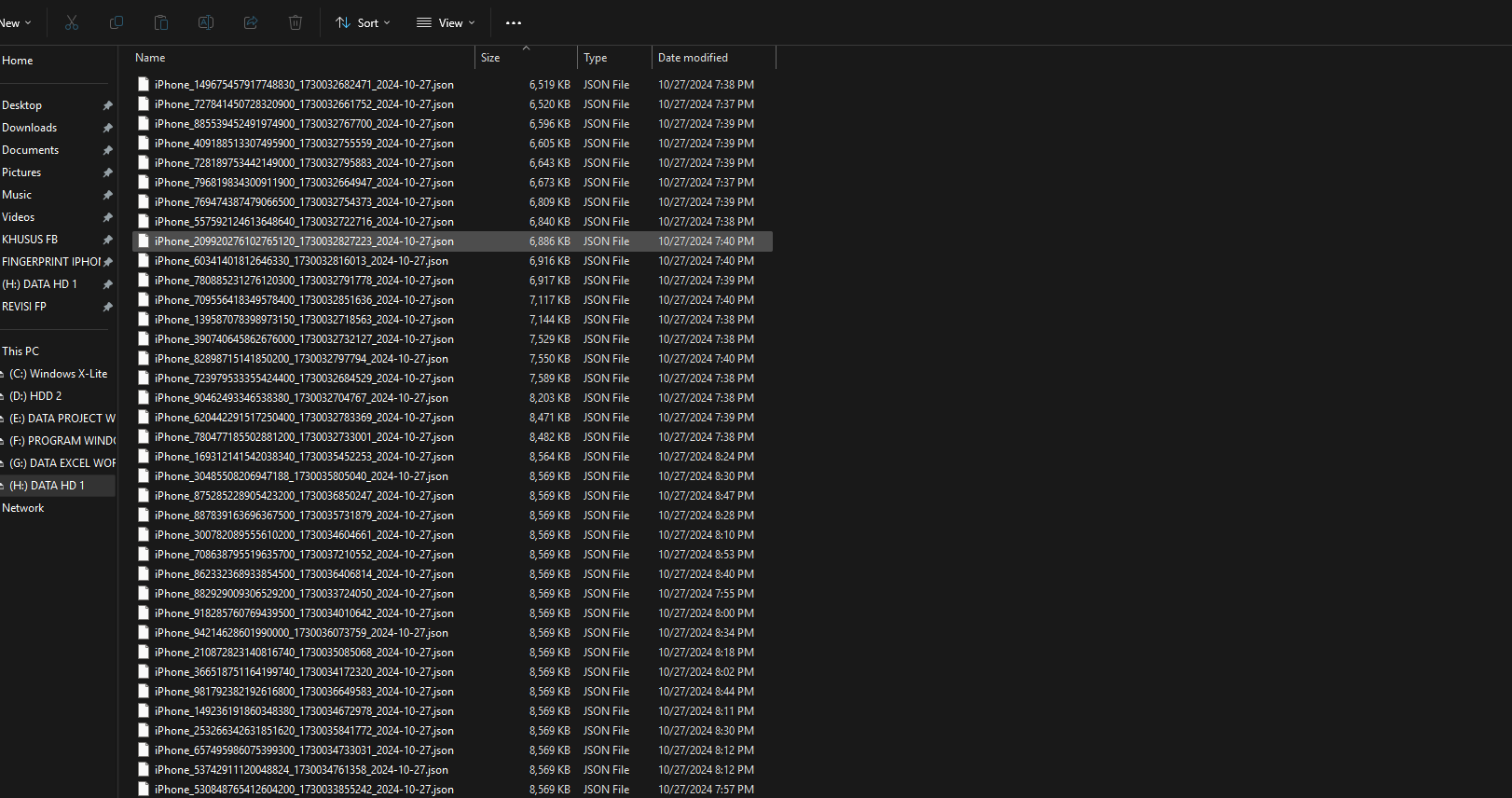
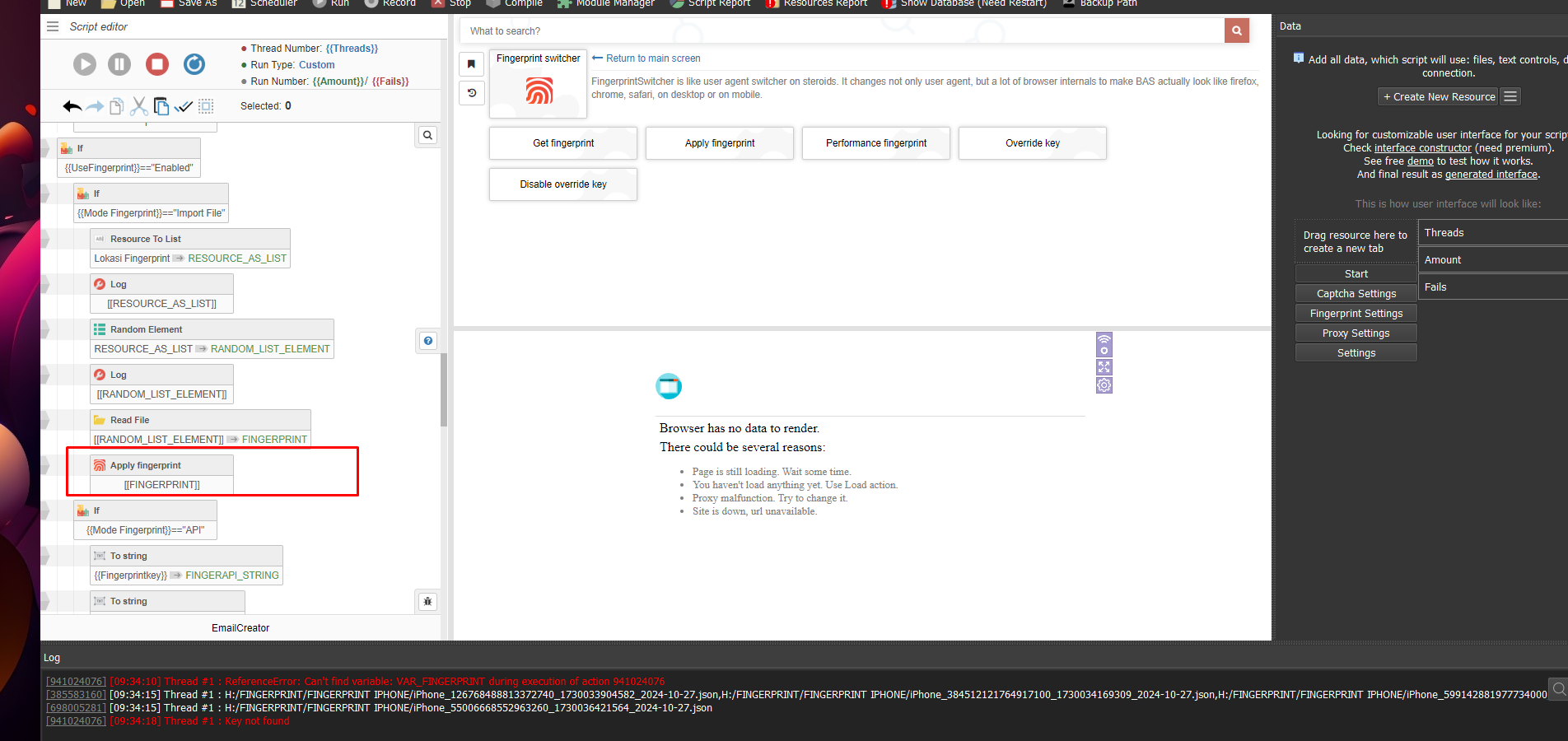





@xmypuk already updated on a new version also the script already updated, i try to uninstall and install again with the same version and its back normal, weird problem but alreasy fix it thanks
Error "FingerprintSwitcher key is missing"
-
Read please these topic - https://community.bablosoft.com/topic/29016/error-fingerprintswitcher-key-is-missing?_=1729509133040
-
Buy one key Fingerprint and push to KEY INPUT: https://fp.bablosoft.com/
-
-
💻 Work with Reputation, Speed, and Quality
🤙 Telegram : https://t.me/basvietnam
💻 Website : https://basvietnam.com/
📞 WhatsApp : https://wa.me/84973590048
🎦 Youtube : https://www.youtube.com/@basvietnam/videos -
@BAS-Viet-Nam said in Error "FingerprintSwitcher key is missing":
In the "Apply fingerprint" module, there is an additional field for you to enter the key.
Ok I understand, Which part do I need to change? Could you please help me with that ?
on
<%= _.template($('#input_constructor').html())({id:"Key", description:tr("Service key. Can be empty"), default_selector: "string", disable_int:true,or ?
_call(BrowserAutomationStudio_ApplyFingerprint,[<%= fingerprint %>,<%= key %> == "true",,<%= canvas %> == "true",<%= webgl %> == "true",
-
@junawan said in Error "FingerprintSwitcher key is missing":
@BAS-Viet-Nam said in Error "FingerprintSwitcher key is missing":
In the "Apply fingerprint" module, there is an additional field for you to enter the key.
Ok I understand, Which part do I need to change? Could you please help me with that ?
on
<%= _.template($('#input_constructor').html())({id:"Key", description:tr("Service key. Can be empty"), default_selector: "string", disable_int:true,or ?
_call(BrowserAutomationStudio_ApplyFingerprint,[<%= fingerprint %>,<%= key %> == "true",,<%= canvas %> == "true",<%= webgl %> == "true",
To use a paid fingerprint, you need to specify the FingerprintSwitcher key, there is no way around this
-
-
-