
@m4zuper twitter, I will send you the project on PM
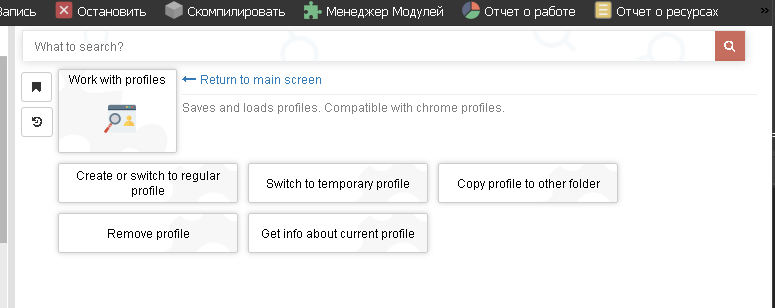
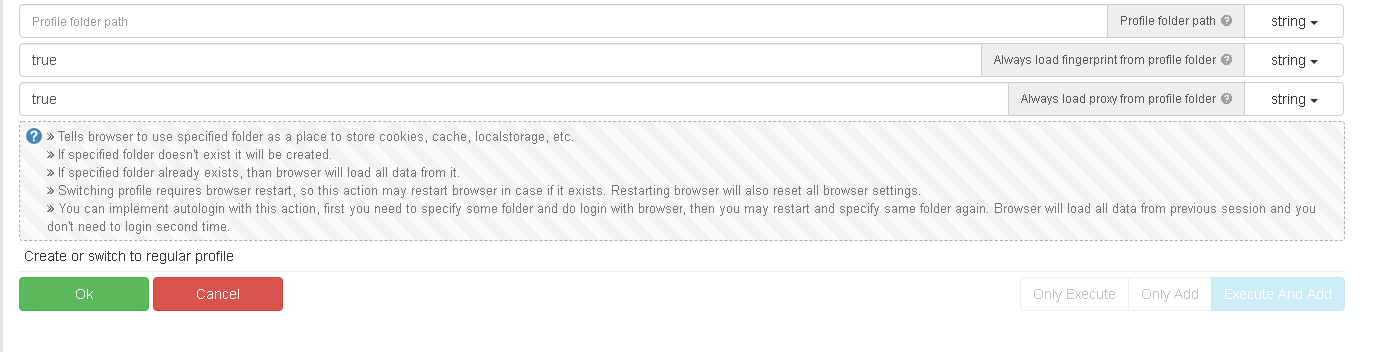
How to call specific google chrome profile
-
Hi,
I have many gmail accounts, each account for specific purpose.
So I created a google chrome profile for each account.
For my automation I need to use specific account because there are extensions intstalled in this google chrome profile.The google chrome profile are stored at "C:\Users\me\AppData\Local\Google\Chrome\User Data"
The google chrome profile I want to run is "Profile 11" a this path "C:\Users\jjpj1390\AppData\Local\Google\Chrome\User Data\Profile 11".
The shortcut to open this chrome profile contain as target property setted : "C:\Program Files\Google\Chrome\Application\chrome.exe" --profile-directory="Profile 11"My question is ho can I call this speciific google chrome profile?
Thanks
-

