




@JinMVP thats already thing i did if check = 5 to break but in case like this URL which i post BAS keeps follow redirect and redirect never ends
Get all links on a website
-
@ptt-bds said in Get all links on a website:
I want to use BAS to load any webpage, then use the "Page Html" action to save the entire HTML of that page. I need a regex to filter out all internal links of that website. Please help me with this.

-
@ptt-bds said in Get all links on a website:
... filter out all internal links of that website.
I believe it is a smarter way to do it before saving the page because we need to access the DOM of the web page to filter any urls by any logic.
https://developer.mozilla.org/en-US/docs/Web/API/Document/links
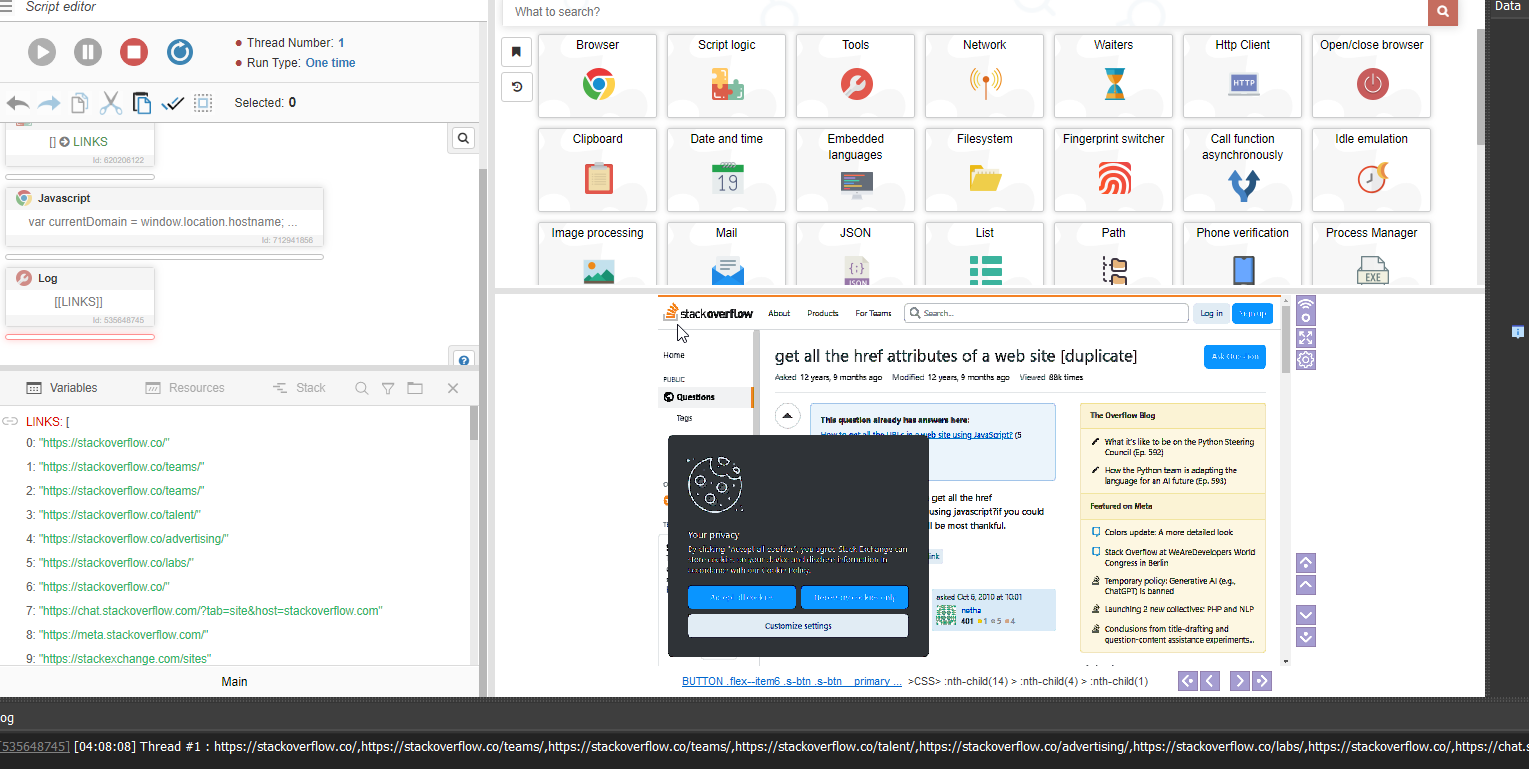
// Get the current domain var currentDomain = window.location.hostname; var linksFromOtherDomains = []; var allLinks = document.links; for (var i = 0; i < allLinks.length; i++) { var link = allLinks[i]; if (link.hostname !== currentDomain) { linksFromOtherDomains.push(link.href); } } [[LINKS]] = linksFromOtherDomains;
-
@World_Art said in Get all links on a website:
@sergerdn Bro how to click on links using own link in txt file
@Saddamz said in Get all links on a website:
@sergerdn Also want to know how to click on links using this technique.
- Find all URLs on the page.
- Compare each URL from the page to the URLs in your file.
- If a matching URL is found, locate the coordinates of that target URL and click on them.
-
@World_Art said in Get all links on a website:
@sergerdn Bro how to click on links using own link in txt file
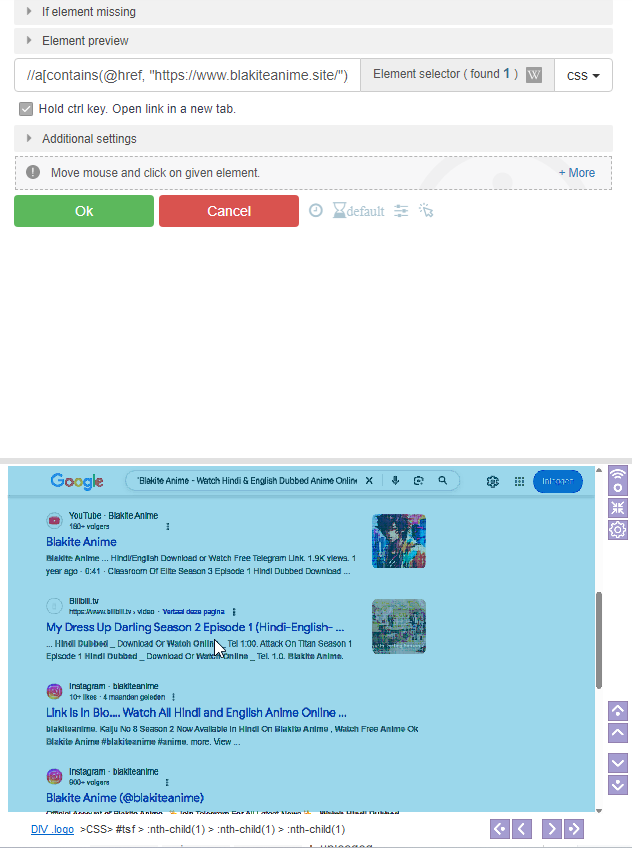
Use the xpath selector
Part of the link: //a[contains(@href, "google.com")] Full link: //a[@href="https://www.google.com/search?q=cats"] -
@World_Art u can click by image, but resourse-intensive
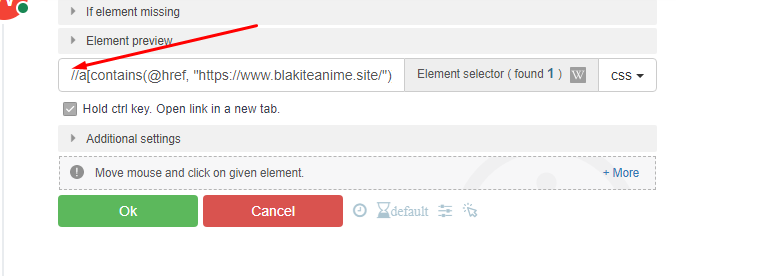
on your screenshot i see your selector but where is
>XPATH>on start therefore, BAS shows you that it cannot find the <a> tags.
-
@World_Art You can change it, but it will work either way, even if xpath is in css. Add
>XPATH>at the beginning. -
@Roy-Mustang How to compare links is bas and then click on selected link
-
@World_Art Depending on how you want to compare, one case will have one logic and another will have another.
Use the list module and the “Contains” action, for example, or if you have links in the resource, first convert the “resource to a list” (this is the name of the action) and then you can check it.
If you need to check a part of the link, use the “Contains” action in the string module and foreach cycle. But in these cycle paste some delay for example 100-200ms with action "Sleep"
-
@Roy-Mustang Bro i am using parse line action but when i want to parse link from parse line it show me this error:

-
@Roy-Mustang with help of this i want to click on the link which in the file
-
@World_Art Where do you want to click? If you use Google search, you need the search to show a link. If you see a link, you need to create an XPATH query for the click, for example: //a[contains(@link,‘[[PATH]]’)]
Use the “parse CSV” action instead of the outdated action.
