


@GaG Thank you for your help. Till now i found my way to manage easy csv tasks , since csv files are just text with comma for change column, and new lines for change row i can deal this on BAS by creating lists from "Read File to List" and then i can break each list item from "Parse string" with comma as separator. Then i use "Write File" for saving and i can live visualize the edited results on the csv file with a program called "Modern CSV". Thing is that on more advanced scripts i have big CSV files with a lots of rows and columns , sometimes i must to constant return to BAS the index position of partial value search terms on those files. I have found also an alternative way to manage by creating and executing a bat file with call for python for converting csv to xlsx and then i may use "module Excel" that haves all the actions im looking for, but Im wondering why BAS haves those actions only for xslx files, why not for csv also? Anyways till now im very satisfied to BAS but i might need more help in the future on this matter.
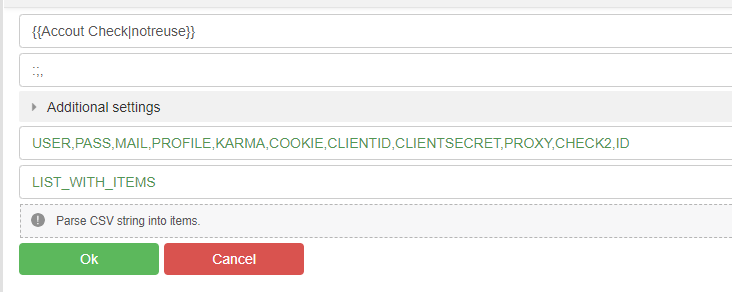
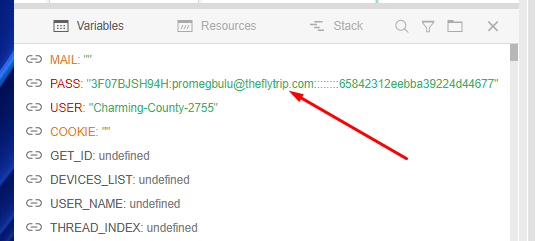
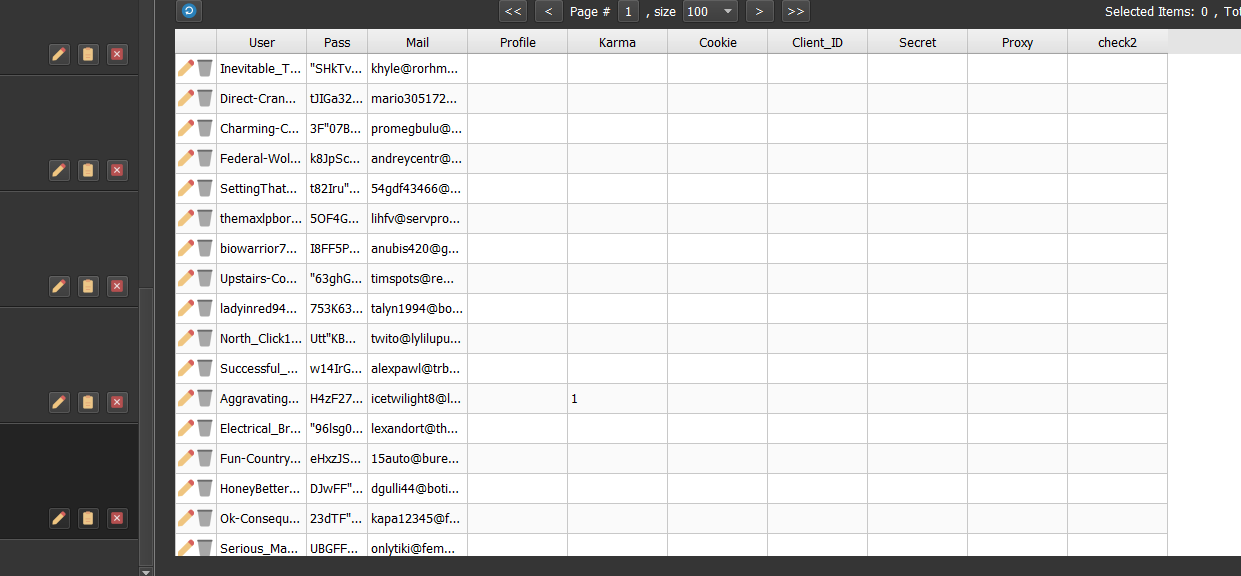
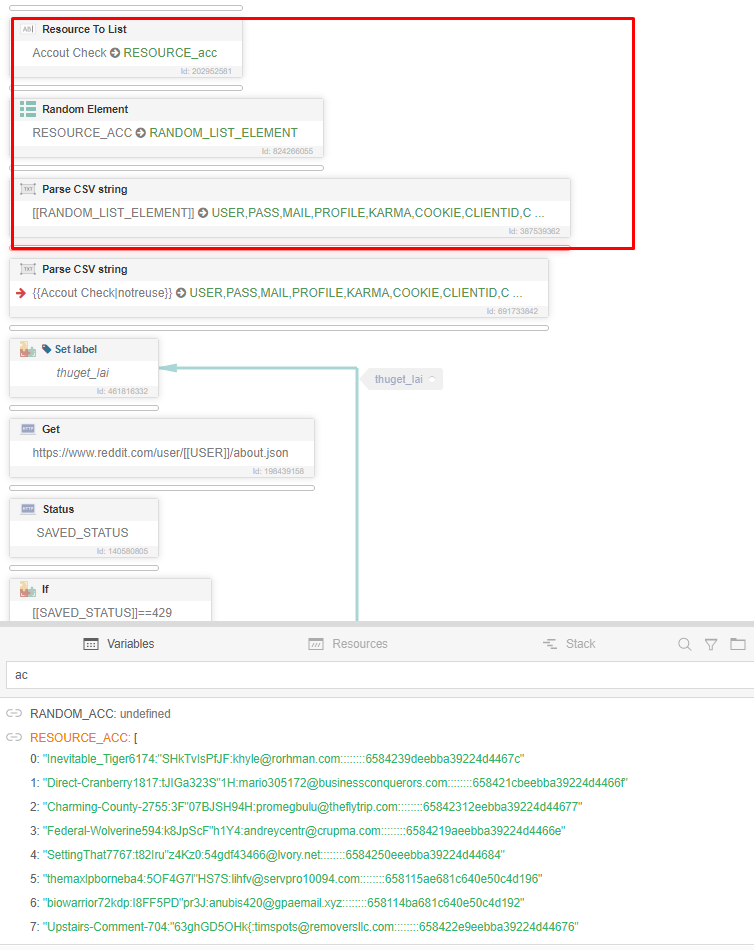
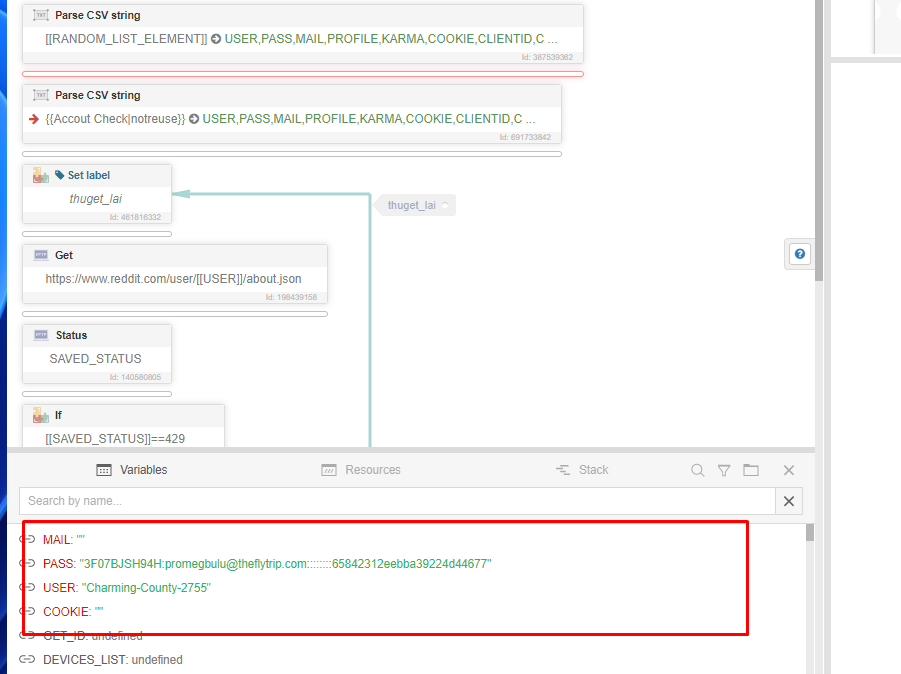
Error unable to parse variables in Parse CSV string
-
@langtoi said in Error unable to parse variables in Parse CSV string:
I started experiencing this situation in recent versions, it doesn't always appear, it turns my entire software upside down.
Give an example of the string used
-
Before performing the "Parse CSV String" action, log the contents of the "Account Check" resource. Check if everything is okay there.
-
Before performing the "Parse CSV String" action, display the resource "{{Account Check|notreuse}}" log and send a screenshot of what is written there.
-
@langtoi
The developer is aware of this problem.
While this problem remains relevant, you can replace the double quote with a single quote before parsing the string, and then perform the reverse replacement. All this can be done using the "Replace string" action.




