
@Grassman Я не знаю где купить прокси с поддержкой UDP.
Там где это необходимо я использую свои прокси, там где это не имеет значения - я использую купленные прокси.
Is PerfectCanvas not working?
-
-
@johnea said in Is PerfectCanvas not working?:
No matter what perfect canvas request I put in, it acts like I didnt put in anything and just gives me default perfect canvas requests like if you leave it blank. I tried on multiple keys.
The operation of the fingerprint service has been upgraded. Tell me, how did you determine that perfectcanvas was not working? Have you checked the prints you received?
-
@Fox said in Is PerfectCanvas not working?:
@johnea said in Is PerfectCanvas not working?:
No matter what perfect canvas request I put in, it acts like I didnt put in anything and just gives me default perfect canvas requests like if you leave it blank. I tried on multiple keys.
The operation of the fingerprint service has been upgraded. Tell me, how did you determine that perfectcanvas was not working? Have you checked the prints you received?
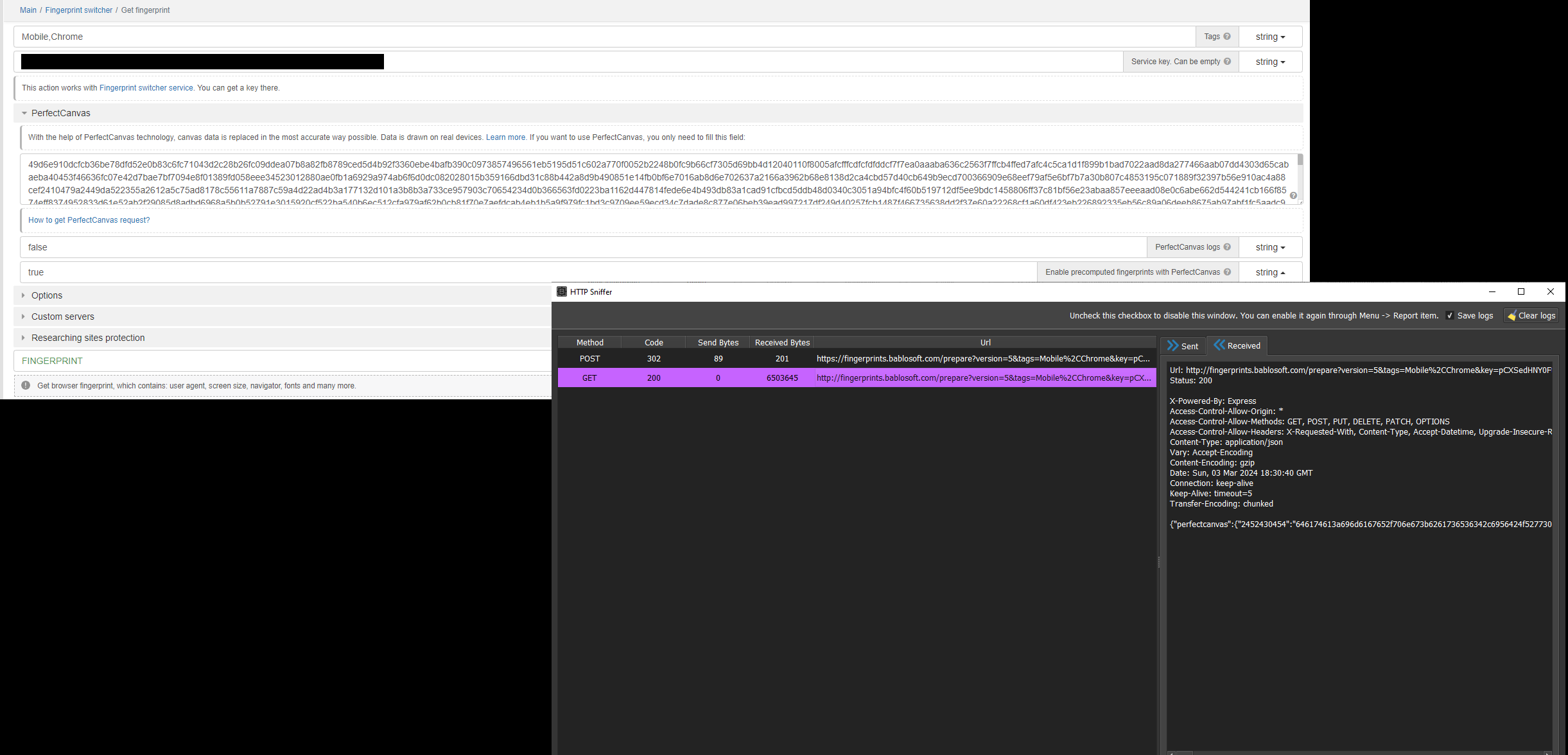
When I use perfect canvas and have "Enable precomputed fingerprints with PerfectCanvas" it ignores my perfectcanvas request and acts like I put in a blank request. It shows by when working on the site the canvas request says "Not replaced". When I disable "Enable precomputed fingerprints with PerfectCanvas" then perfect canvas works, but I use to have that enabled all the time and perfect canvas worked, feature is now bugged?
-
@johnea said in Is PerfectCanvas not working?:
When I use perfect canvas and have "Enable precomputed fingerprints with PerfectCanvas" it ignores my perfectcanvas request and acts like I put in a blank request. It shows by when working on the site the canvas request says "Not replaced". When I disable "Enable precomputed fingerprints with PerfectCanvas" then perfect canvas works, but I use to have that enabled all the time and perfect canvas worked, feature is now bugged?
Fixed
-
-
What exactly was changed with the PerfectCanvases?
-
@Poisen said in Is PerfectCanvas not working?:
Ребята, верните все взад , теперь у нас не работает
Что у вас не работает?
-
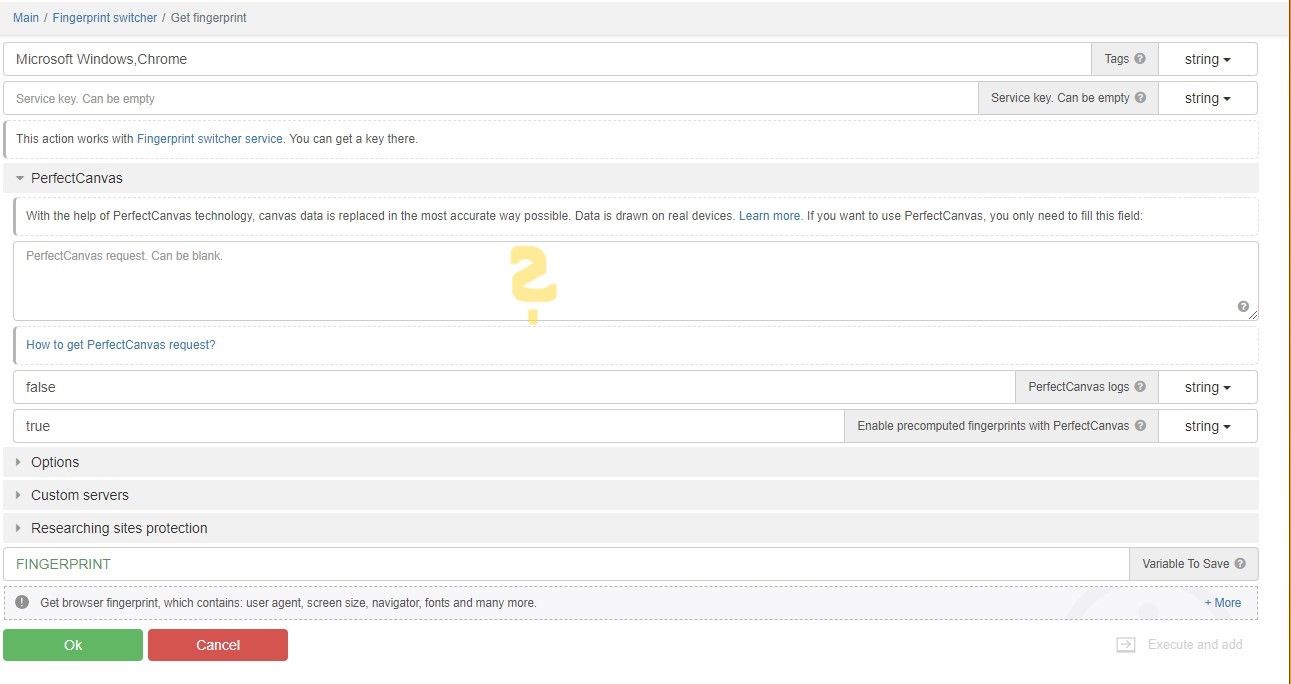
If I have one PerfectCanvas request from site A, one from B and one from site C, but if I only want to visit site A and thereafter site C can I simply copy the PCrequest from site A and directly underneath (separated by a line break) the PCrequest from site C in the "PerfectCanvas"-field from the FPS-module("Get fingerprint" action)? Or are there some special things to consider to get it working on all sites? And is there some maxium amount of different requests for one fingerprint?
-
Btw, I often get the following error during the validation process of the PC in the CanvasInpector3. Oddly the next time it checks on the same site the same picture it works....

-
@morpheus93 said in Is PerfectCanvas not working?:
If I have one PerfectCanvas request from site A, one from B and one from site C, but if I only want to visit site A and thereafter site C can I simply copy the PCrequest from site A and directly underneath (separated by a line break) the PCrequest from site C in the "PerfectCanvas"-field from the FPS-module("Get fingerprint" action)? Or are there some special things to consider to get it working on all sites? And is there some maxium amount of different requests for one fingerprint?
There is no functionality for combining perfectcanvas queries yet
-
@Fox Okay, so currently the only solution is to select all PC-requests from all needed websites in one go using CanvasInspector tool and use the resulting request for obtaining a PerfectCanvas that consits of all rendered canvas-pictures from all used websites?
-
@morpheus93 same kind of error, but i get "data:text/plain", as URLwhen perfectcanva browser opens and it freezes, cant navigate to any url
-
@Johnny Strange. I "fixed" it by simply re-trying the same steps several steps. After a while mostly it works. Good enhancemend of course would be the possibility to combine several perfect canvases. Maybe we will see an update about this.

