

@ybwh003 said in In the task scheduler, two of the tasks can run automatically, and the other two will always show Downloading.:
Do I need to uninstall the program in the original folder
This is not necessary
@ybwh003 said in In the task scheduler, two of the tasks can run automatically, and the other two will always show Downloading.:
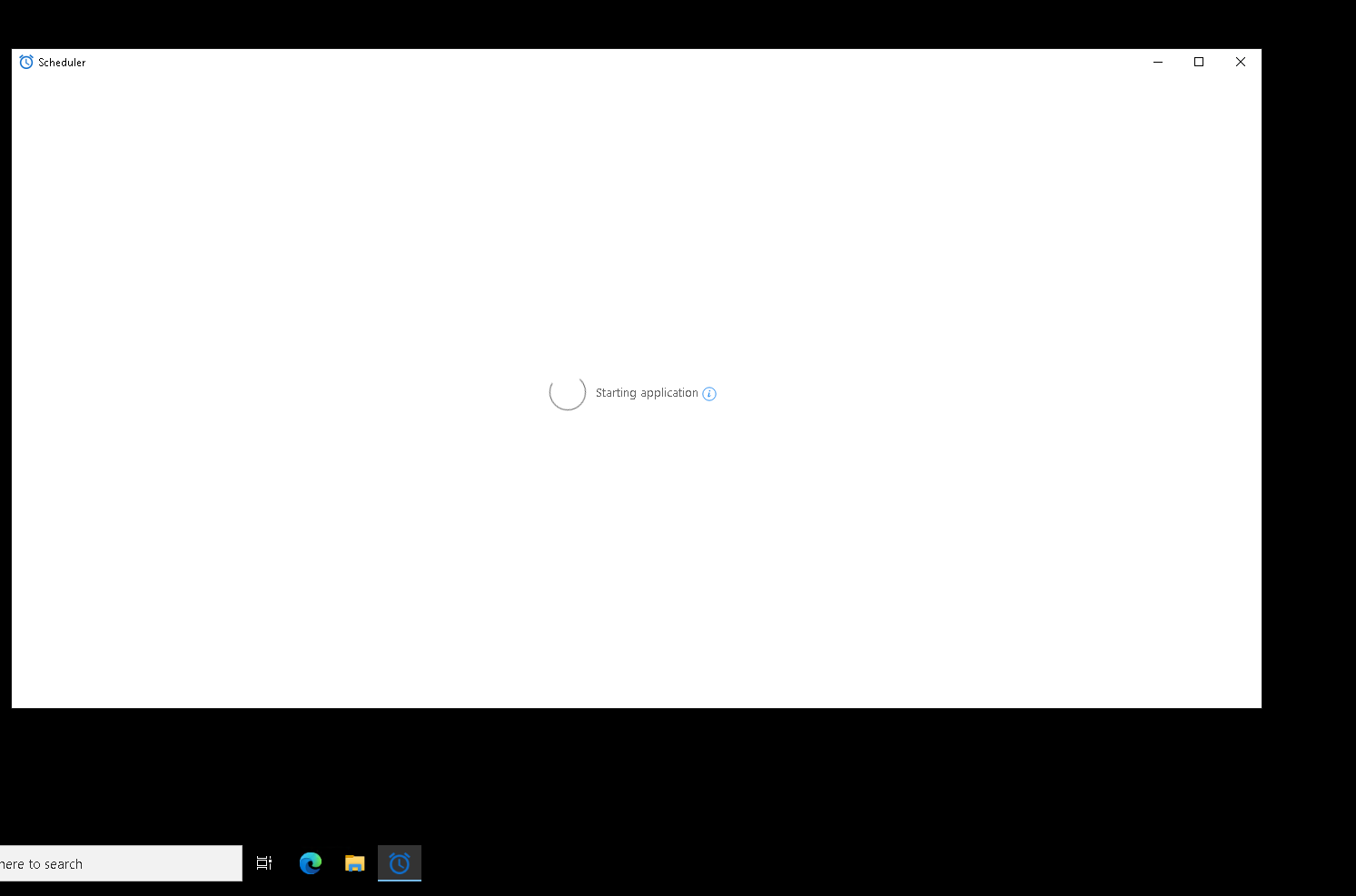
Should I start D:\TaskScheduler directly or start TaskScheduler through the main program of BAS?
If you want to run a separately downloaded scheduler, you need to run it from its own directory

