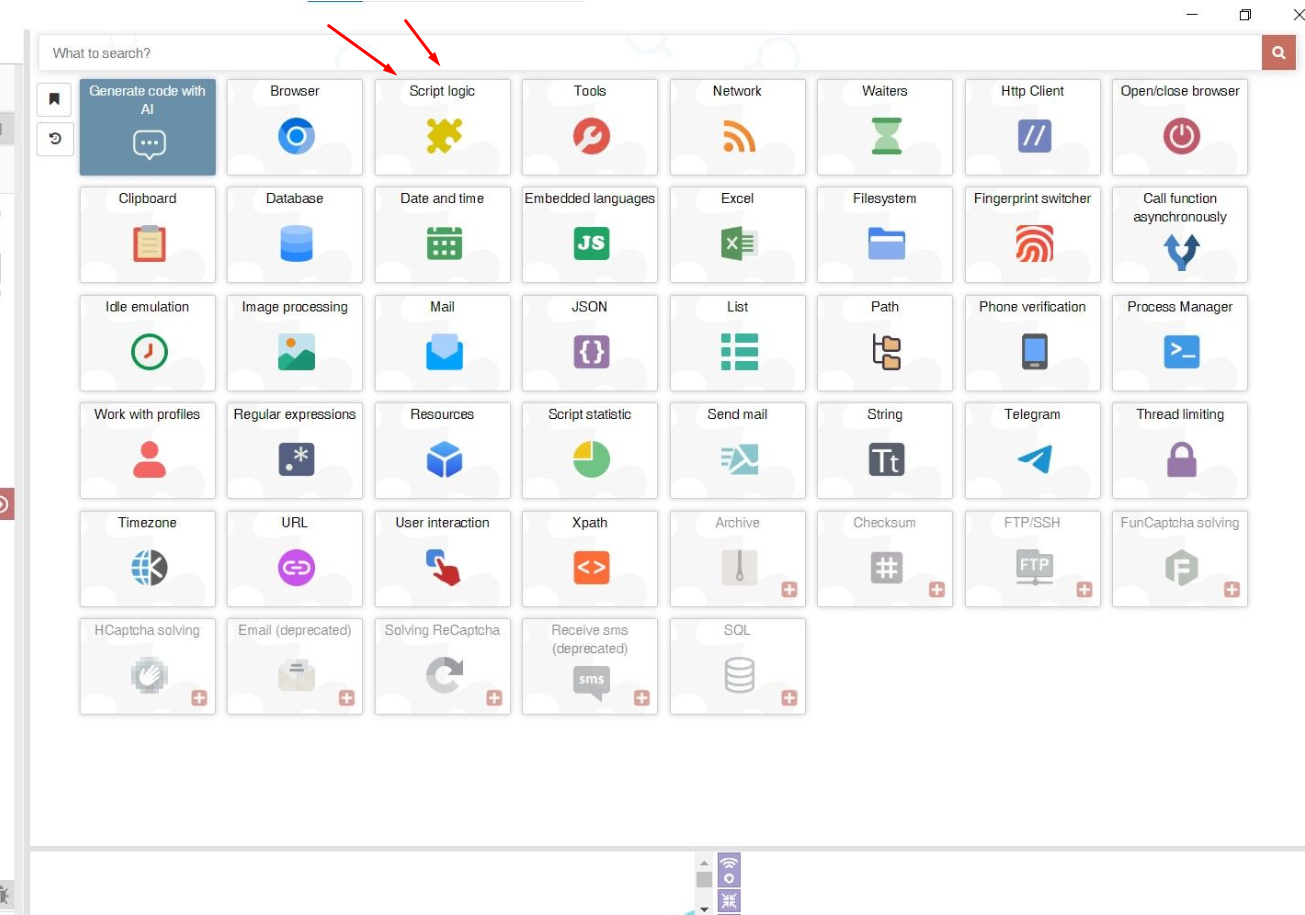
@Moderator Sir is there any solution to get unlimited requents or 1k+ requests in a day for this new module called Ai.
EXCEL MODULE
-

BAS also has a built-in and powerful module for working with Excel spreadsheets by default. In the module you will find all the necessary action blocks for building automation related to Excel spreadsheets. It contains: creating a file, reading, writing, deleting, inserting and number of rows and cells, reading and writing sheets, cell areas, importing, exporting files to and from resources, getting a list of sheets, adding, moving, renaming, deleting, clearing sheets, cells and cell areas, converting to JSON and back, finding one or more cells by content, getting and setting formulas in cells, styles, getting and setting column widths, line heights, close the file. The module allows you to fully automate work with Excel without resorting to third-party software and writing code.
More information in telegram chat @bas_english
-
Hello Sir, I have 2 Variables. I want to Export result in excel rather then CSV. But it show in same Column. I want it will be shown in Column A and Column B
-
@flundererboy Show your logic in a screenshot
-
@Roy-Mustang Brother check Screenshot
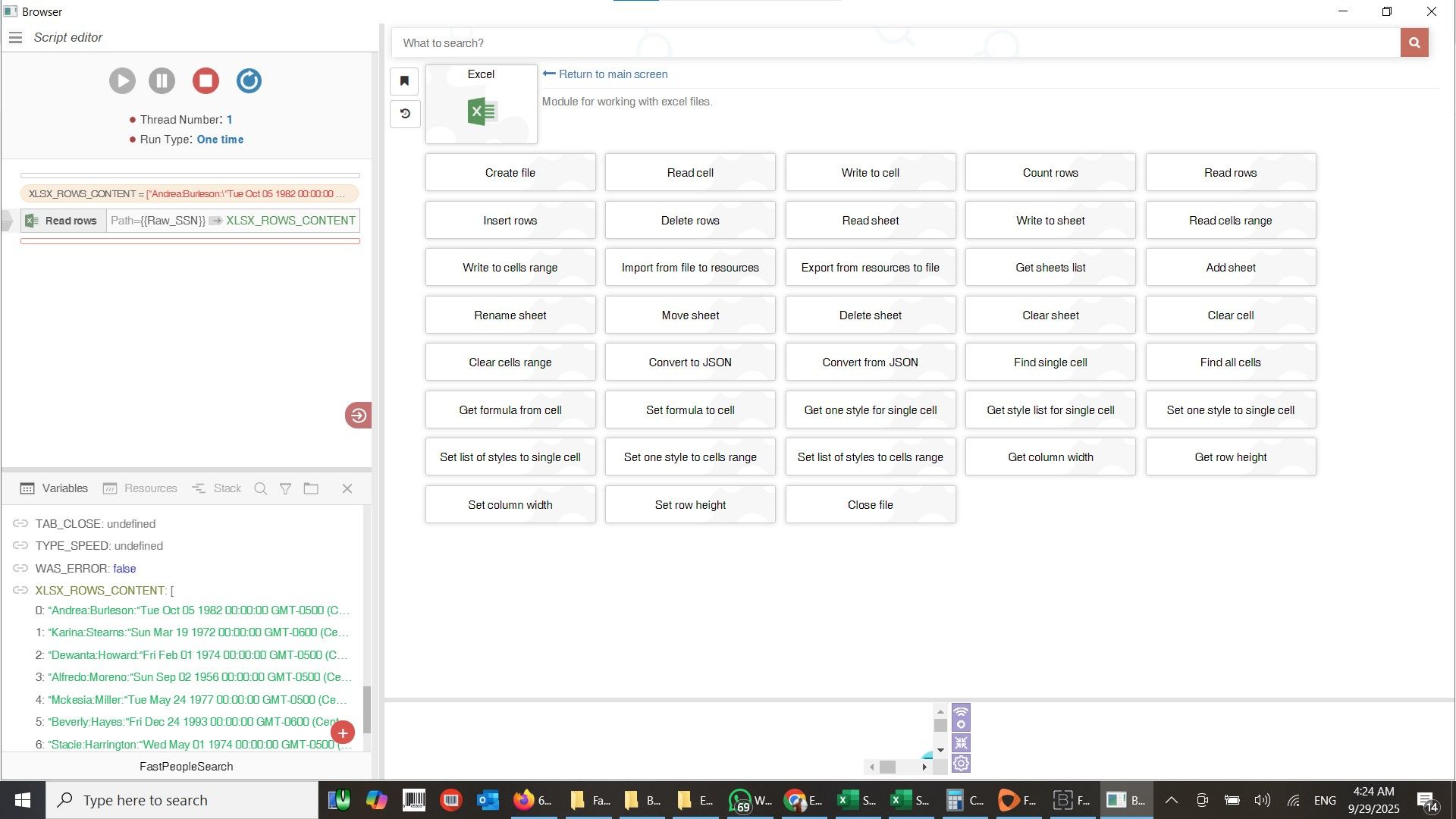
I insert excel sheet by READ ROWS
each row have 5 column, i to assign variable to that fied. i.e First Name, Last Name, DOB etc -
@flundererboy I don't quite understand the connection with what you want to do. If you need to work through this list, use a foreach cycle and the parse CSV action.
-
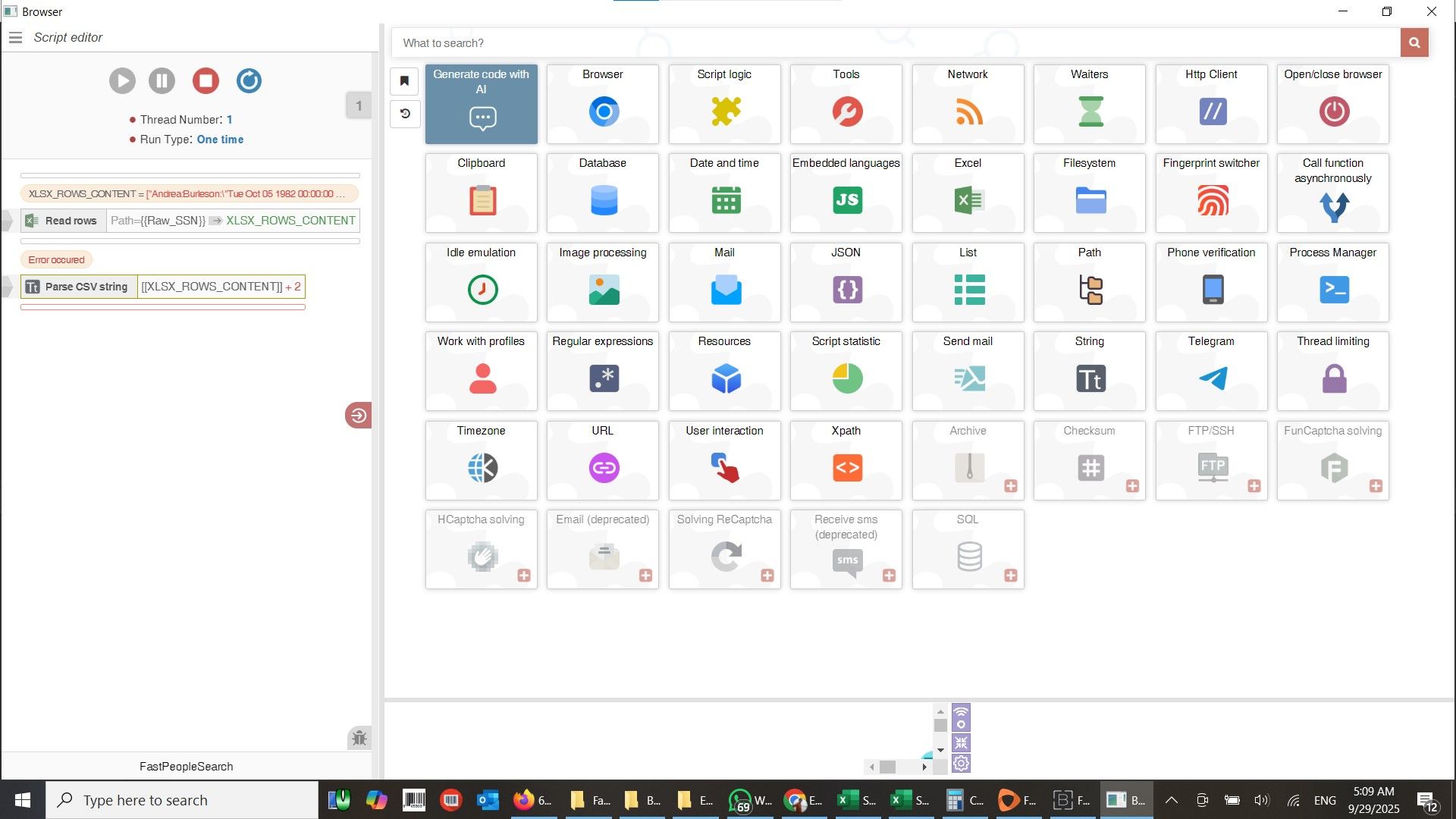
@Roy-Mustang brother i tried parse CSV action but it give me an error
"[397569729] [05:07:54] Thread #1 : _csv_parse: The argument "String" must be a string, not array"
-
@flundererboy
1, create cycle foreach
2. next move action parce CSV in cycle
3. Paste in action "parse CSV string" variable [[FOREACH_DATA]] -