

@majdi105 said in BAS Bug one click captcha:
is no "hourglass icon" on the one click captcha module
b4295e9a-d397-4959-87bc-3fccb36c6db3-изображение.png
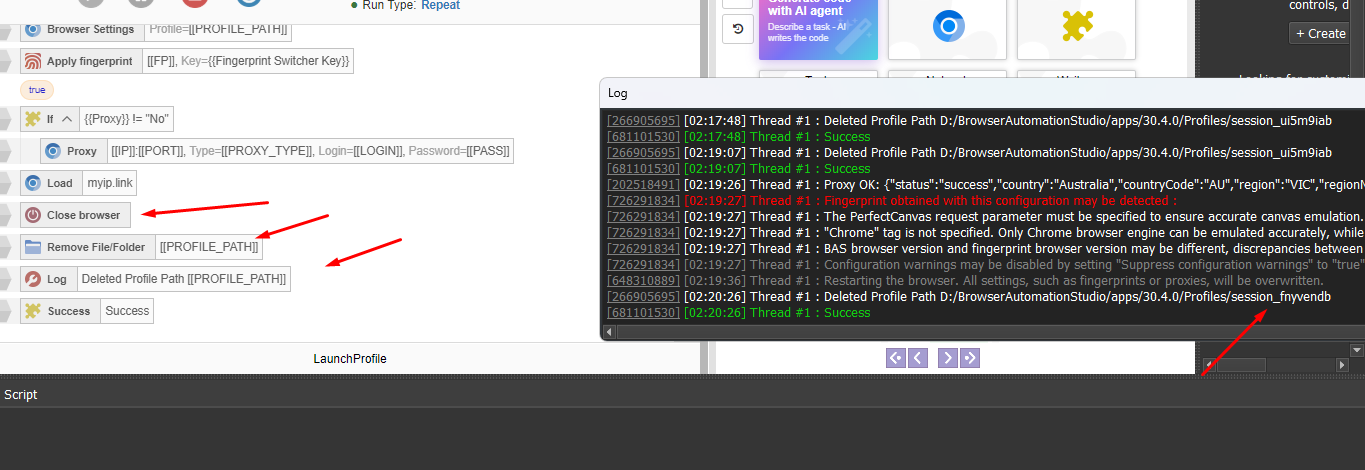
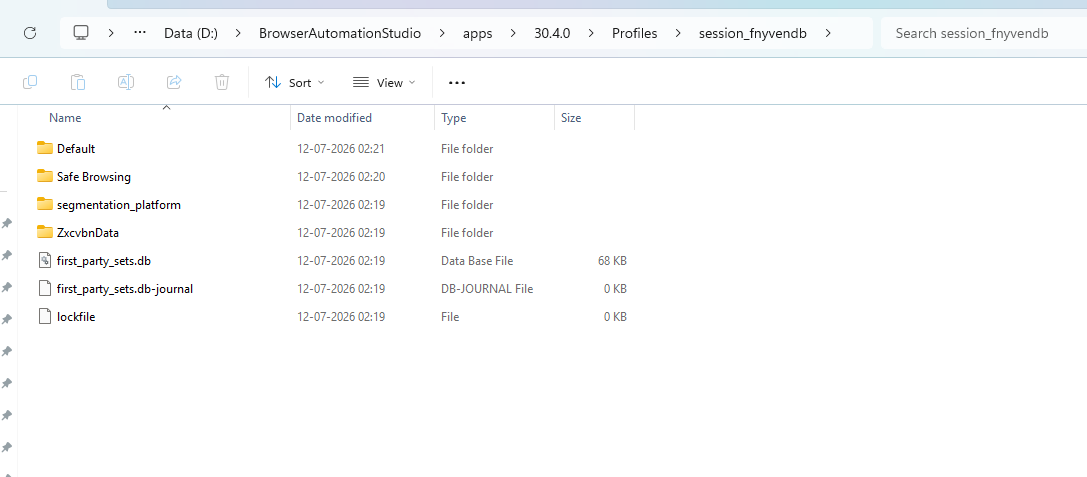
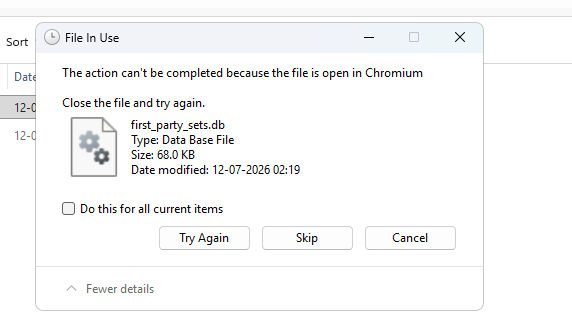
Hello, I Am Launching Browser Using Browser Settings (Creating The Profile As Well), After Using The Success Block. I Tried To Delete The Profile Folder, But Some Files Within The Folder Is Still Open By Chromium And Thus It Can't Be Deleted.
Anyone Has A Solution To This?
@elleevans said in Close Browser In BAS:
Hello, I Am Launching Browser Using Browser Settings (Creating The Profile As Well), After Using The Success Block. I Tried To Delete The Profile Folder, But Some Files Within The Folder Is Still Open By Chromium And Thus It Can't Be Deleted.
Anyone Has A Solution To This?
You need to close the browser either with the "Close browser" action or end the thread. After that, you can delete the profile folder
@elleevans said in Close Browser In BAS:
@Fox But The "Close browser" action Only Works When The Browser Is Opened By "Open browser" action Right?
No, you can open the browser using any browser action
@elleevans said in Close Browser In BAS:
@Fox Any Idea What I Am Doing Wrong?
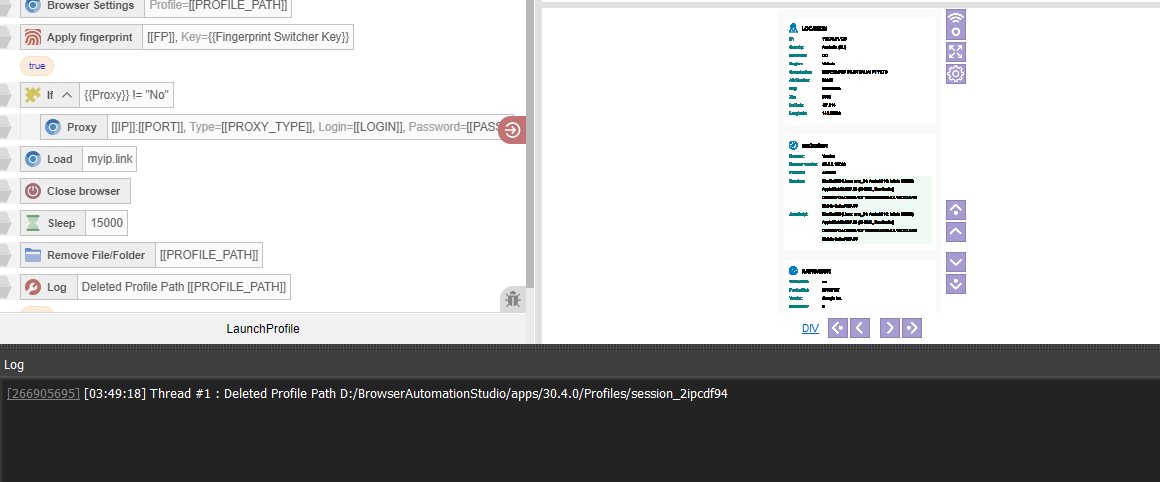
Add a wait of at least 5-10 seconds
@Fox Seems, I Was Doing It Wrong. Instead Of Using Remove FileFolder, I Needed To Use Remove Profiles Action. After Implementing It, Now It's Completely Removing The Profile. I Don't Even Need To Close The Browser Or Use The Remove File/Folder Action.
Can You Please Confirm If This Implementation Is Correct?
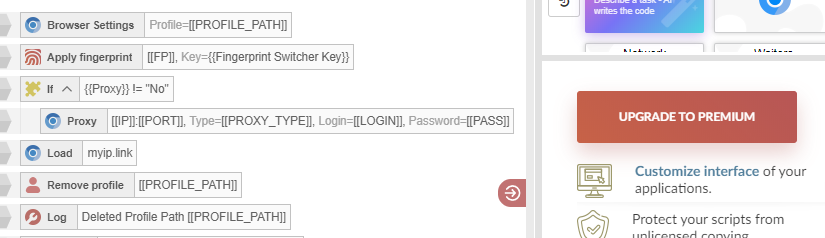
The point is that we need to stop using the profile. Another way to do this is by switching to a temporary profile.