

Interested
Please help Capmonster
-
Whatever I did, I could not solve the capmonster captcha.
Clicking verify without clicking pictures and I have tried every way
allow cache mask. I tried this too, it is deducting from the balance from the capmonster balance but it does not perform the solving.
Can you help me?
I am ready to solve my problem, increasing by 250 rubles.
Discord: 'Cariez#6997

-
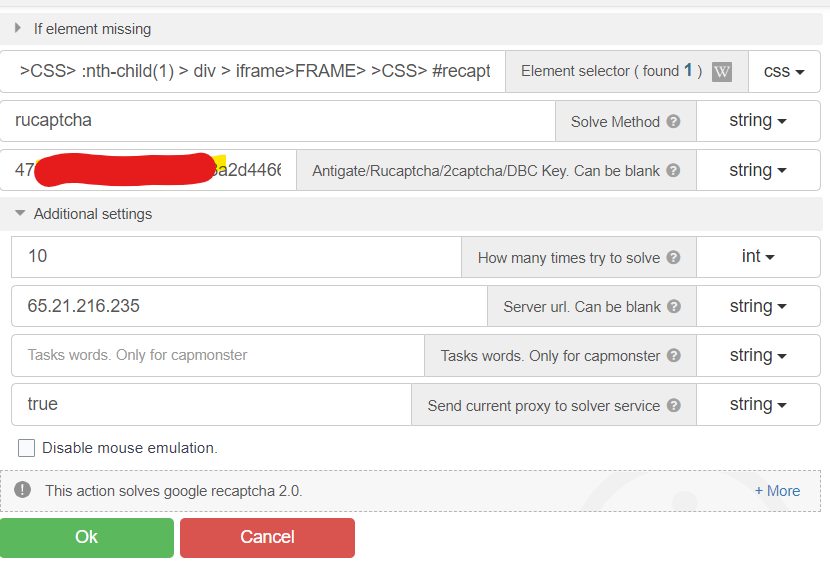
@korthresh Solve method: capmonsterimage -> rucaptcha-newapi
-
@DoctorKrolic Should I write as Capmonster and write the rucaptcha api?
-
@korthresh You have written "capmonsterimage". This method solves recaptcha by clicking on pictures. It's currently outdated in most cases, so capmonster.cloud doesn't support it
-
@DoctorKrolic can you give me your contact address?
-
@korthresh Hmm.. For what?
-
@DoctorKrolic maybe you can help :)
