

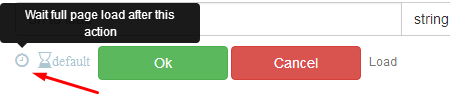
Browser settings > Fingerprint, then proxy inside settings. then again load page.
Timeout Error During Page Load
-
I m trying to load website using browser automation studio and every second time i run script,i get timeout error.I tried ignore error option but it also not worked for me.Plz help me to solve this problem.Here is error log below
Thread #1 : Timeout during LoadPage http://examplewebsite.com
-
@baldeepo said in Timeout Error During Page Load:
I m trying to load website using browser automation studio and every second time i run script,i get timeout error.I tried ignore error option but it also not worked for me.Plz help me to solve this problem.Here is error log below
Thread #1 : Timeout during LoadPage http://examplewebsite.com
Do you use proxies in your project?
