
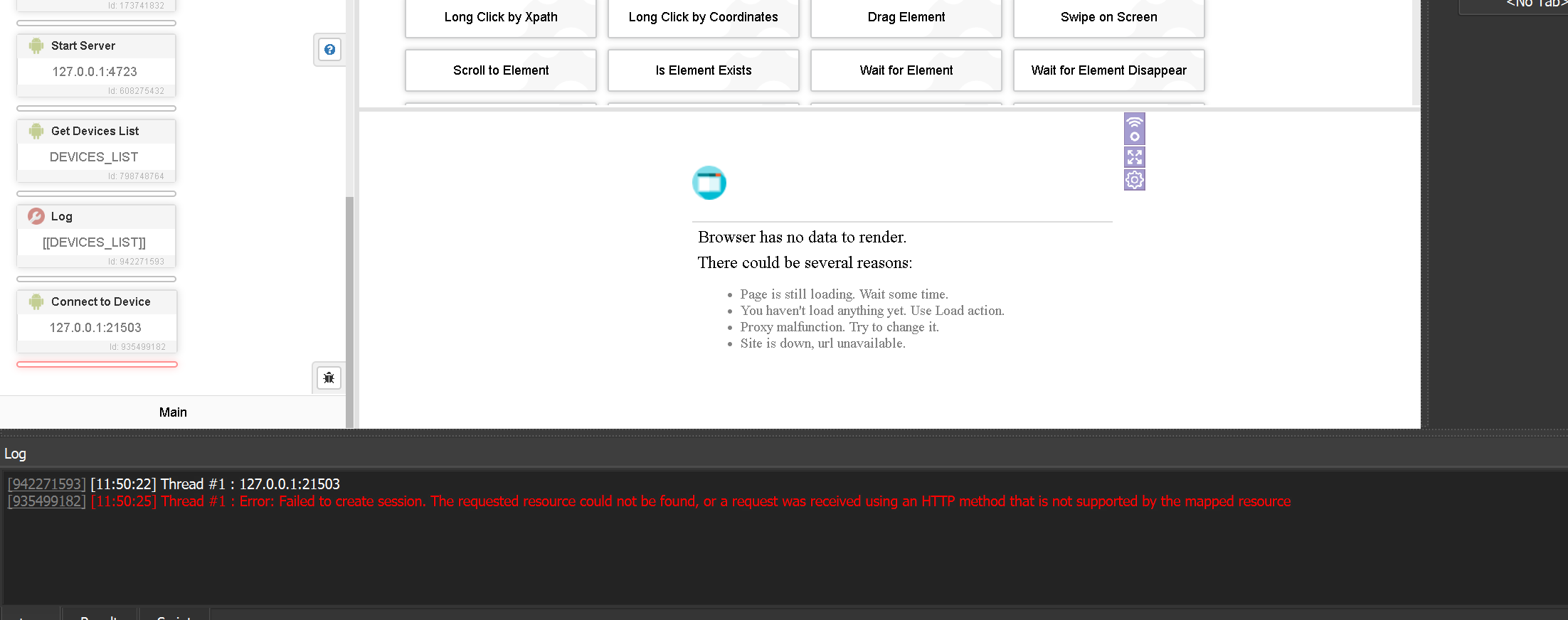

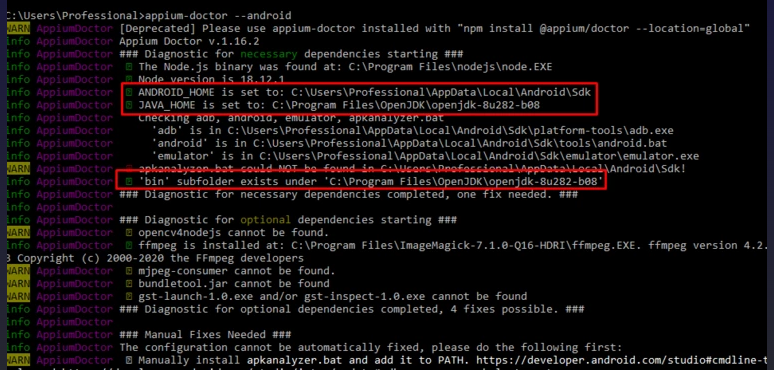

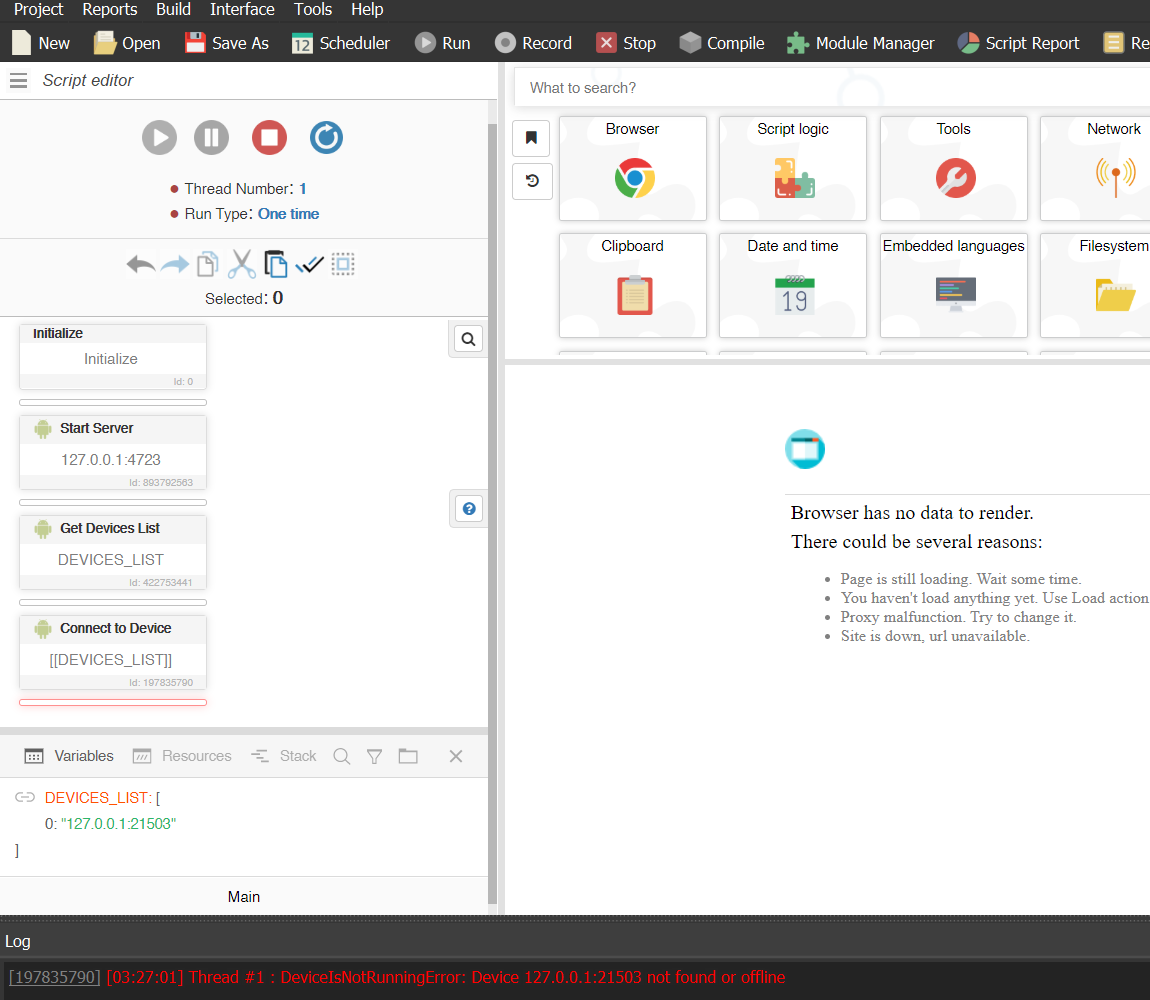




Version 2.1 updated at the start of the thread
Added action to just test url with simpler output
AndroidManager - module for managing android emulators
-
the clear text field does not work properly if there is a line break is there any way to clear the text field properly and also I tried getting click on the copy button when you long click but was not able to get the xpath for cut button through uiautomatorviewer
-
How to solve tiktok capcha successfully, please guide me bro
-
@xuandungpy said in AndroidManager - module for managing android emulators:
Or do you need to install everything you asked for in the instructions?
Yes, they need to install everything from the manual.
@Bunnz said in AndroidManager - module for managing android emulators:
the clear text field does not work properly if there is a line break
This action was made through the long swiping between start and end points of the text field. This makes the text stand out. After that the "DEL" command is executed. So you can try to run this actions step by step:
- Clear text.
- Send 1 or 2 "DEL" actions ("Send Key Event" with code 67). This will remove the empty first line.
- Clear text again.
-
@thepappo Thank you for the great module! Installed it along with Appium v 2.2.2 and it's uiautomator2 driver.
As far I see command like "Get installed app", "Open App" and so on working.
Also the click on coordinates on webpages in Chrome browser works. But unfortunately the "Click by Xpath" seems not to work. I'm quite sure that the Xpath is correct but in the BAS log it shows the error "DeviceNotFoundError: Device object 127.0.0.1:21503 not created. Use "Connect device" action" when executing the click on xpath action.
The error message seems to be wrong as I'm connected correctly because executing "click by coordinates" directly after the error is working okay.Any hint how to make this work? I'm using Memu v 9.0.3
Thank you.