1:) Add a folder selection to your project. (You can choose to read only or delete what you read.)
2:) Create a folder and keep the cookies in separate txt files.
3:) After starting the project, transfer the variable from the folder selection to Read File. Change the name FILE_CONTENT to COOKIE.
4:) Call the COOKIE variable in the previous process and perform the Network/Restore Cookies process.
5:) Open google.com in the browser, the cookie will be added.
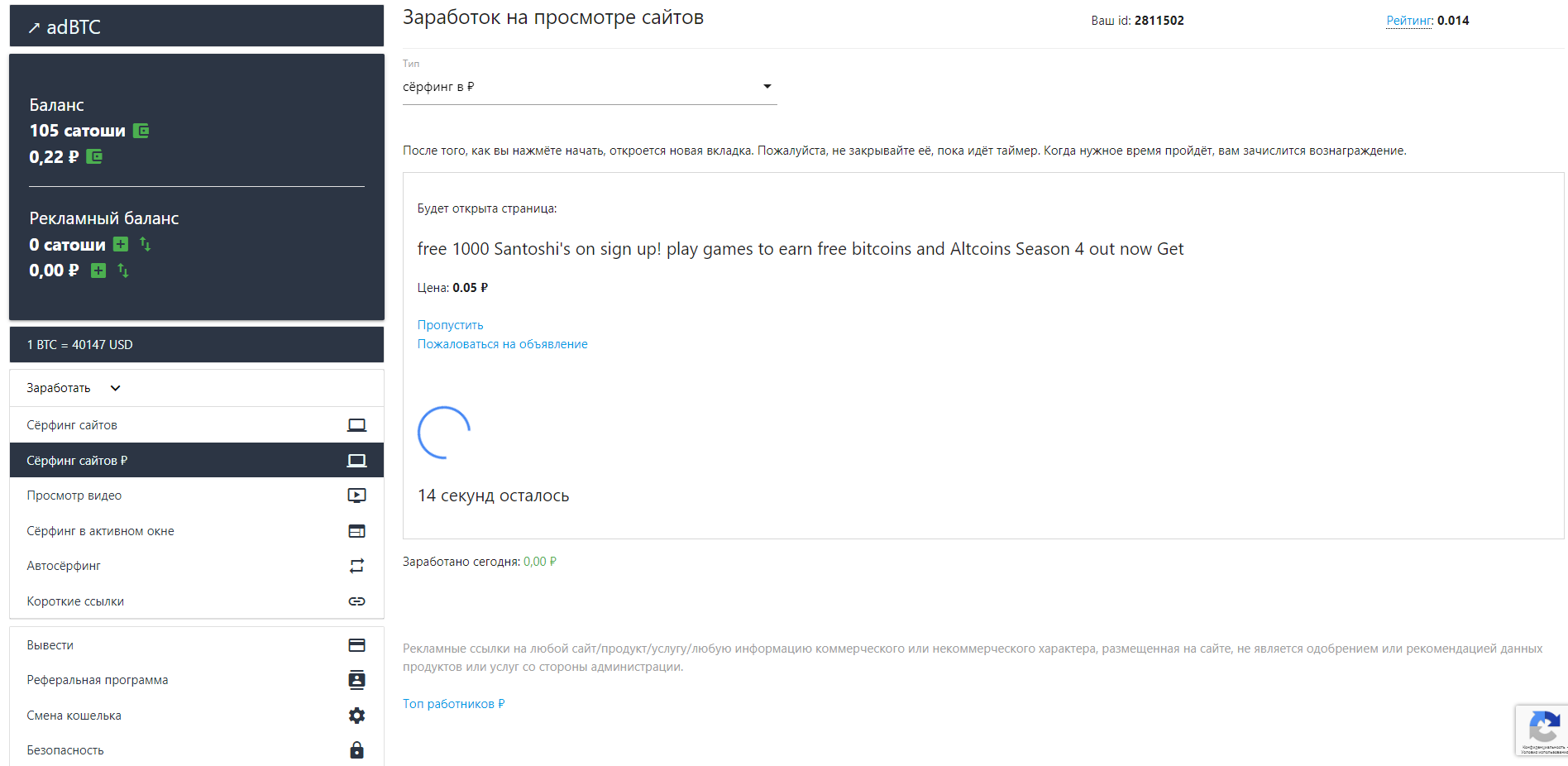
Не видит таймер на странице сайта
-
Здравствуйте , будет ли исправлена данная ошибка
Вот тут таймер есть но в Bas его нету .

В данный момент спасает скрипт(function (OpenOriginal) { Object.defineProperty(window, "open", { get: function () { return function (Url) { let Result = OpenOriginal(Url) let Handler = { set: function (obj, prop, value) { if (prop === 'onload') { setTimeout(function(){ value() },1000) return true } obj[prop] = value; return true; } } let ProxyWindow = new Proxy(Result, Handler); return ProxyWindow } } }) })(window.open);спасибо https://community.bablosoft.com/user/fox
Но бывает скрипт не срабатывает на сайте
