Your browser does not seem to support JavaScript. As a result, your viewing experience will be diminished, and you have been placed in read-only mode.
Please download a browser that supports JavaScript, or enable it if it's disabled (i.e. NoScript).
I need to check whether this menu icon appear in the page. How to set the 'Is Element Exist' function for this?
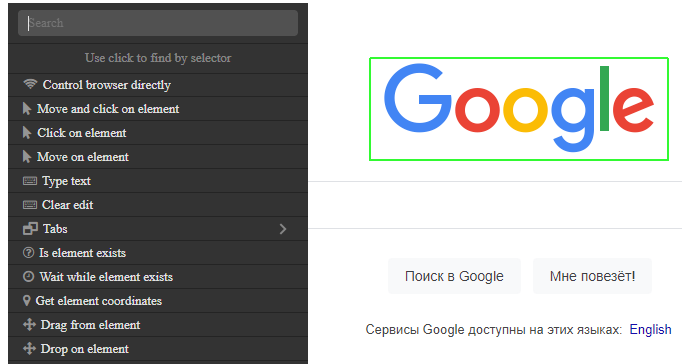
@Hifive, select the desired element by holding the right mouse button and select the desired action from the menu that opens
You can add IF expression with "Is element exists".
Thanks for the Reply. Silly me, I found a way by using the click drag function then search for it on screen via coordinates etc.
@HELP_ME 0_1545948238264_cf889fe8-a6e1-49a6-8dba-5e7e933654c7-изображение.png or
api to work with resources
Thank you @Allister , I didn't know that I can use '\n' to make new line in output.
Thanks, To wait while element will appear on page, use Wait While Element Exists action 0_1461255021957_Wait.png
To wait untill element disappear you need to use cutom waiter: http://wiki.bablosoft.com/doku.php?id=how_to_wait_on_certain_event_on_page#custom_waiters