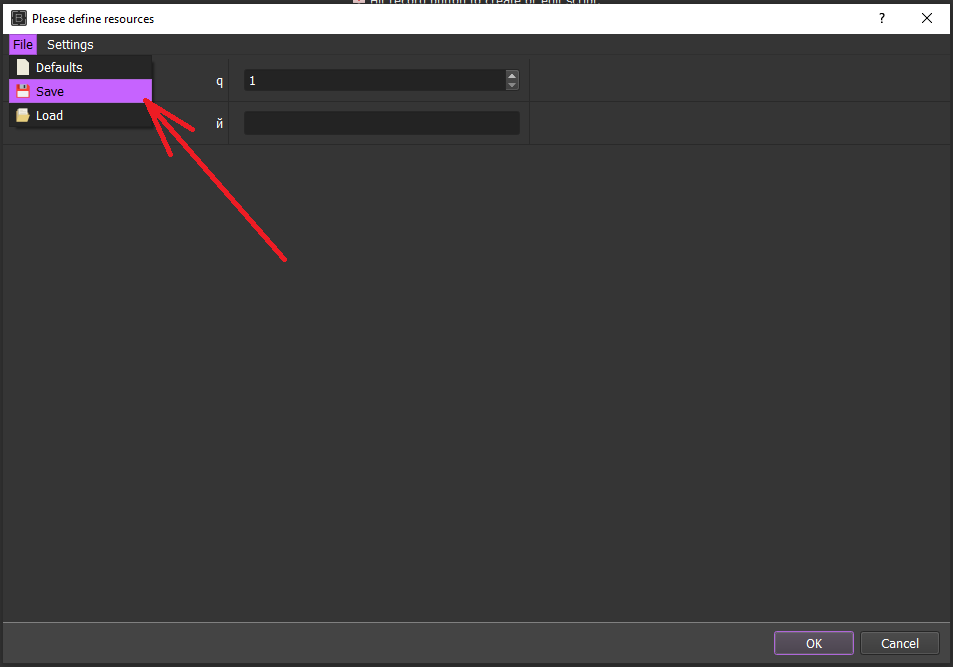
i often times switch between one BAS xml file, to another and then back again, and VERY often i find myself having to enter the same filepath's for each and every "lines from text" type of resource. So that means I have to either type the entire filepath starting with the drive letter than c/users/username/desktop/accounts/filename.txt and typing all that out over and over again is annoying and takes up more time.
My solution, isnt unique, i see it used in soooo many different applications and software etc etc but essentially, the last file that was used should automatically populate the next time you open that xml file. Simple yet so helpful... im really surprised it wasnt added a long time ago, BAS is soo well made and so actively developed... Sometimes i wonder if its just me, maybe ive got bas configured wrong or something.
its sooo intuitive.... of course we'd be using the same resources we used last time we ran the script.....
Thank you for you time and consideration. AND thank you for the exhaustive amount of time and effort you pour into this awesome software!