


@Webmaster
Ty Very Much Mr. Webmaster I did it Here in this example :
Convert a Boolean value to Yes-No.xml
because that way I have to do it for all Variables every time but I want to do it for all different Variables at once. I want it to be a global over all the script
About BabloSoft's Layout/Appearance
Moved
Support
-
About BabloSoft's Appearance
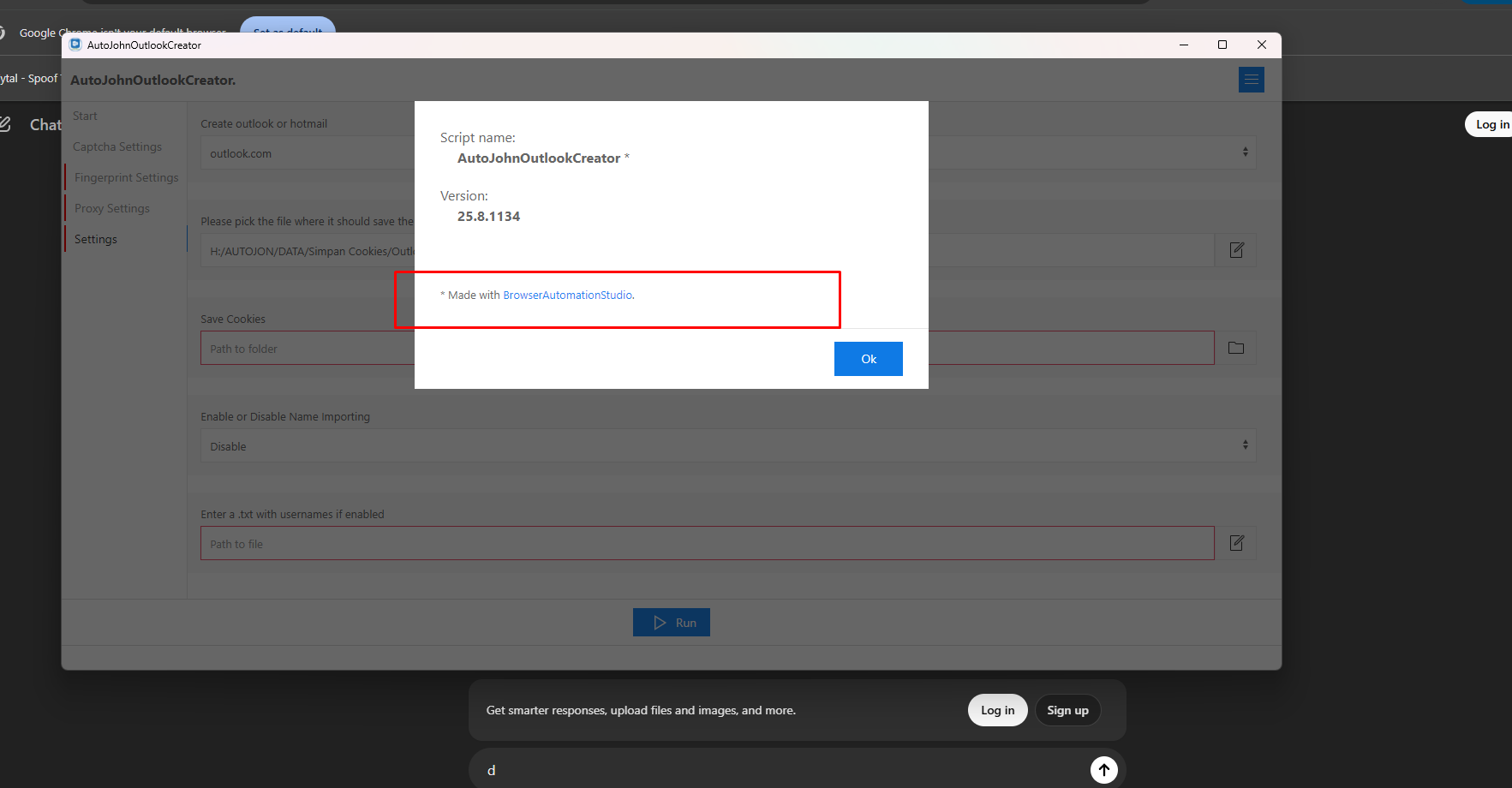
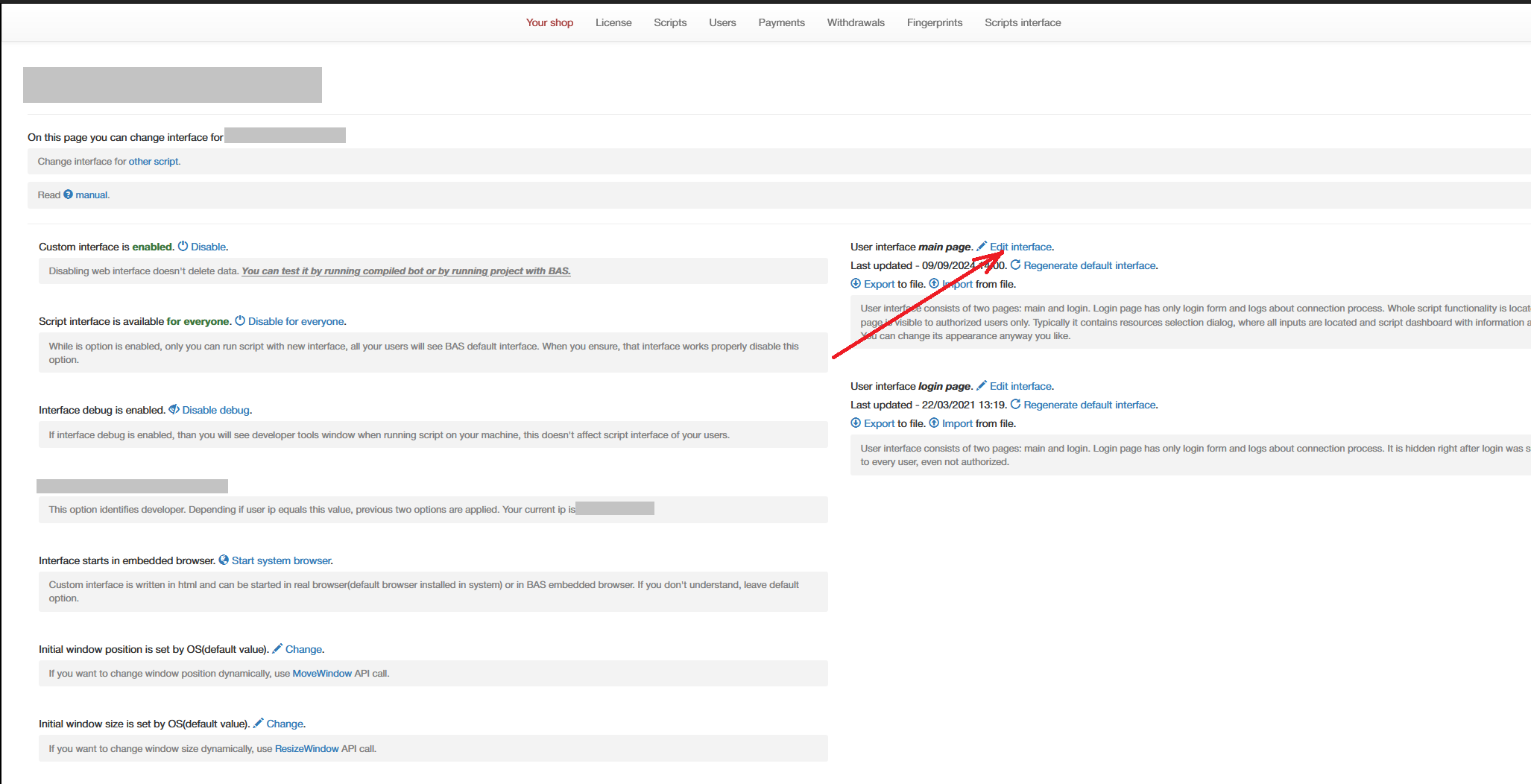
Hello friend, I just want to ask. Can the layout of BabloSoft be changed by myself?
I apologize in advance; I know that layouts can be purchased from BabloSoft itself.
But I am very curious if it's possible to create a custom one myself.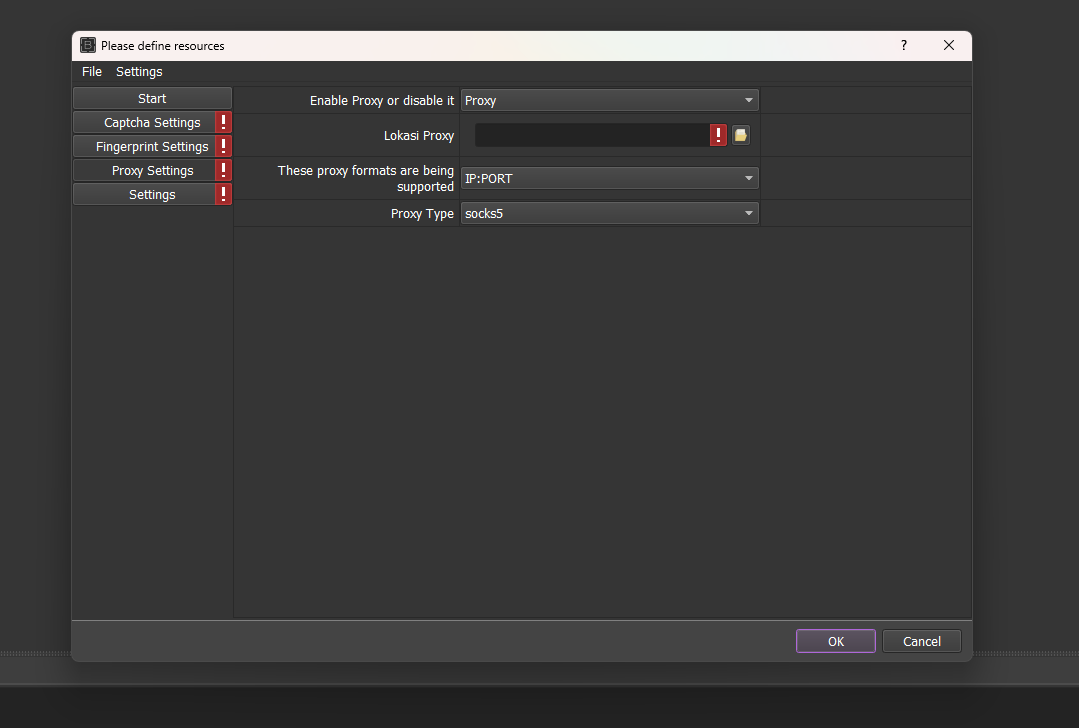
Thank you for your help.
-
@junawan said in About BabloSoft's Layout/Appearance:
About BabloSoft's Appearance
Hello friend, I just want to ask. Can the layout of BabloSoft be changed by myself?
I apologize in advance; I know that layouts can be purchased from BabloSoft itself.
But I am very curious if it's possible to create a custom one myself.Thank you for your help.
-
 M Moderator moved this topic from Off topic on
-
-
-
-
@junawan said in About BabloSoft's Layout/Appearance:
Okay, I understand now. I have one last question, please help me. Where is the exit application menu or the command to close BabloSoft? Because I can't find it.
There's only a minimize button.
Thanks for help me :*Use the "CloseApplication()" function
-
@Fox Okay, I understand now; it's like I'm making a web application, right?
There’s one thing I still don’t understand: how do I create a browser pop-up like the old/classic model of BabloSoft?
Show the browser but not embedded within the layout. Thank you; I have many questions because I'm very weak in C language.
Honestly, BabloSoft has given me a lot of experience because all languages can be impementation in here. :)
-
@junawan said in About BabloSoft's Layout/Appearance:
@Fox Okay, I understand now; it's like I'm making a web application, right?
yep
There’s one thing I still don’t understand: how do I create a browser pop-up like the old/classic model of BabloSoft?
You can either use the classic interface or the web interface, you cannot combine them


