


1:) Add a folder selection to your project. (You can choose to read only or delete what you read.)
2:) Create a folder and keep the cookies in separate txt files.
3:) After starting the project, transfer the variable from the folder selection to Read File. Change the name FILE_CONTENT to COOKIE.
4:) Call the COOKIE variable in the previous process and perform the Network/Restore Cookies process.
5:) Open google.com in the browser, the cookie will be added.
Не подключаются прокси
-
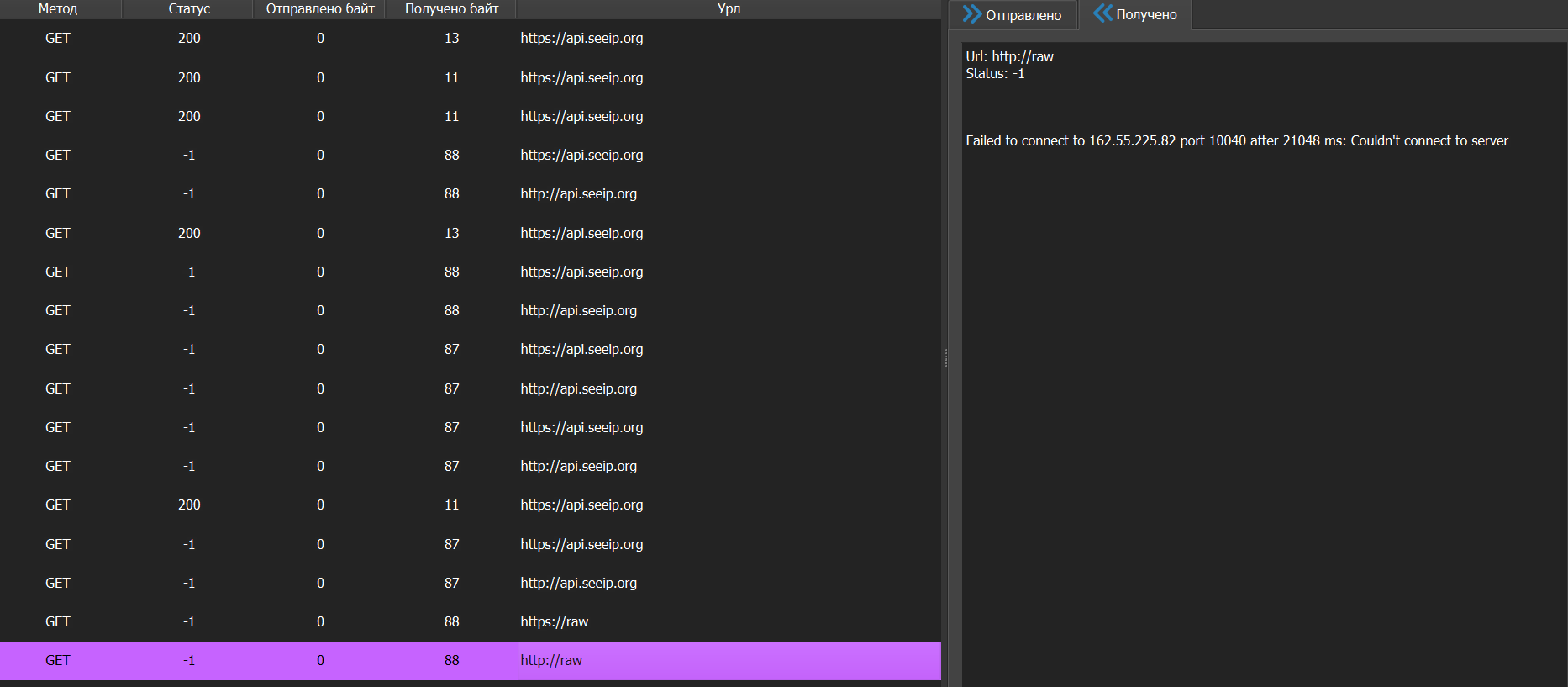
скрин ошибки
-
@Lex-0 said in Не подключаются прокси:
Перестали подключаться одни прокси с домашнего интернета, с мобильного нормально, поддержка тоже говорит всё норм, можно что-то сделать с этим?
Пинганите сервер прокси с домашнего интернета, есть вероятность, что ваш провайдер блокирует запросы. Или что-то на пк
-

