

@johnsharon
I think temporary profiles can't be deleted. Check the folder:
"....\BrowserAutomationStudio\apps\26.7.1\prof"
The reason for this behavior may be that BAS does not have permissions to edit/delete files.
Try to run the program as administrator.
Try restarting the project periodically using the buttons in the interface, but not through forced closing or closing via Task Manager or something similar.
Try moving BAS or the project you are running to a different directory or disk.
Why do valid CSS/XPATH selectors not work in BAS?
-
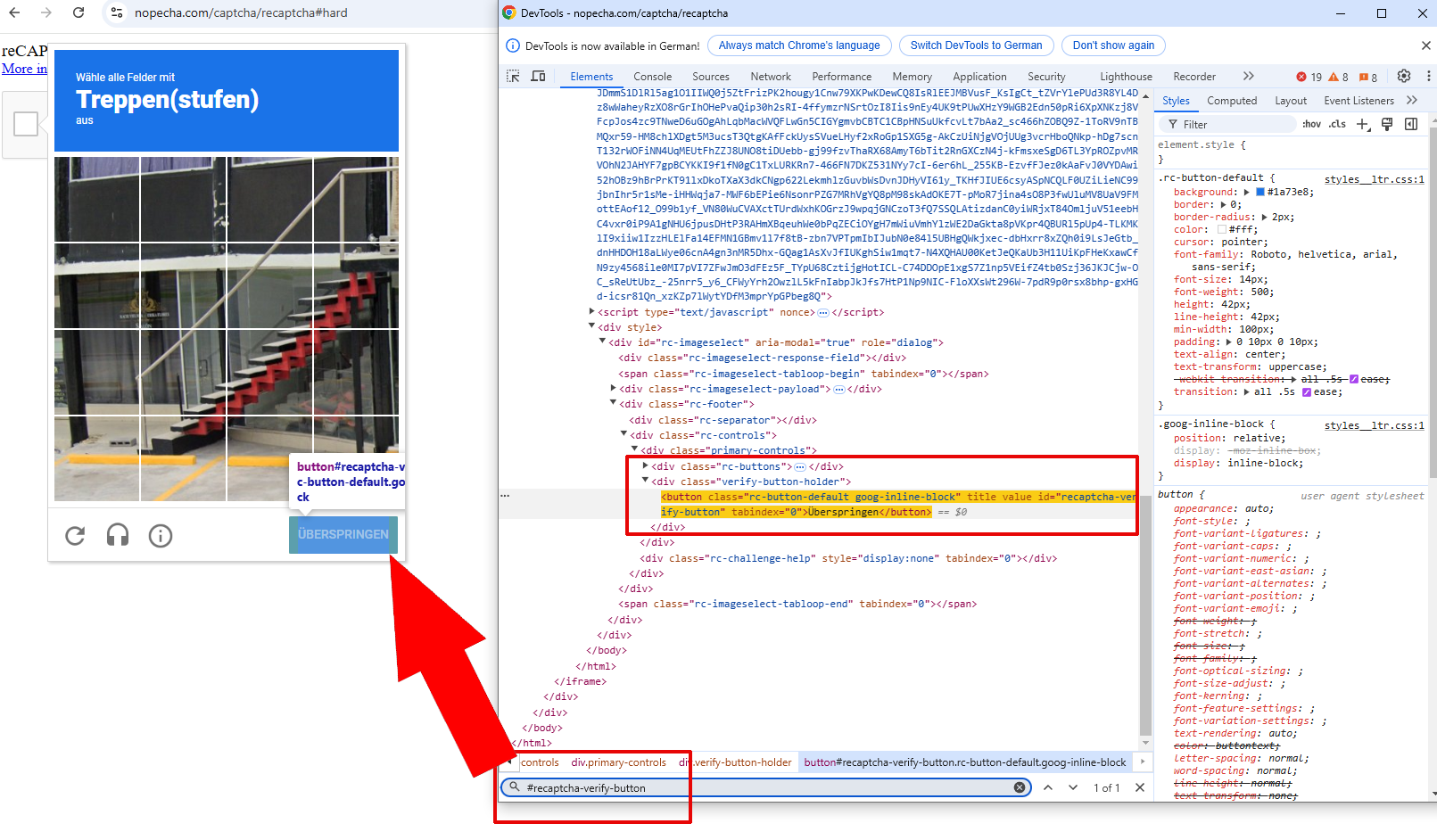
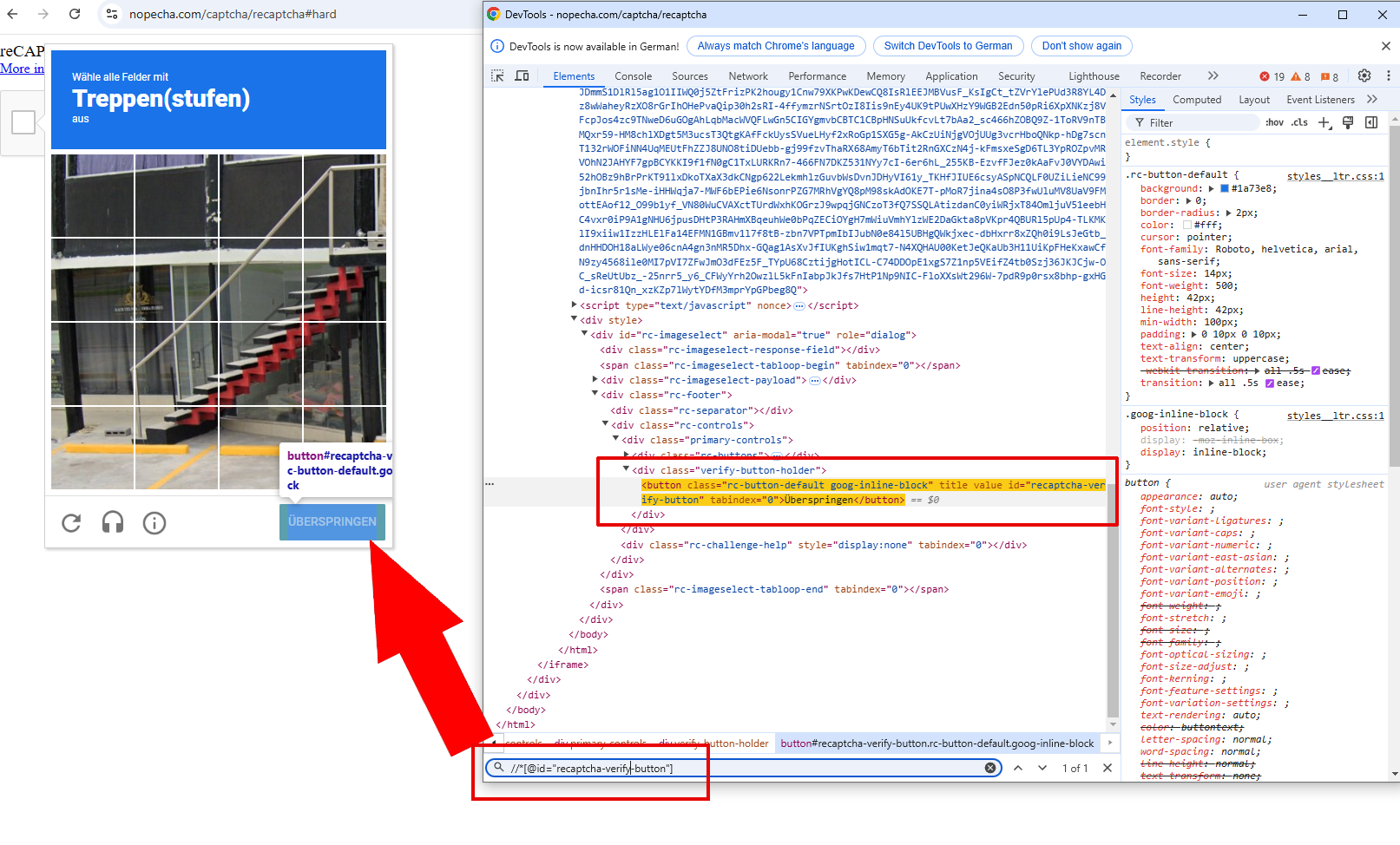
For example, to access the Recaptcha v2 “Verify” button, the selector that works in Chrome (Devtools) is for XPATH: “//[@id=”recaptcha-verify-button“]” and for CSS: “//[@id=“recaptcha-verify-button”]”.
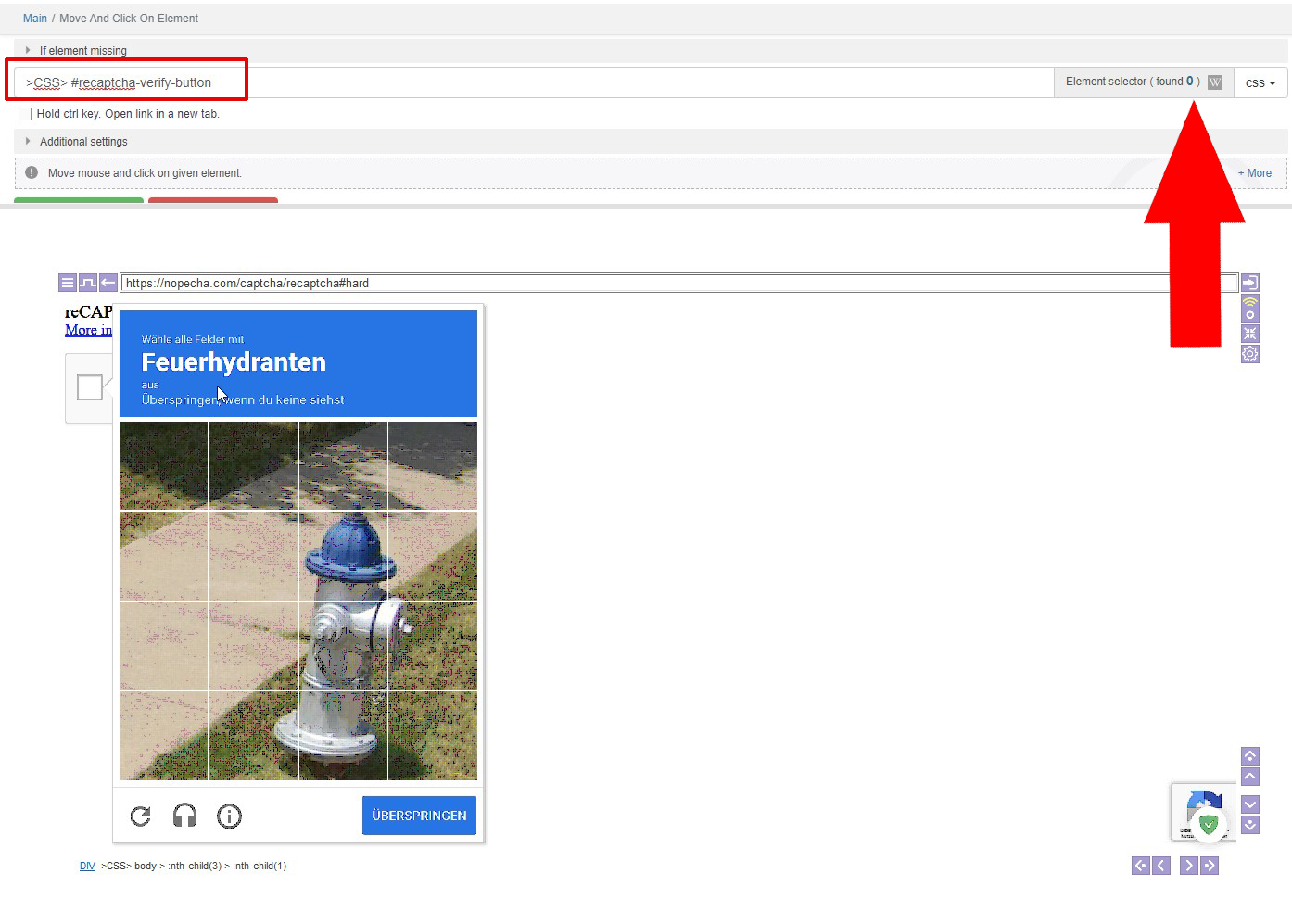
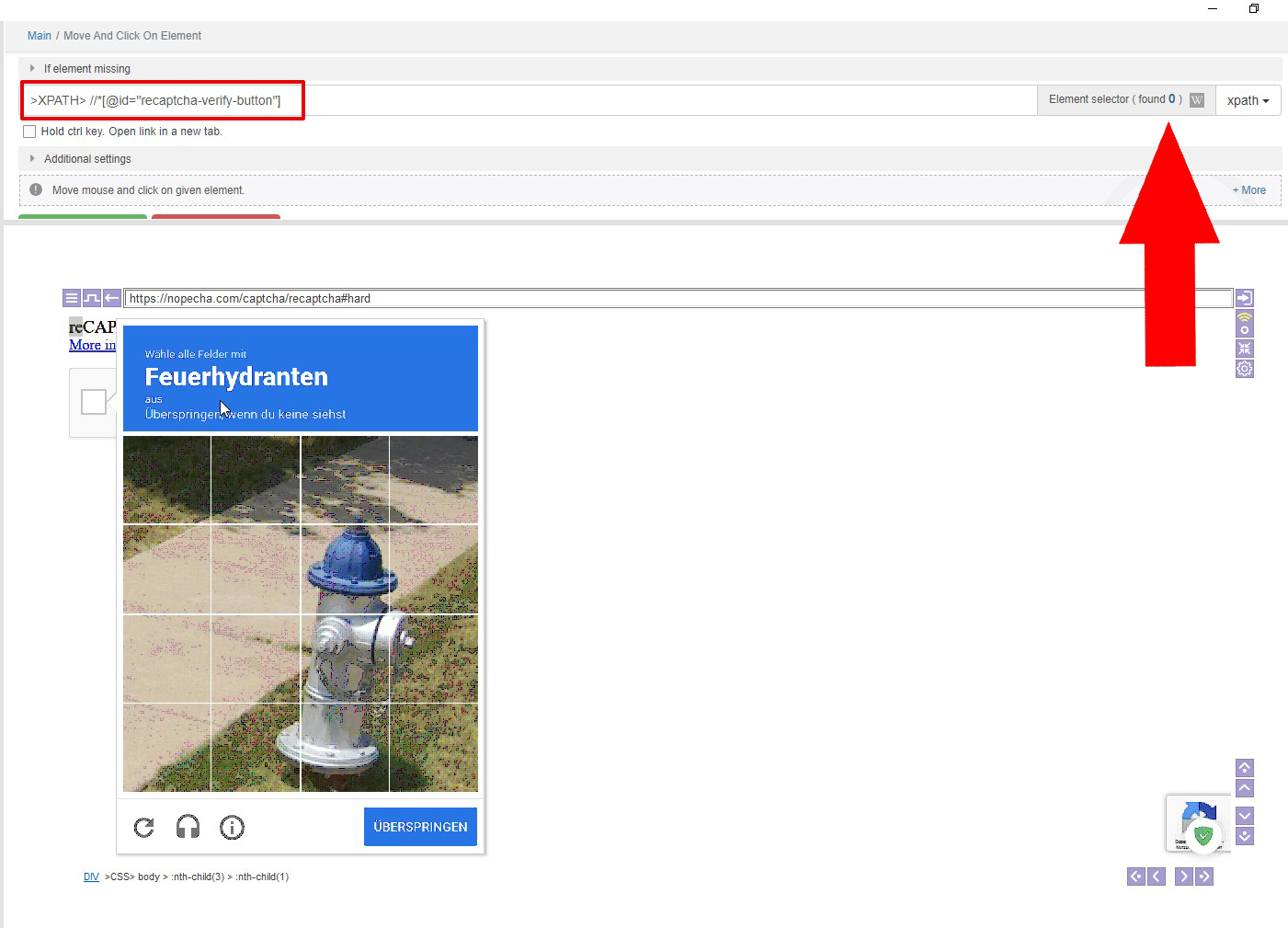
So “>CSS> #recaptcha-verify-button” or “>XPATH> //*[@id=”recaptcha-verify-button“]” should work in BAS. Unfortunately, they do not.Is this a bug or have I overlooked something to make the selectors work? Or does anyone have another idea to access the “Verify Buttun”?
Sometimes the selectors in BAS seem to have a very strange life of their own and it's more a matter of luck whether they work or not, it seems.


-
Finally I ended using (it's also working for different languages of Recaptcha challenges) if someone searches for the same:
">CSS>iframe[src^=' https://www.google.com/recaptcha/api2/bframe ']>FRAME> >CSS>#recaptcha-verify-button"