@m4zuper Strange, as this is broken at least since 26.8.0 or something related to this. Hence I thought it's generally not working an concerns every user...
Currently using 27.6.2 on Windows 10, 64BG RAM, Ryzen 7 5800X. BAS is installed at the standard location on C drive. And it happens with every project I try to add this way. Okay, it's not that issue but it's convient to add a project with just one click.
Work with BAS through code
-
Hi!
Is there a way to write the scripts with code alone without using the interface?
In this case how would I do that? I tried searching for it but the information was not fully clear.
There seems to be "modules" but that could also be just extended functionality.I would be thankful to be pointed into the right direction.
Thank you!
-
The short answer is "No."
The long answer is that BAS has its own internal code generator, which means that everything in the BAS XML was generated by that system.
However, I strongly do not recommend writing code by hand. It will be extremely difficult to update and understand the code later based on what you wrote today.
-
@sergerdn said in Work with BAS through code:
The short answer is "No."
The long answer is that BAS has its own internal code generator, which means that everything in the BAS XML was generated by that system.
However, I strongly do not recommend writing code by hand. It will be extremely difficult to update and understand the code later based on what you wrote today.
I looked around a bit more and isn't the "Embedded languages" exactly what I need? I can run code through it.
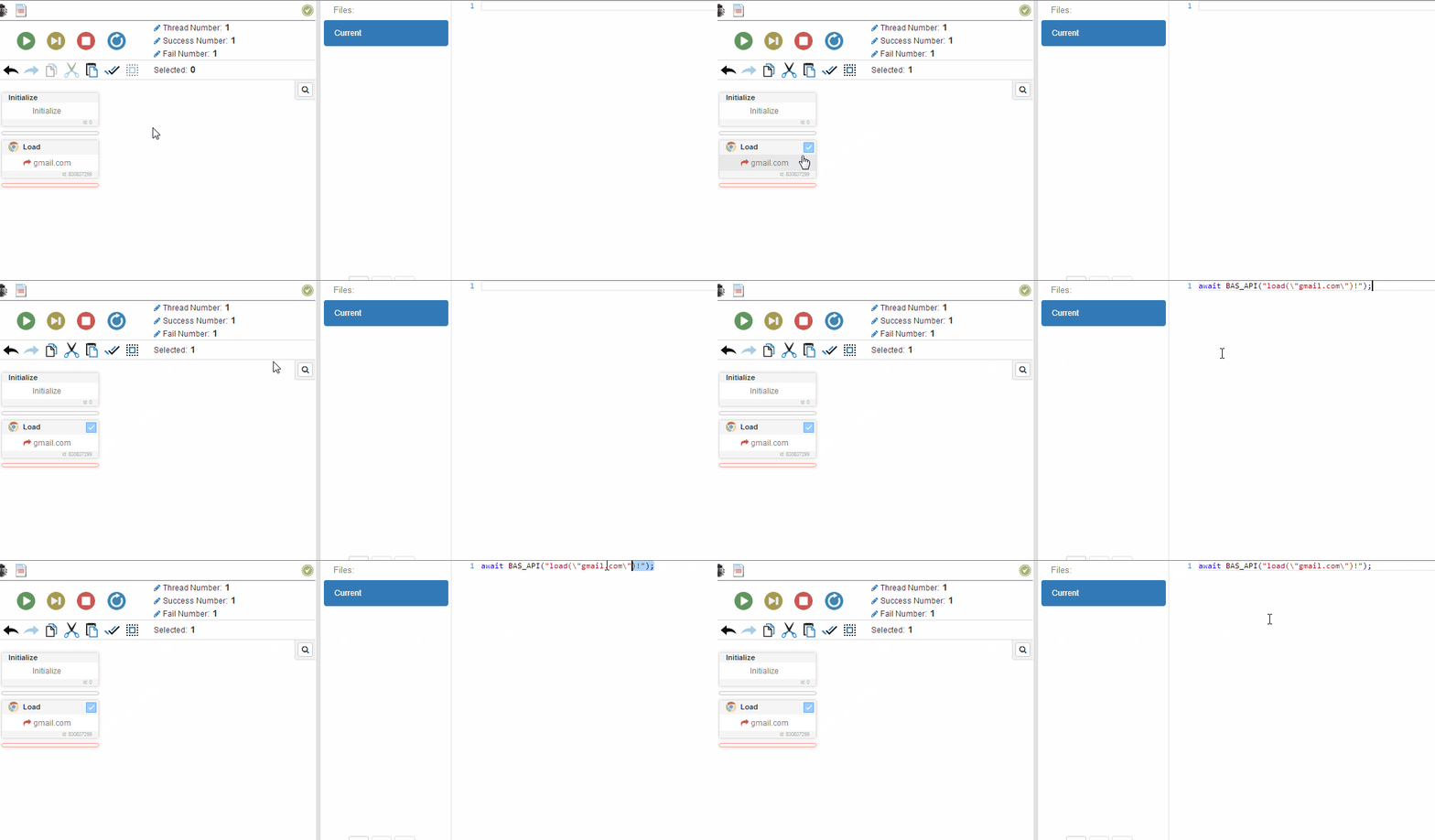
But somehow I cannot find the copy icon in the new interface that is mentioned here https://wiki.bablosoft.com/lib/exe/fetch.php?cache=&media=callapi.gif