
1:) Add a folder selection to your project. (You can choose to read only or delete what you read.)
2:) Create a folder and keep the cookies in separate txt files.
3:) After starting the project, transfer the variable from the folder selection to Read File. Change the name FILE_CONTENT to COOKIE.
4:) Call the COOKIE variable in the previous process and perform the Network/Restore Cookies process.
5:) Open google.com in the browser, the cookie will be added.
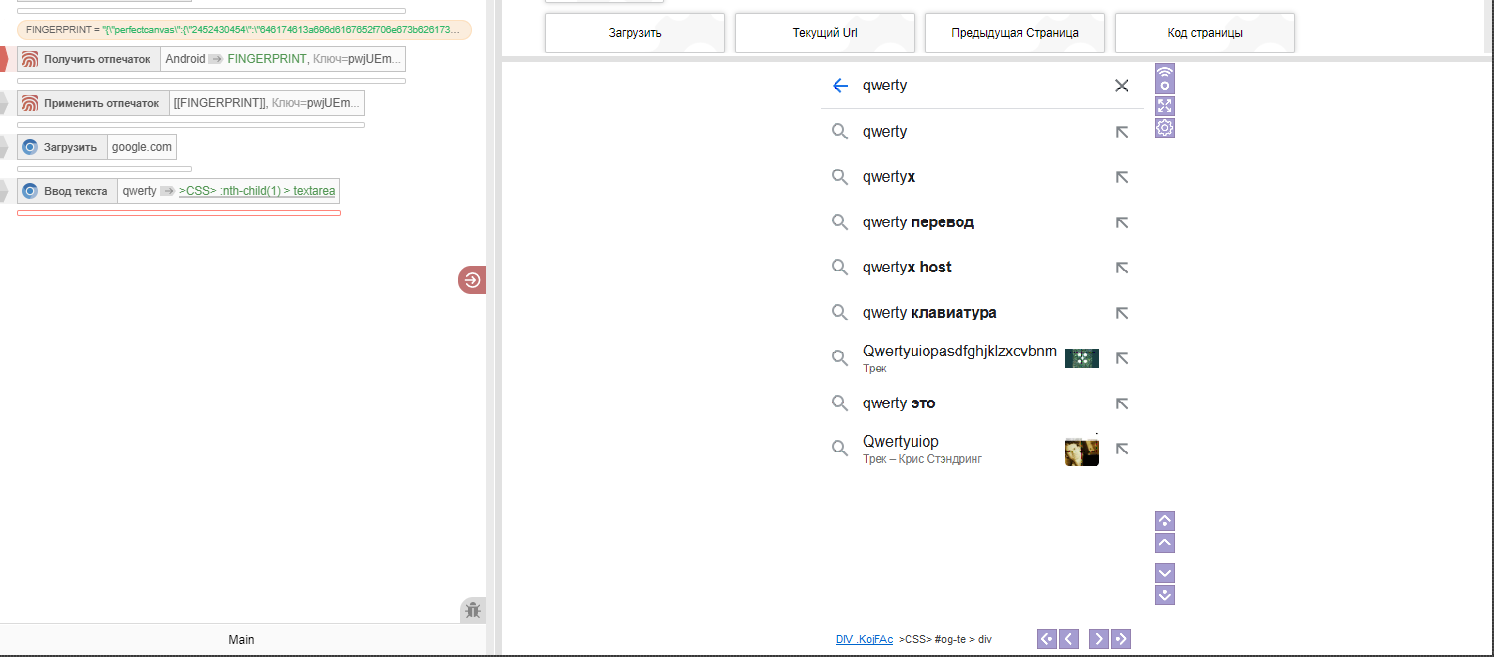
Не работают отпечатки
Moved
Поддержка
-
 M Moderator moved this topic from Support on
-
Не удается повторить, какой именно отпечаток и с какими настройками вы применяете? Возможно вы используете какие-то не стандартные настройки действий получения и применения отпечатка? Прикрепите, пожалуйста, проект, в котором это повторяется