🚨 [BUG FOUND] Record Mode Resource List Not Working – Root Cause Identified
Hi team,
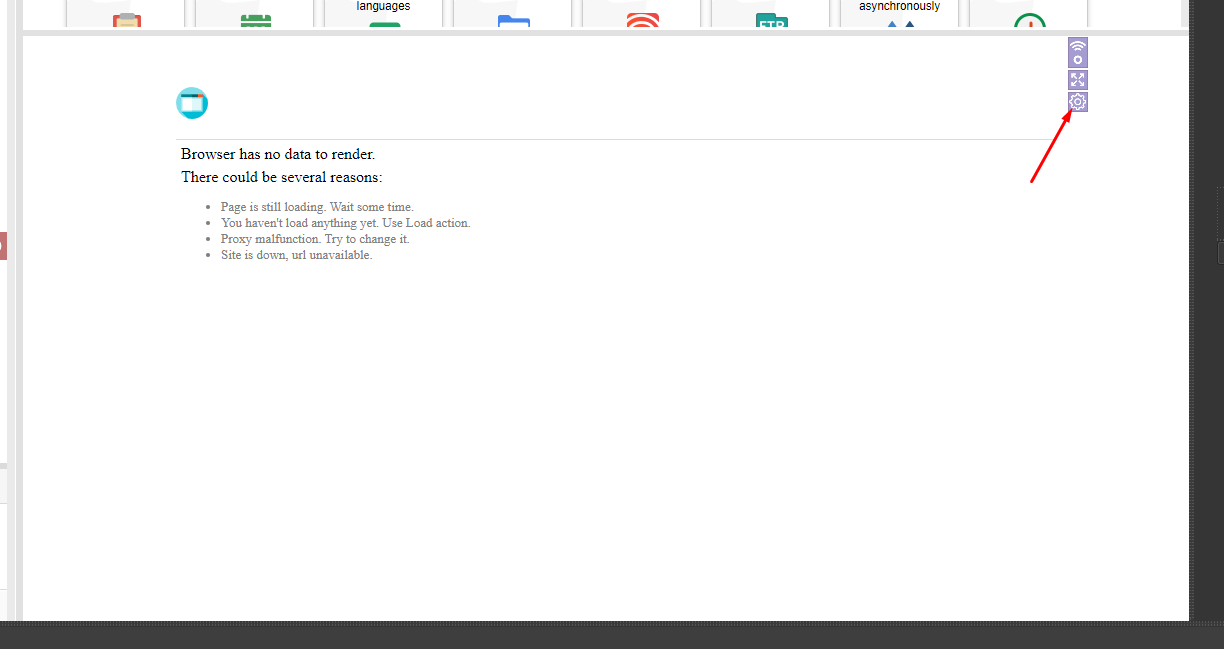
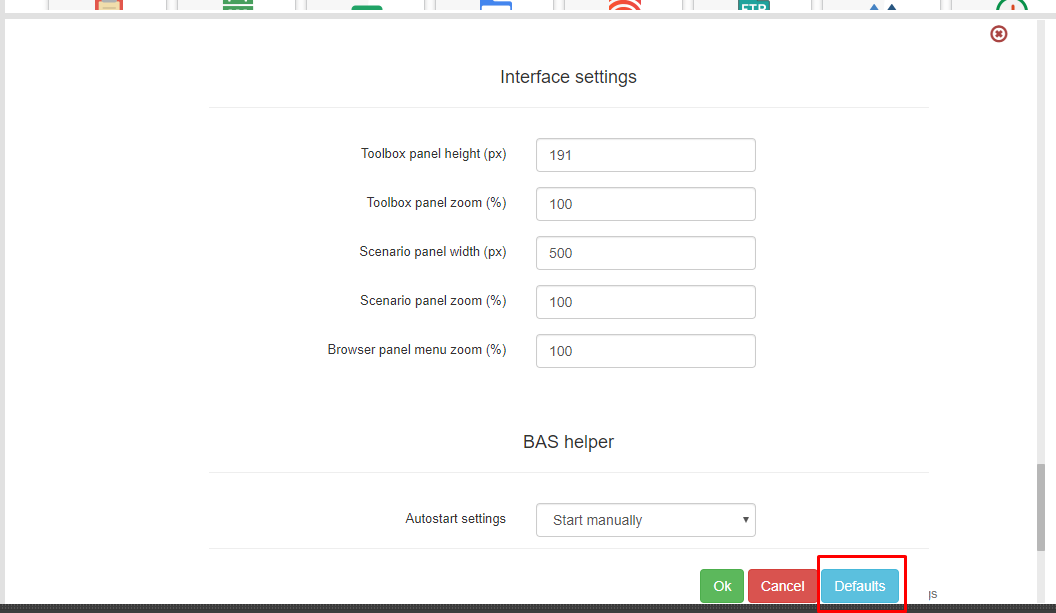
I’d like to share an important finding related to a frustrating bug in Browser Automation Studio (BAS) — specifically in Record Mode, where the Resource dropdown list does not populate, and pressing F7 also fails to show available resources.
🔍 Root Cause Identified:
After investigating and testing several scenarios, I discovered that this issue occurs when:
✅ A resource is created without a name or
✅ The resource name is left as a blank string or only spaces
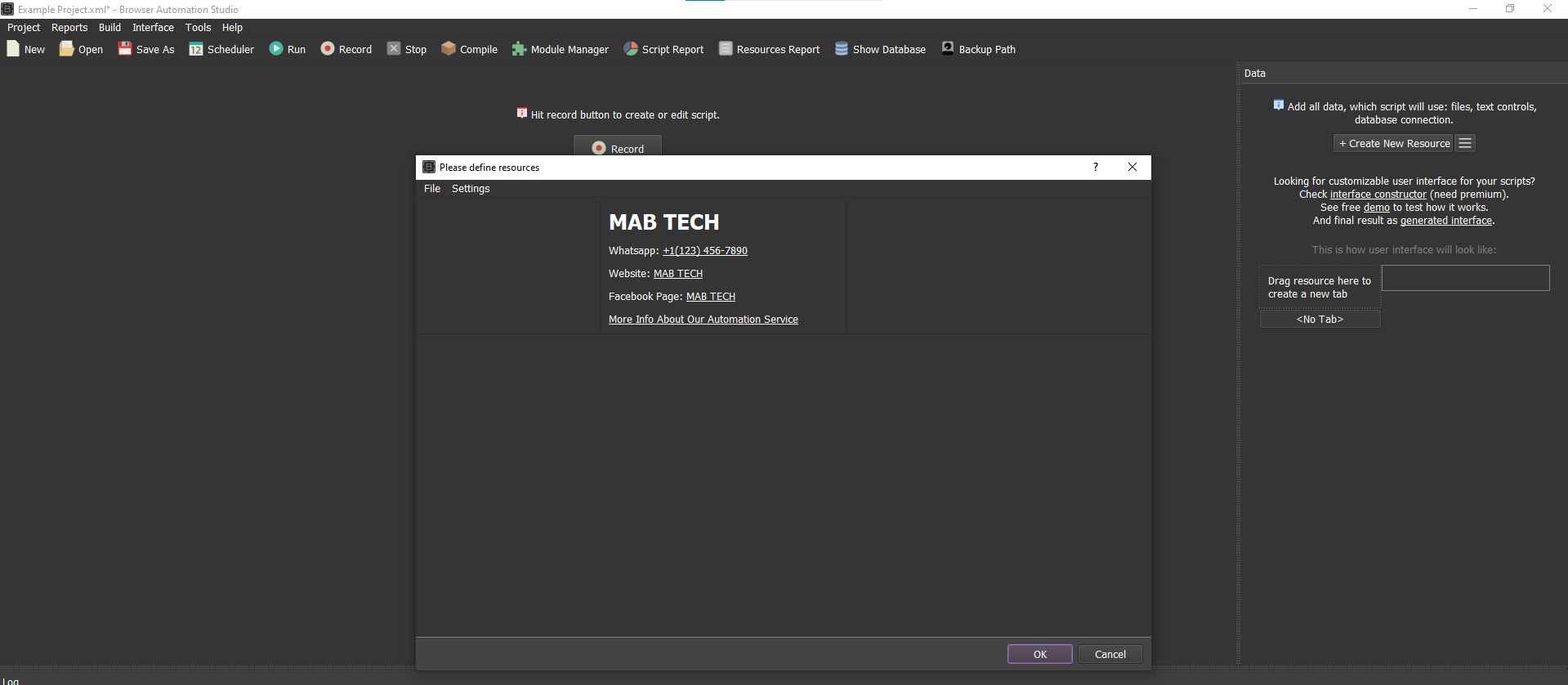
In my case, I had created a resource of type "Information" where I added my developer contact info (email, phone, website), but I did not assign any name to the resource. This silent issue broke the resource listing functionality inside Record Mode.
📌 Resulting Issue:
- Resource list dropdown becomes blank (doesn't load any resources)
- Pressing F7 to manually trigger the resource list doesn't respond
- You’re forced to manually type all resource names, which slows down work and increases chances of mistakes
📷 I’m attaching a screenshot as proof.
✅ Temporary Fix / Recommendation:
To avoid this issue:
- Always give a valid, non-empty name to any resource you create
- Do not use only spaces as a resource name
🛠️ Future Suggestion for BAS Update:
Please implement a validation restriction in future BAS updates to:
- Prevent creation of resources without names
- Disallow blank or space-only resource names
Since fixing the invalid resource in my project, everything is now working perfectly. The issue only appears when an unnamed resource is present.
Thanks for your support and continued development of BAS!
Best regards,
📧 info@themabtech.com
🌐 www.themabtech.com
🏷️ MAB Tech