Replace other fingerprints, mobile fingerprints will be better.
BAS interface not loading (28.8.1)
-
This happens on just one of my machines. On others it works well. Also, it used load normally on this machine, too. I upgraded BAS to 28.8.1, it worked a few days and today it's like this in the Record mode.
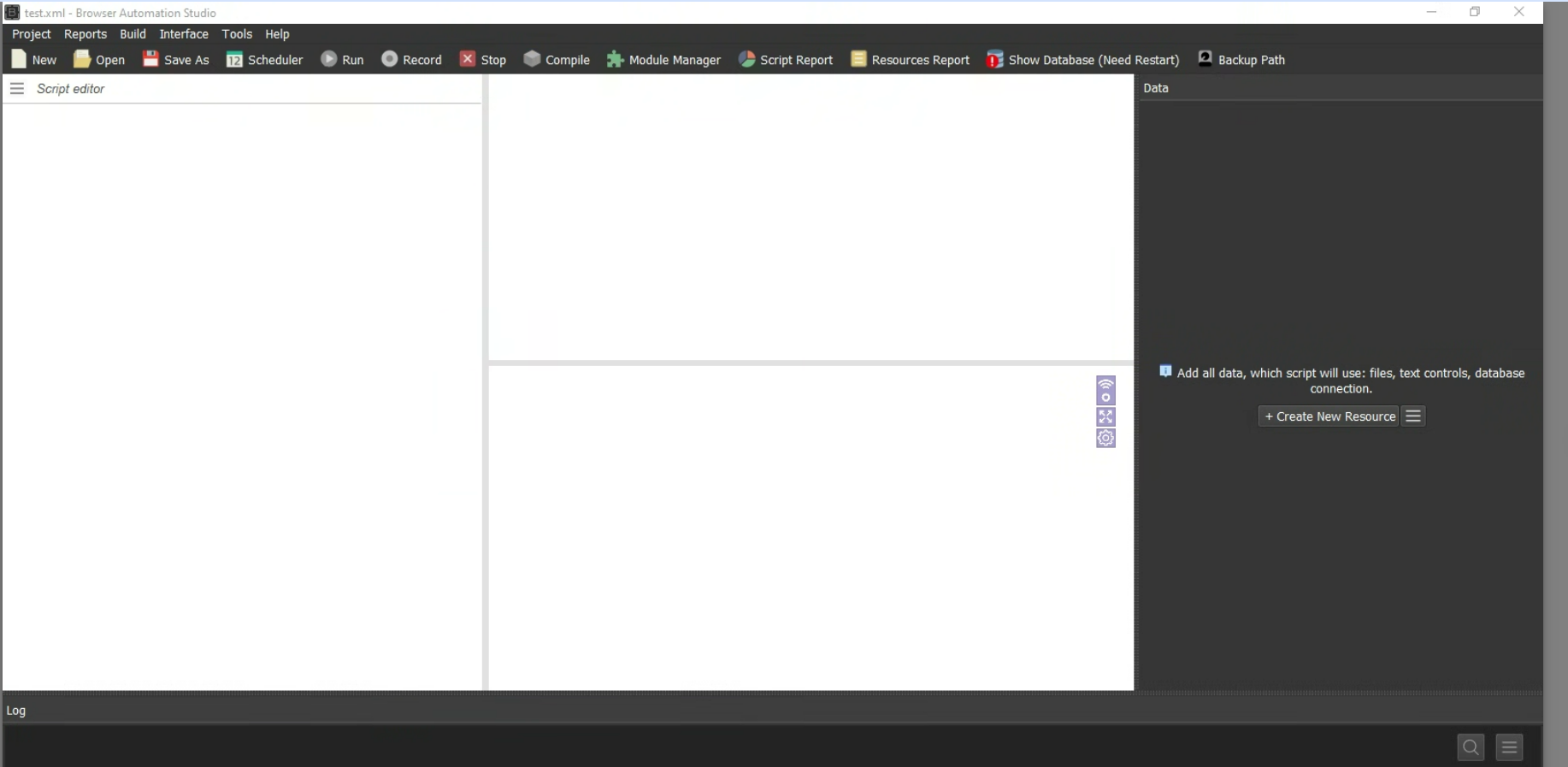
When running the scripts everything works well
I've reset the interface and also reinstalled BAS. Nothing helps. What else can I try?
-
@aronax Good afternoon, please try to provide as much information as possible using this template:
https://community.bablosoft.com/topic/30993/how-to-report-a-bug-correctly -
- Brief and concise description of the problem: the interface doesn't load. See screenshot
- Detailed description of the problem (optional): the interface doesn't load. It worked for a couple of days, after updating to this version (28.8.1). Today it refuses to load anything.
- The problem occurs in record mode or run mode: record mode
- A project with a minimum number of actions that demonstrates the error (can be sent in private): no project can be created inside it because there is no interface; no actions can be selected and inserted in this project. Old projects are not displayed either
- Screenshot(s) or video demonstration of the problem: See screenshot posted in this thread.
- BAS log: n/a
- Additional files/accounts/proxies needed to run the project (can be sent in private): n/a
- BAS version: 28.8.1
- Operating system version: Windows 10 Pro
-
Have you tried hovering the mouse over empty areas and moving the window borders? It helps me.
-
try to reinstall, idk, check task manager, maybe there is overload on cpu
-
@clarabellerising Already took these actions but didn't help. I've ended up reinstalling Windows. Now everything works. Hopefully won't have this problem again