
Есть планы обновить API библиотек, чтобы через них были доступны актуальные возможности BAS? Например, AI Captcha, MCP и другие новые функции?
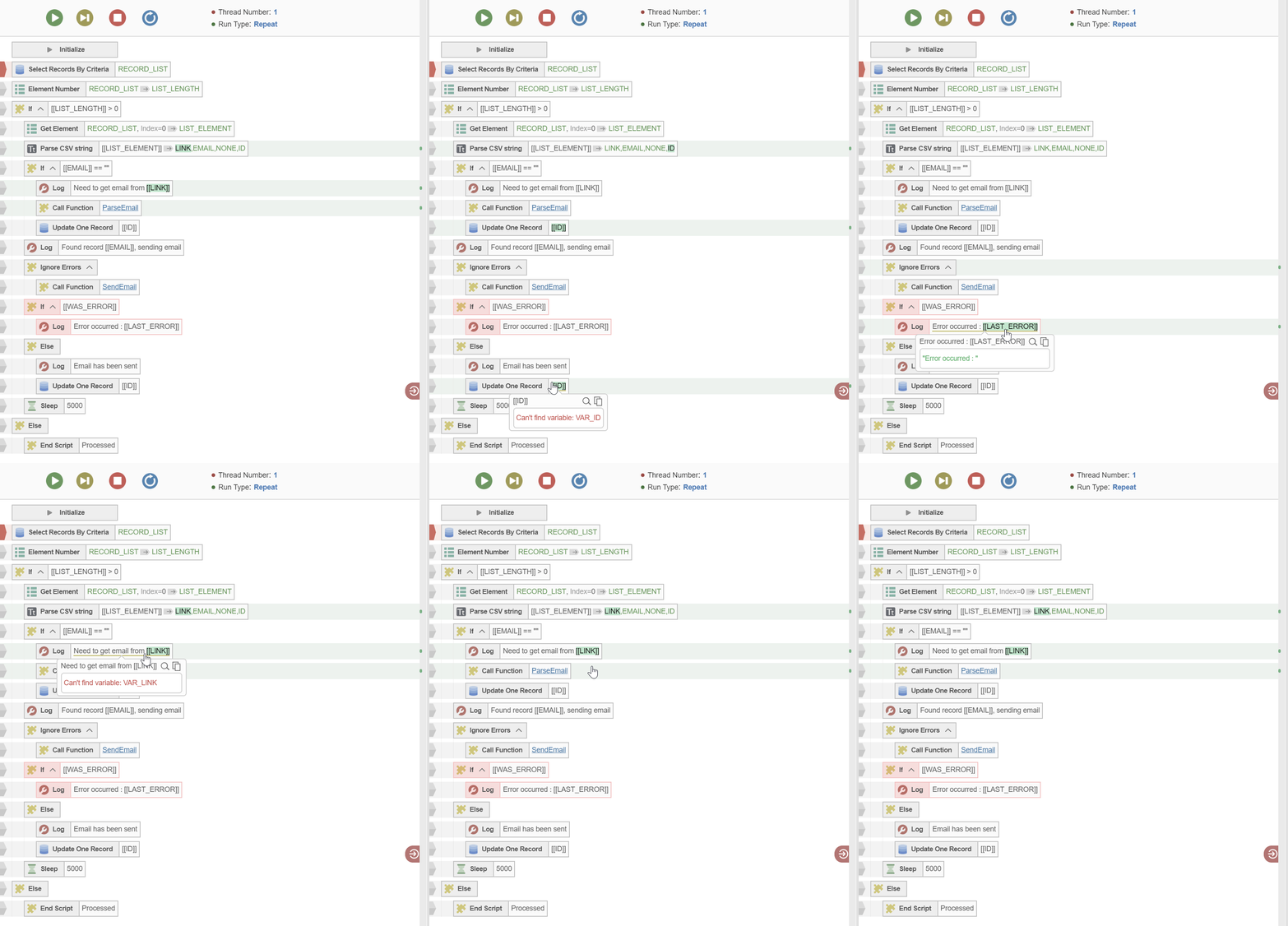
Highlighting variables on scenario panel.
-
In the new version it possible to highlight variables.
In order to do that, hover on any parameter.
If this parameter contains variables, they will be highlighted across the script.
This functionality allows to find out where each variable has been used and thus understand the script structure better.
We also add scrollbar marks, so selected variables can be easily found on scenario panel.
Here is how it looks: