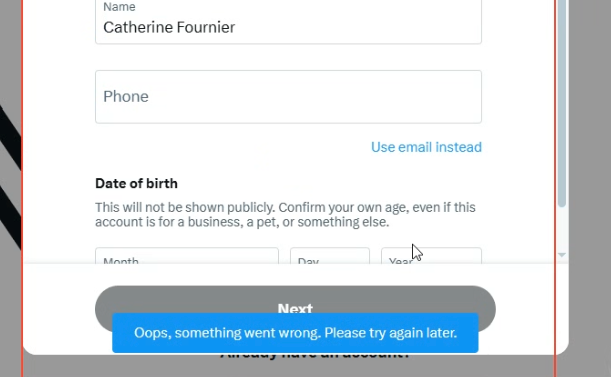
Twitter shows “Something went wrong” only when using FingerprintSwitcher — works fine without fingerprint
-
Hello,
I’m having a consistent issue specifically with Twitter/X when using FingerprintSwitcher in BAS.
✔ When FingerprintSwitcher is enabled:
Twitter instantly shows “Something went wrong”
Pages don’t load or actions fail
Login and normal browsing both trigger the same error
✔ When FingerprintSwitcher is disabled (no fingerprint applied):
Twitter works perfectly
No errors at all
Same proxy, same profile, same script — only difference is the fingerprint
Additional Notes:
I tested with many different fingerprints, same result
Proxy/IP does not matter — the issue happens only when fingerprint is applied
Without fingerprint, everything is stable
So this is not a proxy, browser, or script problem — seems fingerprint-specific
My question:
Is Twitter currently blocking BAS fingerprints?
Is this a known issue with FM3 / HumanEmulation?
Is there any recommended setting or workaround to avoid this detection?Thanks in advance. 🙏
If you want, I can also add the exact error code, request ID, or screenshots.
-
 M Moderator moved this topic from FingerprintManager on
-
I'll check it out, thanks for the information.
-
Hello,
I found a major difference between Record Mode and running the saved script, especially on X.com (Twitter). I tested this many times.
✔ Record Mode (works perfectly)
When I use Record Mode, I can create accounts without any problem.
I successfully created 100+ accounts
No errors
Email verification code is sent normally
No bot warning
Record Mode behaves like a real user.
✘ Running the saved script (Start button) — WITHOUT fingerprint
When I run the exact same script normally (Start button):
Twitter does not show “Something went wrong”
But it detects automation and shows something like:
“We detected unusual activity / You look like a bot”Email verification code does not appear
I cannot create even one account
So even without fingerprint, Record Mode = works, Run Mode = detected.
✘ Running with FingerprintSwitcher (FM3) — WITH fingerprint
If I apply a fingerprint:
As soon as I click the Register button,
X.com instantly shows:
“Something went wrong”No email code is sent
Signup fails immediately
Record Mode also fails when fingerprint is applied
This error only happens with fingerprint.
Summary
Mode Without Fingerprint With Fingerprint
Record Mode Works (100+ accounts) Fails instantly (“Something went wrong”)
Run Script Mode Bot detection on verification page Fails instantly (“Something went wrong”)
My QuestionsWhy does Record Mode behave differently than Run Mode?
(Same script, same actions, same steps.)Why does X.com instantly show “Something went wrong” only when FM3 fingerprint is applied?
Is there anything internally different between Record Mode and normal execution?
Thank you.
-
I can't reproduce the issue.
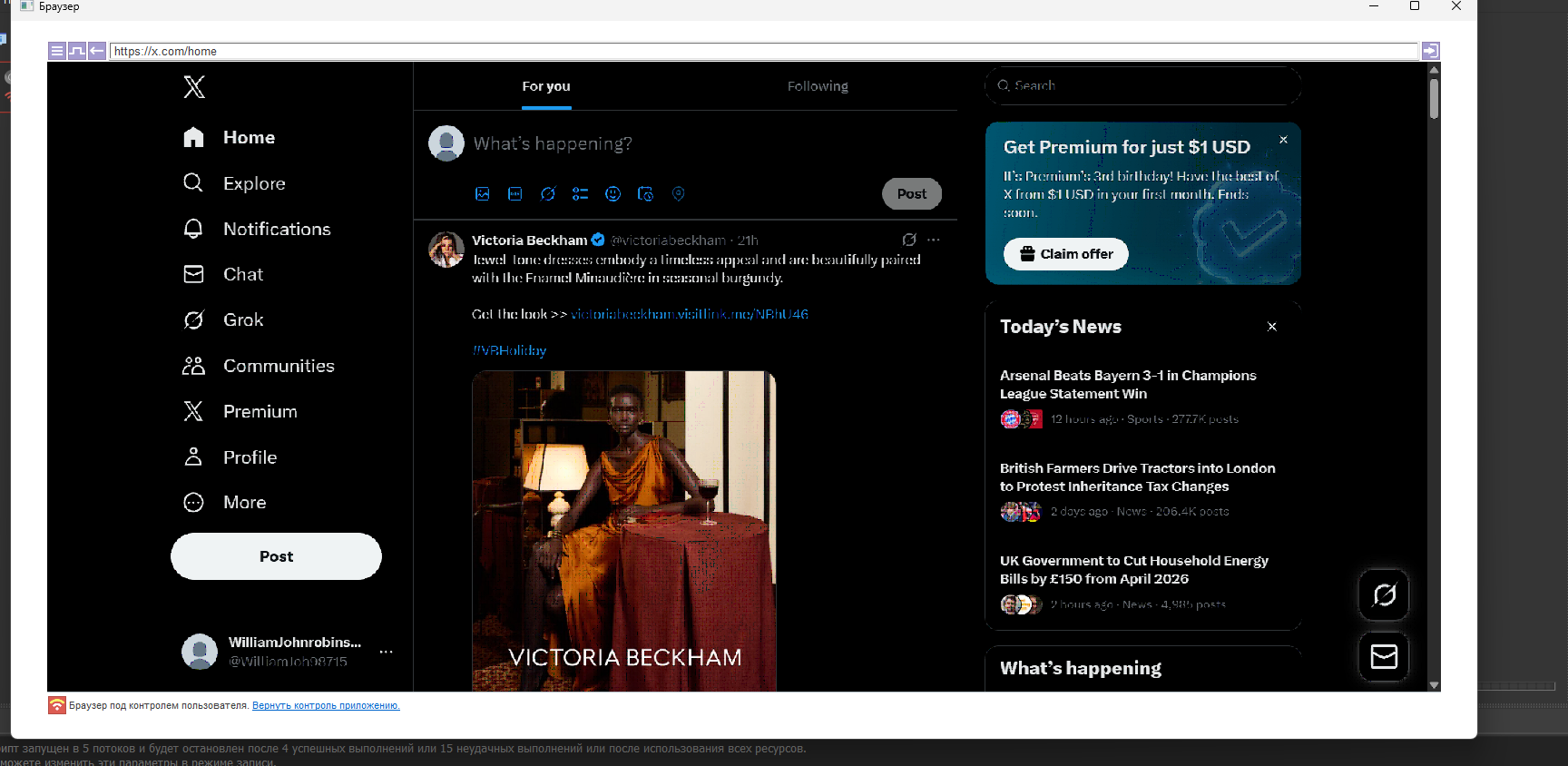
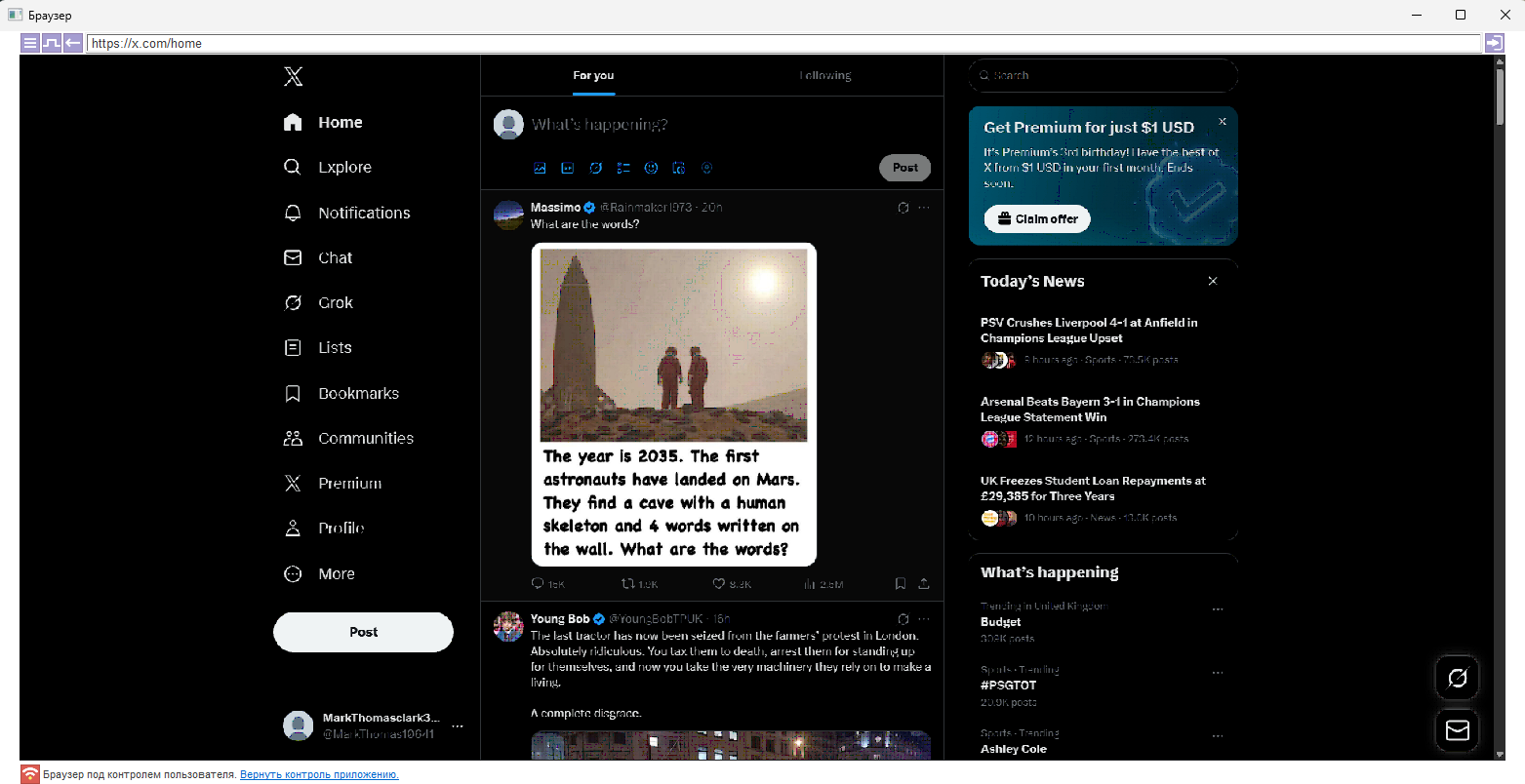
Yes, I can't always register an account; the success rate is around 70%. But I still manage to register them. Apparently, registration success is influenced by a combination of parameters, such as the fingerprint and proxy.
Also, try using PerfectCanvas. -
My problem is that I constantly get an error like the one in the picture. When I use a fingerprint, I get this error, but if I don’t use it, there’s no issue — however, after I enter the email verification code, it sends me back to the previous step.
-
have the same issue. Any news for how to fix it?
-
After three months of in-depth analysis, we’ve completely resolved the castle_token issue. castle_token is a real headache. @m4zuper
You need to make a major update to BAS. castle.io can bypass BAS directly and detect the computer’s original fingerprint.
The problem is that the BAS fingerprint system only works for page load.
However, castle.io opening a new worker and retrieving the fingerprint from there bypasses all of BAS’s fingerprint manipulation systems. -
If I had to explain this briefly, think of it this way—my English isn’t very good.
BAS > x.com > page load fingerprint is active (meaning BAS has injected the fingerprint) > x.com loads a JavaScript chunk (3 different modules) > the module (castle_sdk) starts a new worker (this works on the principle of launching a new browser) > it can directly access the computer’s original canvas and readpixel data. -
https://github.com/gelistiricitr/castle-reverse
Here are all my works.
-
@makuma said in Twitter shows “Something went wrong” only when using FingerprintSwitcher — works fine without fingerprint:
My problem is that I constantly get an error like the one in the picture. When I use a fingerprint, I get this error, but if I don’t use it, there’s no issue — however, after I enter the email verification code, it sends me back to the previous step.
You received this error because x.com detected you as a bot and immediately prevented you from registering via email, requiring you to register using your phone instead.
-
@vntricky said in Twitter shows “Something went wrong” only when using FingerprintSwitcher — works fine without fingerprint:
@makuma said in Twitter shows “Something went wrong” only when using FingerprintSwitcher — works fine without fingerprint:
My problem is that I constantly get an error like the one in the picture. When I use a fingerprint, I get this error, but if I don’t use it, there’s no issue — however, after I enter the email verification code, it sends me back to the previous step.
You received this error because x.com detected you as a bot and immediately prevented you from registering via email, requiring you to register using your phone instead.
Please don’t spread misinformation. I’ve already explained everything in my message above; by spreading misinformation, you’re misleading people.
-
This post is deleted!
-
@tersinemuhendis said in Twitter shows “Something went wrong” only when using FingerprintSwitcher — works fine without fingerprint:
@vntricky said in Twitter shows “Something went wrong” only when using FingerprintSwitcher — works fine without fingerprint:
@makuma said in Twitter shows “Something went wrong” only when using FingerprintSwitcher — works fine without fingerprint:
My problem is that I constantly get an error like the one in the picture. When I use a fingerprint, I get this error, but if I don’t use it, there’s no issue — however, after I enter the email verification code, it sends me back to the previous step.
You received this error because x.com detected you as a bot and immediately prevented you from registering via email, requiring you to register using your phone instead.
Please don’t spread misinformation. I’ve already explained everything in my message above; by spreading misinformation, you’re misleading people.
I only explained how the error occurred. The root problem—the fingerprint detection—is beyond my expertise.
-
@vntricky The issue stems from the parent process leaking system fingerprints.
Although the browser modifies some features at the kernel level, unfortunately, the parent process leaks data such as canvas and readpixel for a worker. What I’m trying to say is that if the developer or developers want more information, they can DM me, and I can explain it in much greater detail. -
@tersinemuhendis Is it possible to bypass this using BAS or not?
-
evet bunu ben de fark ettim. tarayıcı kurcalandığını artık tespit ediliyor https://demo.fingerprint.com/playground https://iphey.com/#bot adreslerinden de kontrol edilebilir. Ancak araştırdığımda bunu çözmek çok zor puppeteer-with-fingerprints yerine tamamen veri sızıntısı olmayan motor kullanmaları gerekiyor.
Yes, I noticed that too. It's now detectable that the browser has been tampered with; you can check this at https://demo.fingerprint.com/playground and https://iphey.com/#bot. However, my research shows that this is very difficult to fix; they need to use a completely data-leak-free engine instead of puppeteer-with-fingerprints.