
@bizzymd The project can be found at:
C:\Users\UserName\AppData\Local\TaskScheduler\1.6.0\app\appslocal\...(etc)....\SID...(etc)....\engine\project.xmlHere you can find all projects that were created by scheduler.
Today the file /AppData/Local/TaskScheduler/1.6.0/app/appsremote/Botrs/SIDf5a71b35/engine/FastExecuteScript.exe|pid:31548,ProcessStart:134123687683107146
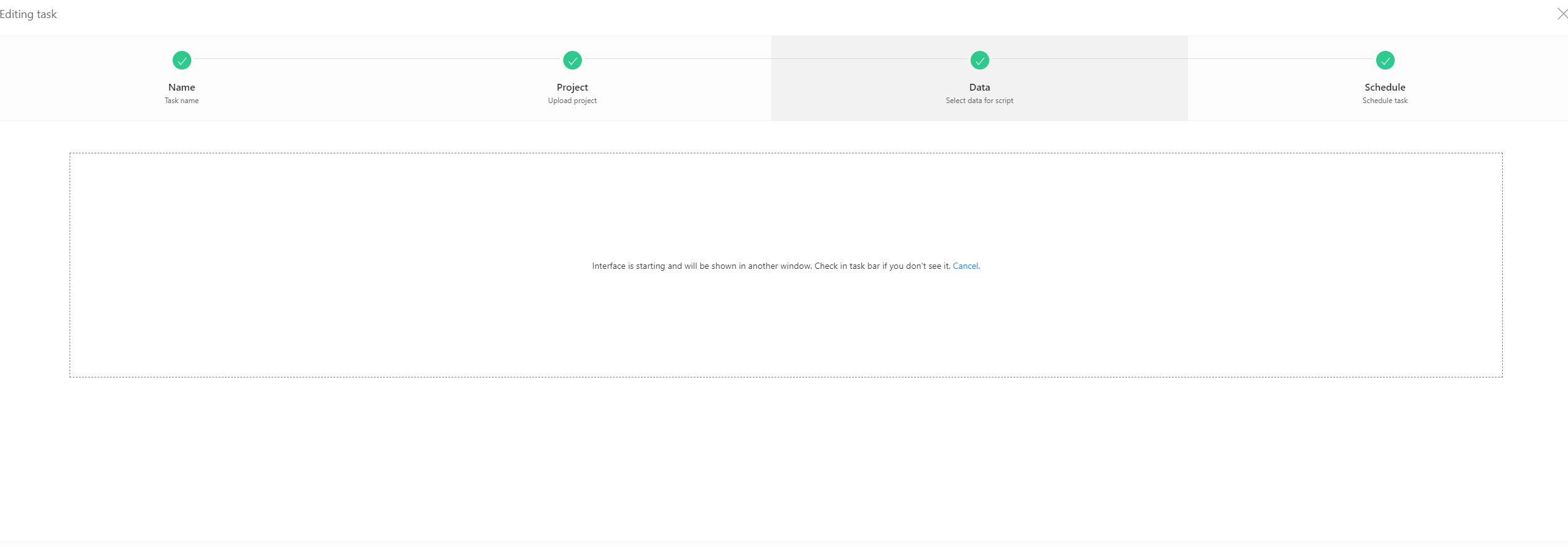
was blocked by Windows Defender. I allowed it as a permitted threat, but even so, when I open the scheduler and try to open the bot, it still gets stuck on the screen below. How can I fix this?
@to-nice Have you tried reinstalling it? If you have a lot of tasks, export them and try deleting the scheduler. You can download it from your personal account at https://bablosoft.com/personal/license/BASPremium
@Roy-Mustang No, I reinstalled BAS, but the problem persists. If I open the bot from the scheduler, the loading bar reaches 100% in a second, but then it doesn’t start.

