


@viper Write more details about what we are talking about
You paid for the FingerprintSwitcher key but it doesn't work?
Failed to connect fingerprint with key
-
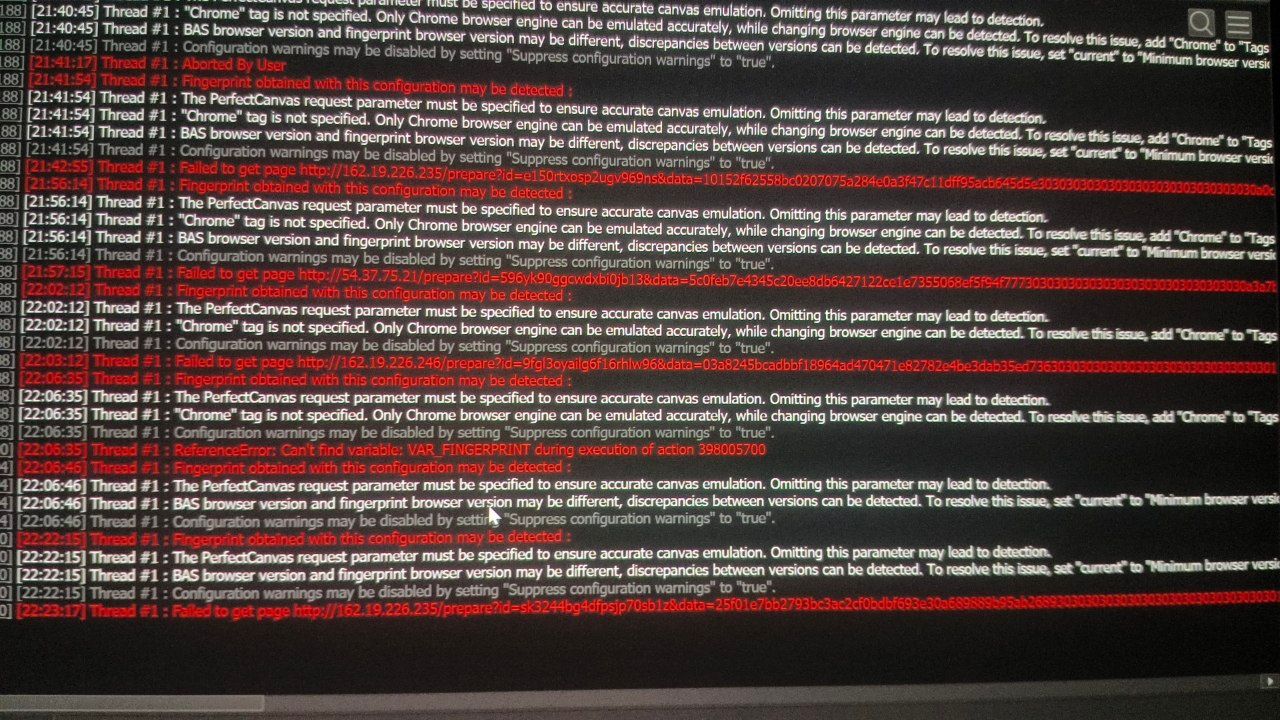
hi when i am doing the action get fingerprint using an key it always gives an error and say "Failed to get page http://54.37.204.14/prepare?id=0vwwauncnwtgfgo4l2oi&data=387c4f9*****" i paid 30$ for the key and its not working at all plz help me when i am using the action get fingerprint without the key it works smoothly but since thats free plan i only get 1 request in 3 mins.. i have attached the image
-
@tekken Good afternoon.
Such errors usually happen because of an unstable internet connection, blocked access to Bablosoft servers, or temporary issues with the service. I have just checked it, and fingerprints can be received successfully now
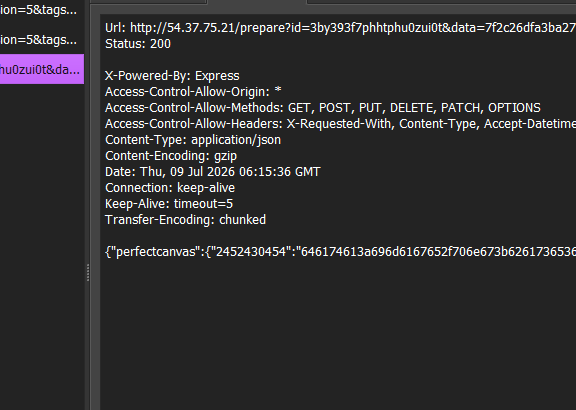
Сould you please confirm whether this issue is still happening?
-
@Moderator yes its still happening its like i have to send 200-300 request and only one of them is successful my internet speed is also good idk why is this happening i bought key 2-3 months ago it was so smooth back then
-
@Moderator no actually i used BAS after 2-3 months and just yesterday i bought the key so its happening from yesterday idk about before that but yes it was smooth 2-3 months ago
-
@tekken I understand.
Let’s also try linking your IP address to the key. This may help, although the chance is not very high. I will also try to check whether there are any issues on the server side at the momentPlease go to this page: https://fp.bablosoft.com/#keys
Enter your key, then enter your IP address in the corresponding field and apply the settings
-
@Moderator yes i have already done that i tried without it and with it but the problem is the same
-
@Moderator i installed the bas 2-3 months ago as i told earlier but yesterday when i opened it after long time it told me new update is available so automatically it updated to the latest version the one which has ai mode .. and no i havent downloaded any third party modules
-
@tekken We additionally checked the service together with another team member, and everything is working correctly on our side.
Could you please try enabling a VPN now and check the service again?
We have not received any other complaints from clients about the service over the past 2 days
-
@Moderator Hi i took a germany rdp and it worked so is the problem with my region? i tried my mobile data, wifi , my friend and relatives wifi and it didnt work but it worked smoothly in an germany rdp
-
@tekken Could you please let us know in which region you are currently experiencing this issue? If this information is confidential, you can send it to me in a private message
Some users experienced a similar issue when their internet provider was blocking requests to Bablosoft servers. In such cases, users contacted their provider and asked them to check whether access to our servers was being blocked
It is possible that in your case the issue is also related to restrictions from your provider or network
-
@Moderator sure plz check your dm
-
The issue was related to the user’s internet provider
After checking, we confirmed that the service is working correctly on Bablosoft’s side, and the error was caused by a restriction or blocked access to the servers from the user’s network
If anyone experiences a similar issue, we recommend checking the connection using a VPN and also contacting your internet provider to ask whether access to Bablosoft servers is being blocked