

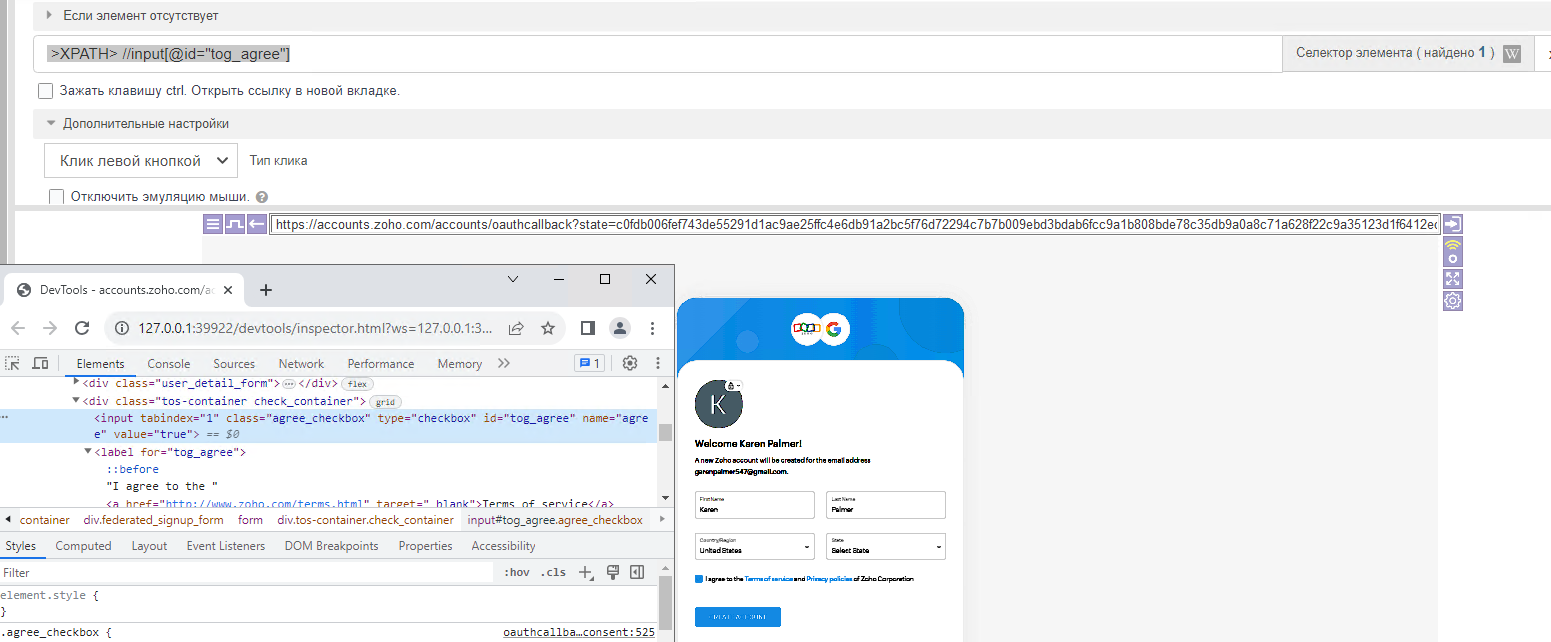

@rohitpateldgm
What version of BAS are you using?
What OS are you using?
Does this problem only occur with one project or with others too?
Please attach the project you are having the problem with to this thread or in a private message on the forum.
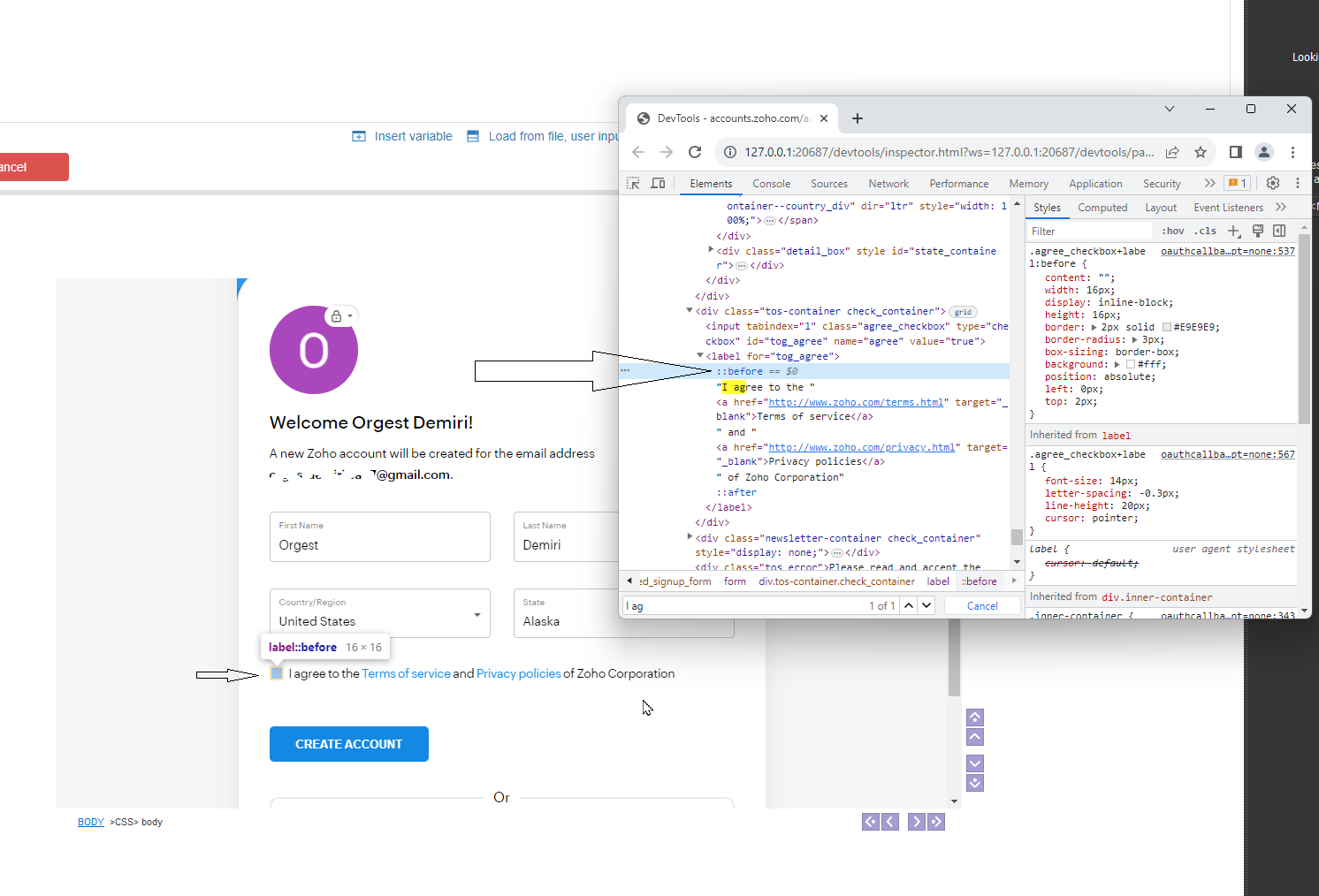
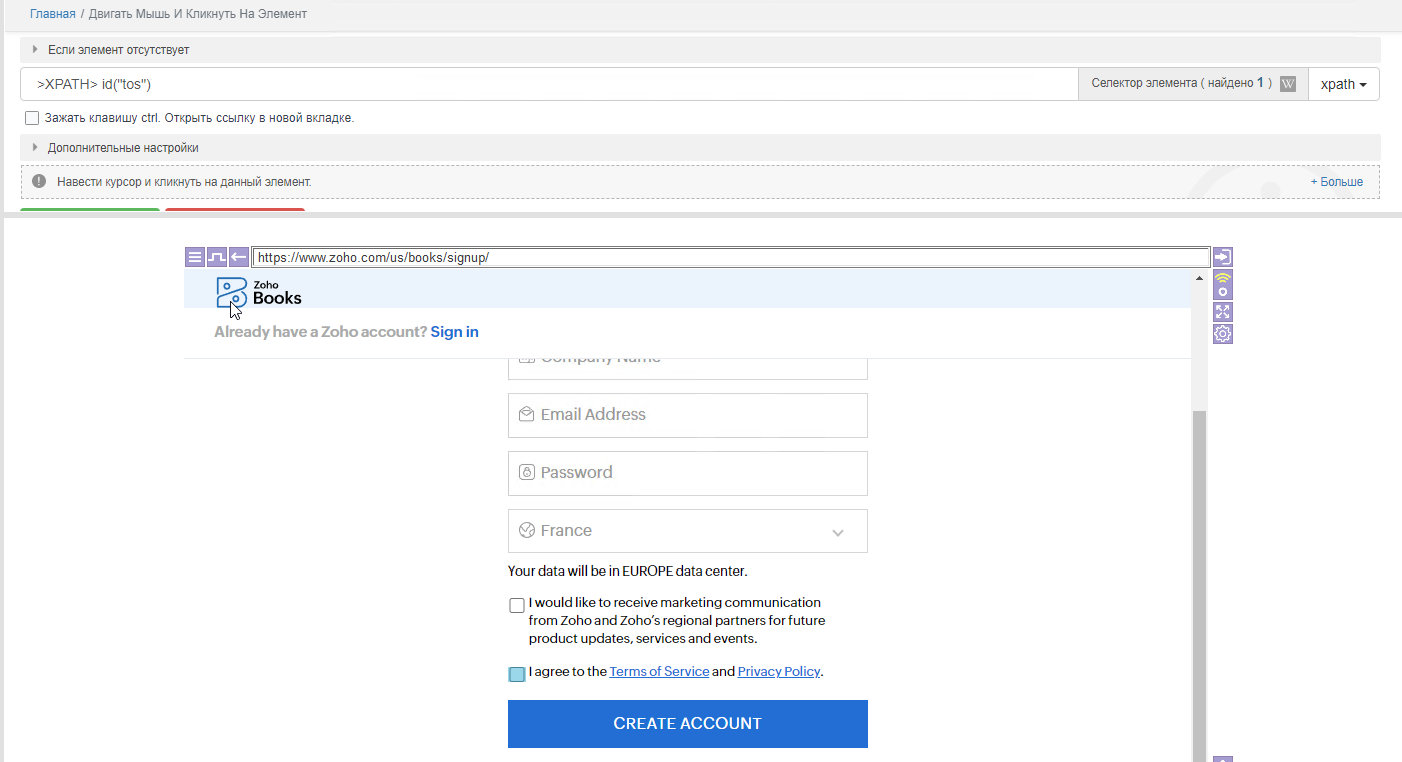
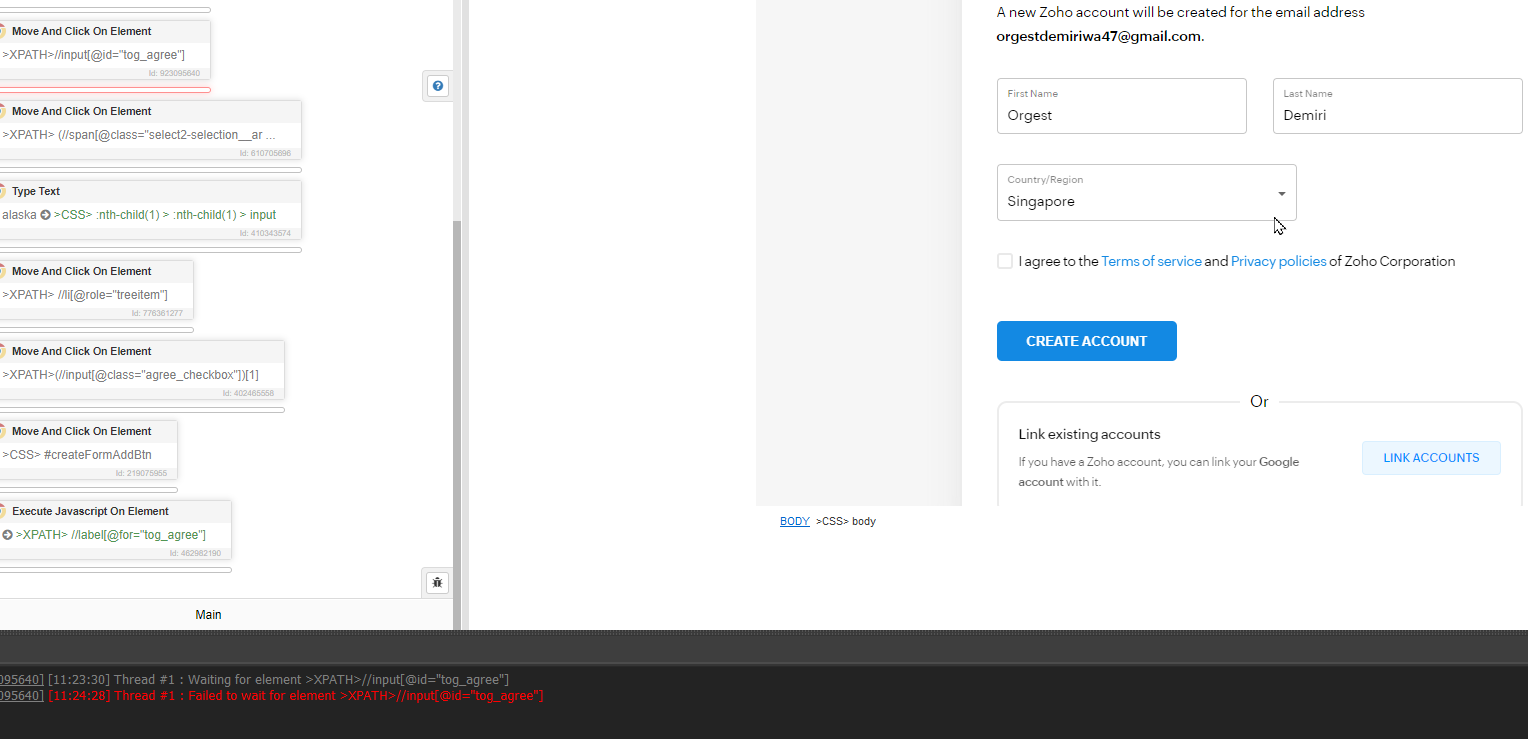
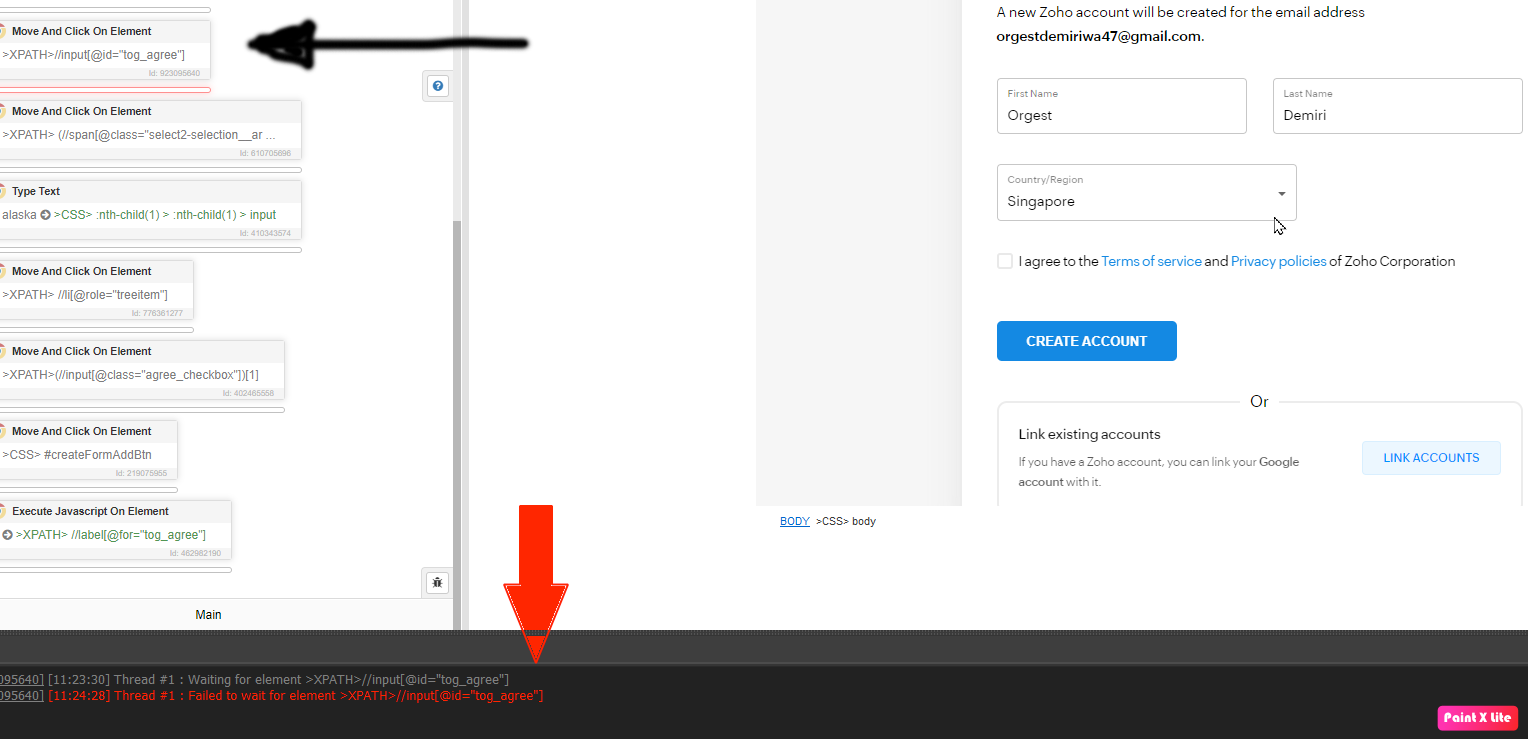
Bas is unable to click on Check box (I agree btn)
-
@DuckDuck Thanks for your response.
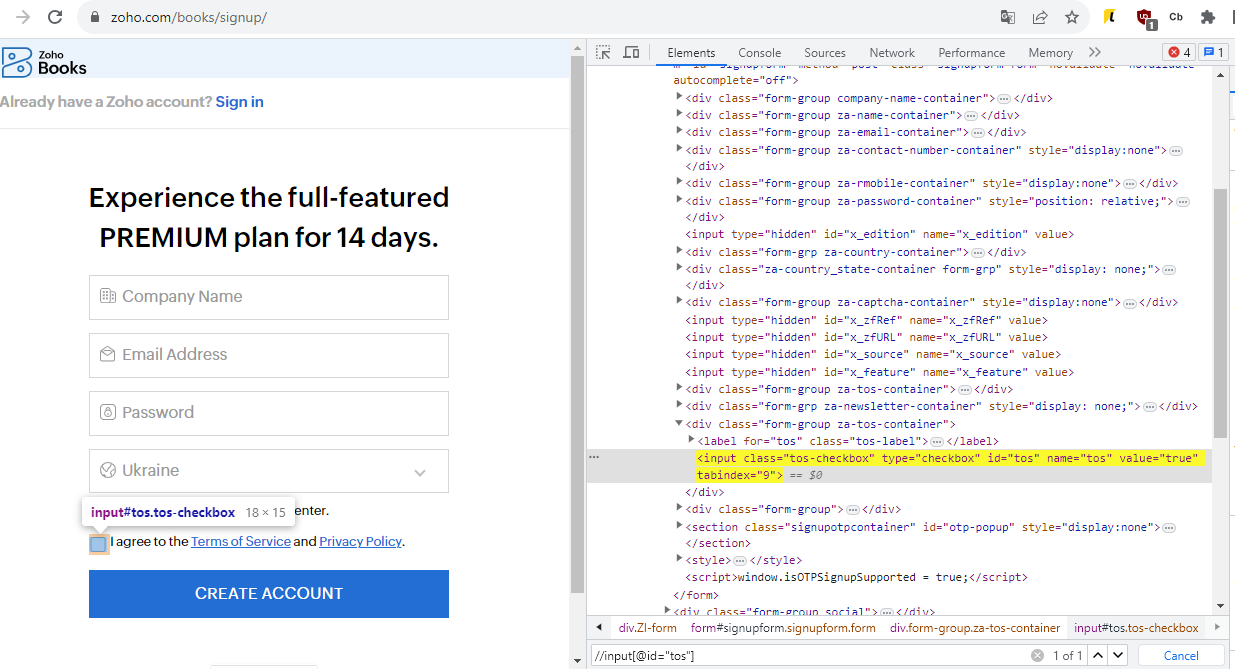
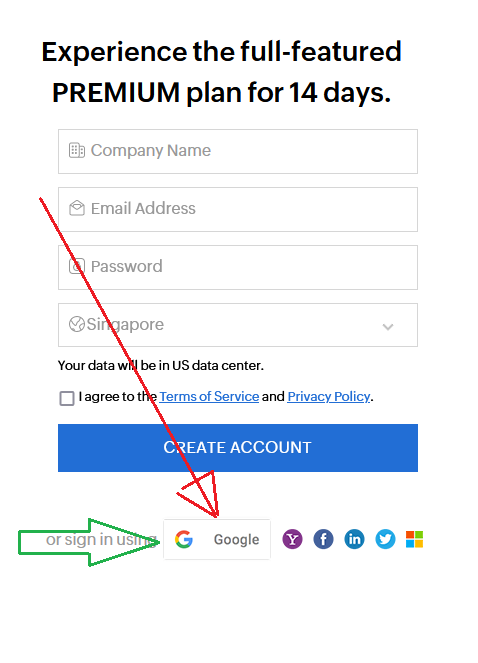
Looks like the image you share is not from https://www.zoho.com/books/signup
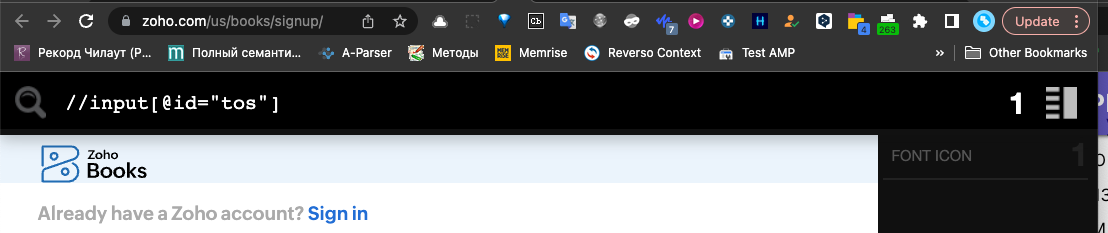
Cause I did not find your xpath (//input[@id="tos"].
https://prnt.sc/hmi2GczK9G3u -
Browser -> Javascript
I have tested it and it works.
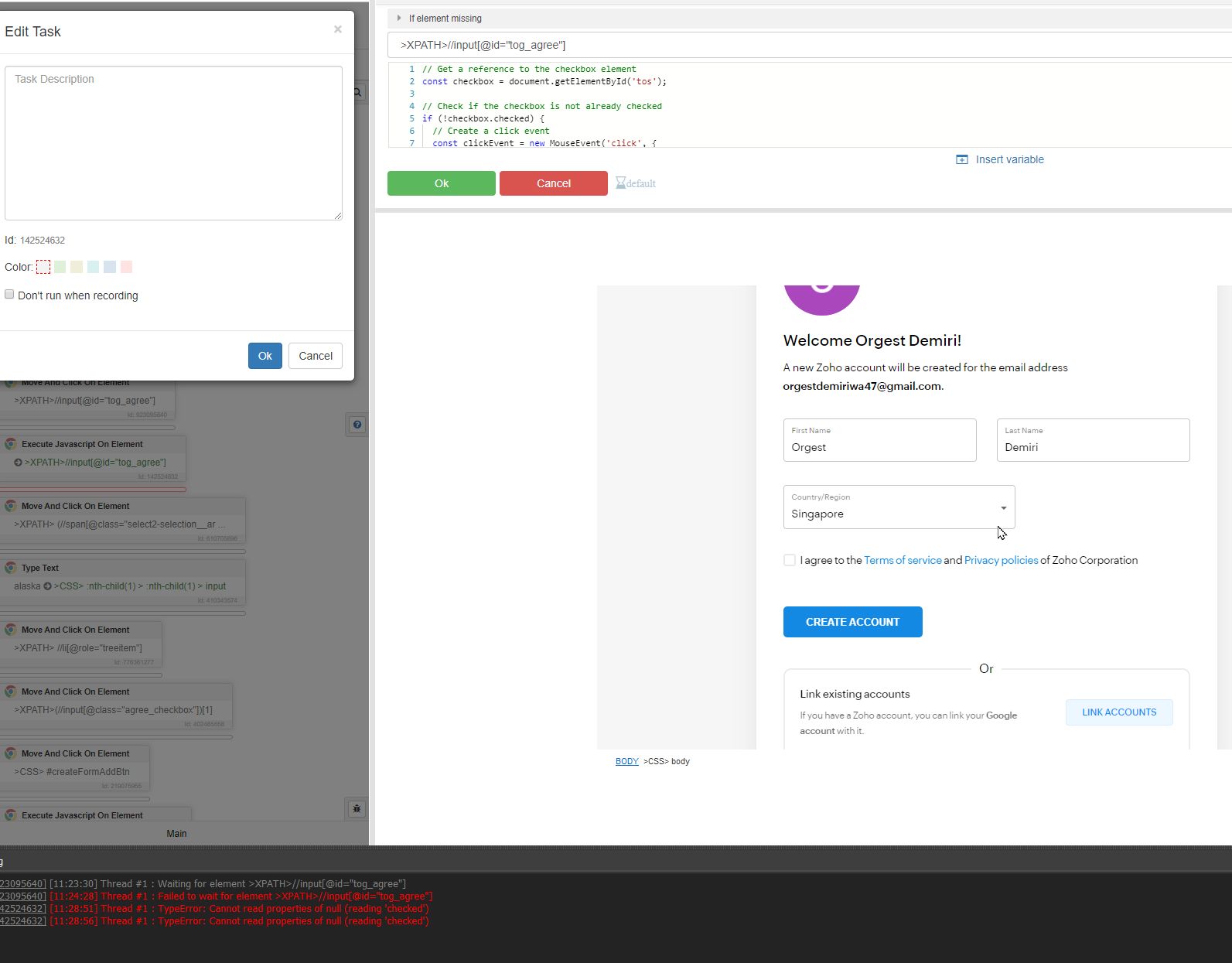
https://www.zoho.com/us/books/signup/// Get a reference to the checkbox element const checkbox = document.getElementById('tos'); // Check if the checkbox is not already checked if (!checkbox.checked) { // Create a click event const clickEvent = new MouseEvent('click', { view: window, bubbles: true, cancelable: true }); // Dispatch the click event on the checkbox checkbox.dispatchEvent(clickEvent); } -
-
@DuckDuck said in Bas is unable to click on Check box (I agree btn):
//input[@id="tog_agree"]
Both are not worked for me
When I search with //input[@id="tog_agree"] on Chrome developer tool this path only pointing the check box not selection the box. Please see the image attached.
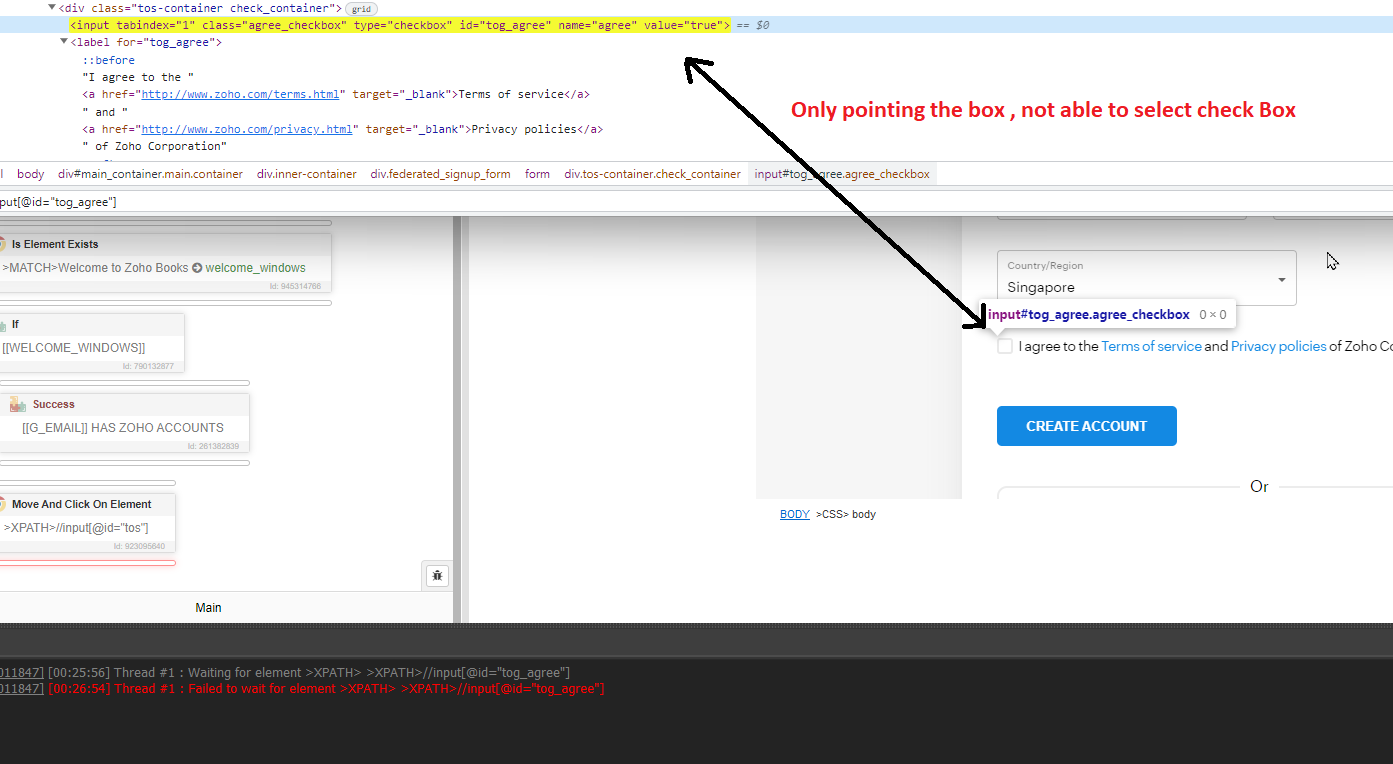
In the bellow Screenshot you can see when i hover the cursor on ::before == $0 its able to select the box, How can I use xpath for this?