

@korthresh
What version of BAS are you using?
What OS do you have?
Do you use a fingerprint when the problem occurs?
Does this happen constantly? Just on this page element or on other elements as well?
How can I replicate this intentionally? Are there any specific steps?
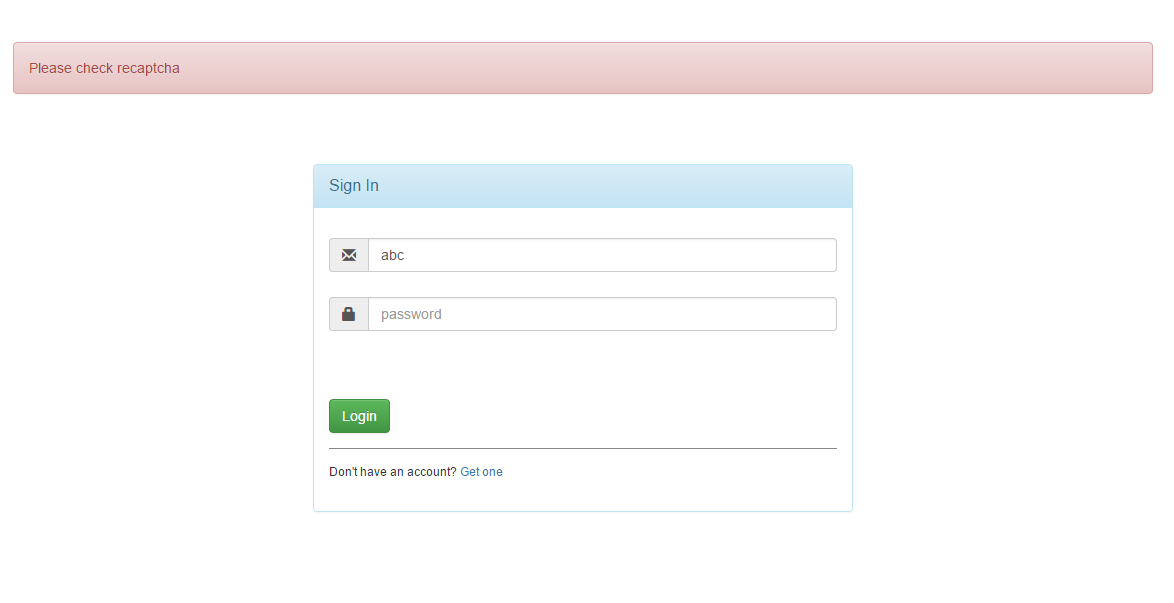
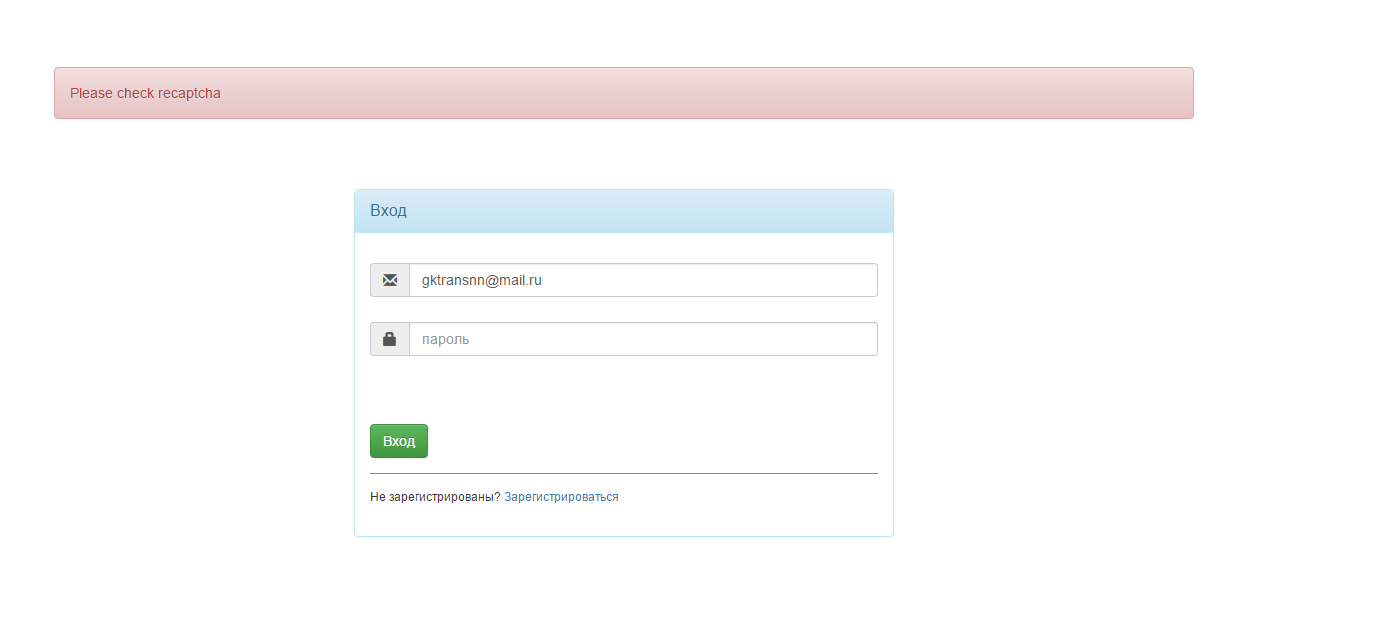
Error when using Bablosoft v2.0.0 software on windows
-
"Bablosoft v2.0.0" what is it? There should be a recaptcha, check your internet connection.
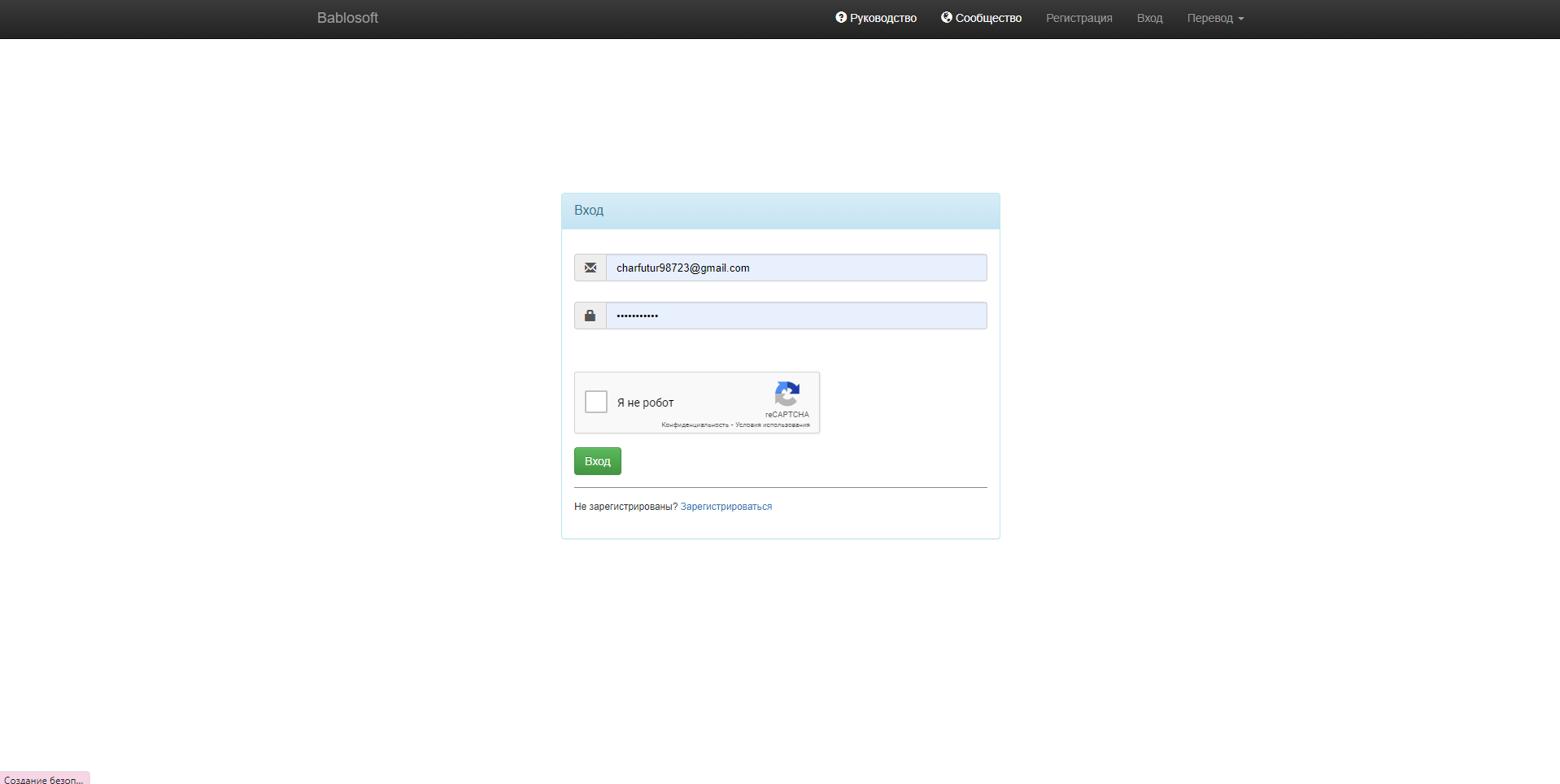
-
-
And what says the support of the software regarding the issue?
-
I reported this problem to the developer.
-
I've same trouble. Does anyone have a solution? I tried to reinstall app, use VPN but nothing helps me...
-
@armitage2256 said in Error when using Bablosoft v2.0.0 software on windows:
I've same trouble. Does anyone have a solution? I tried to reinstall app, use VPN but nothing helps me...
Which app are you having a problem with? Can you write its name or give a link to it in the bablosoft store?
-
@Fox In the main app Bablosoft.
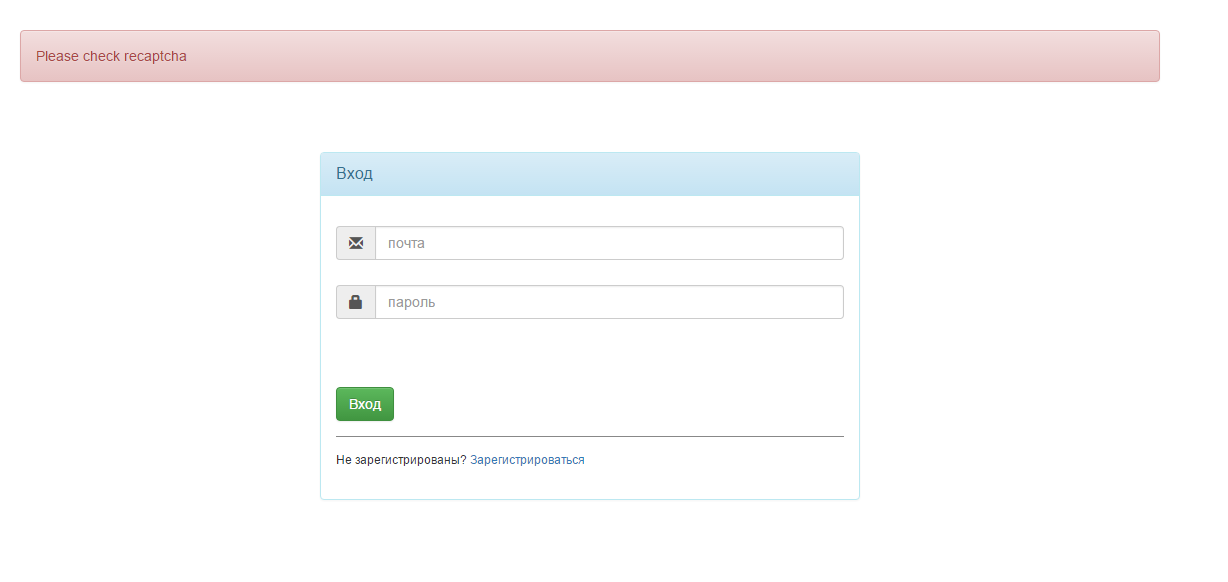
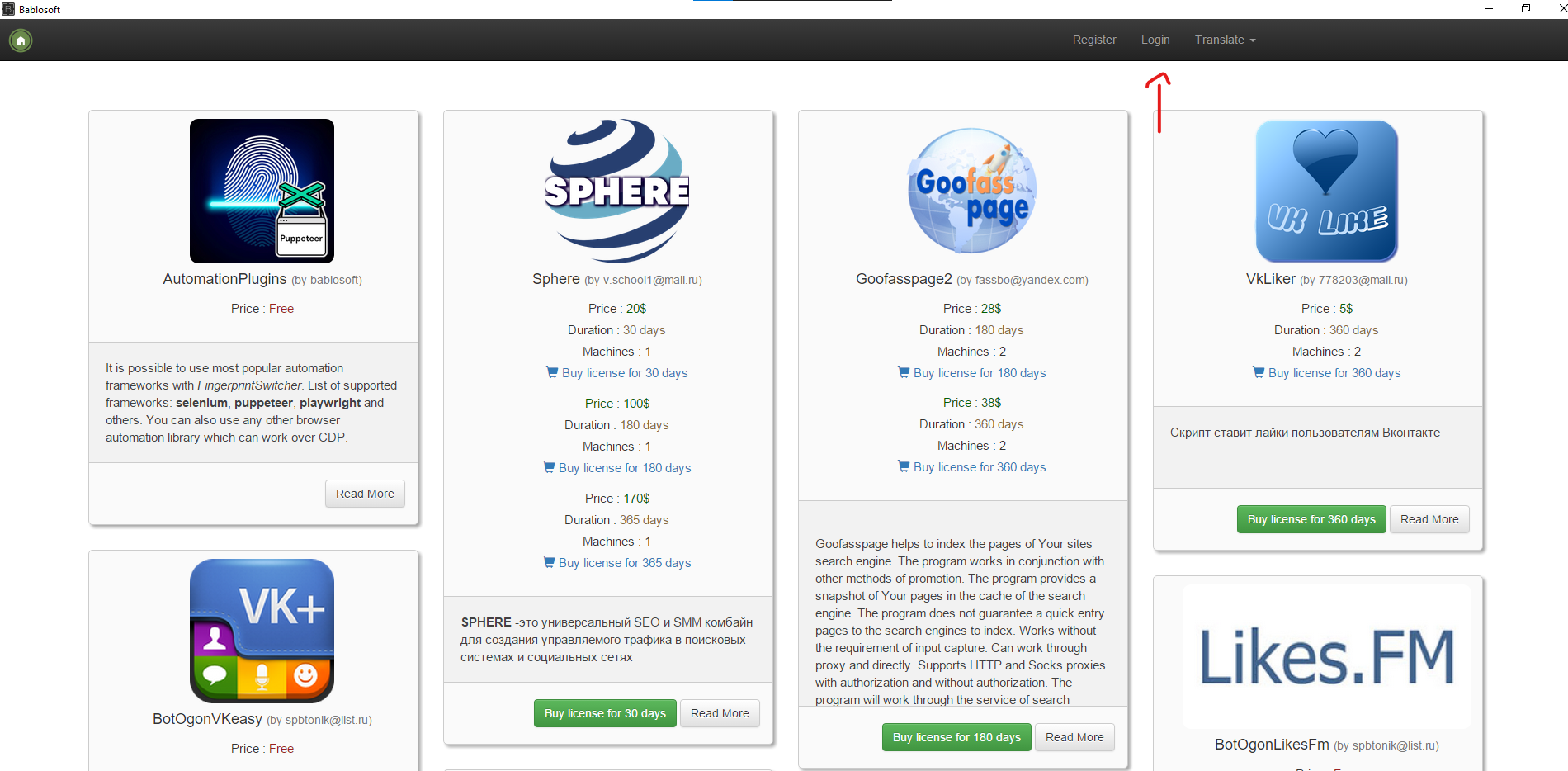
I downloaded it from https://bablosoft.com/, from this page:
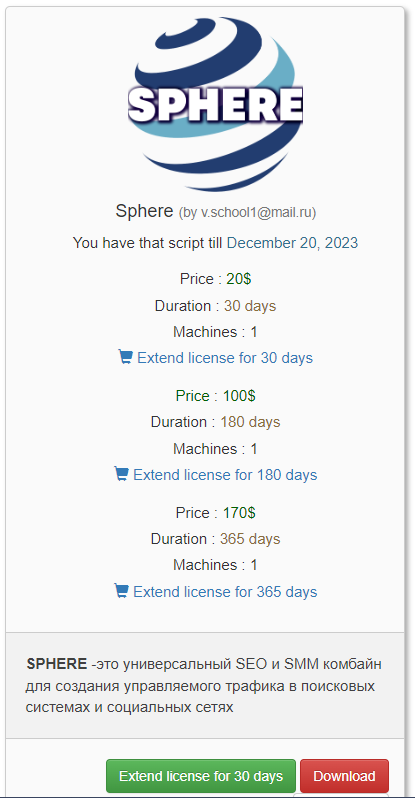
I tried to login from another pc, but it didn't work.
-
@armitage2256 said in Error when using Bablosoft v2.0.0 software on windows:
@Fox In the main app Bablosoft.
I downloaded it from https://bablosoft.com/, from this page:
I tried to login from another pc, but it didn't work.
Unzip the script and install it. At startup, enter the authorization data of the bablosoft personal account in which the script license was purchased: Sphere.rar