Does it support AWS - Amazon captcha ?
ANALYZING_PAGE - module for getting multiple selectors info and url info from page in one go
-
Name: ANALYZING_PAGE
Version: 2.1
Data:ANALYZING_PAGE2.0.zip
ANALYZING_PAGE2.1.zip
Source:
Do you agree to include your module in BAS: Yes.
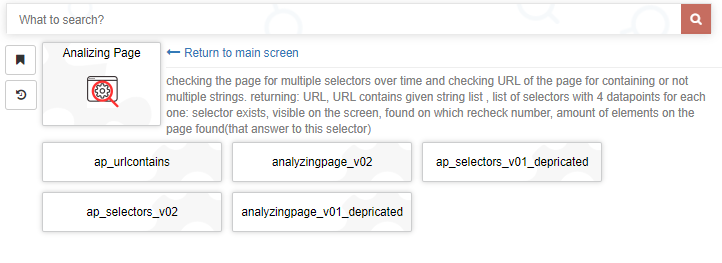
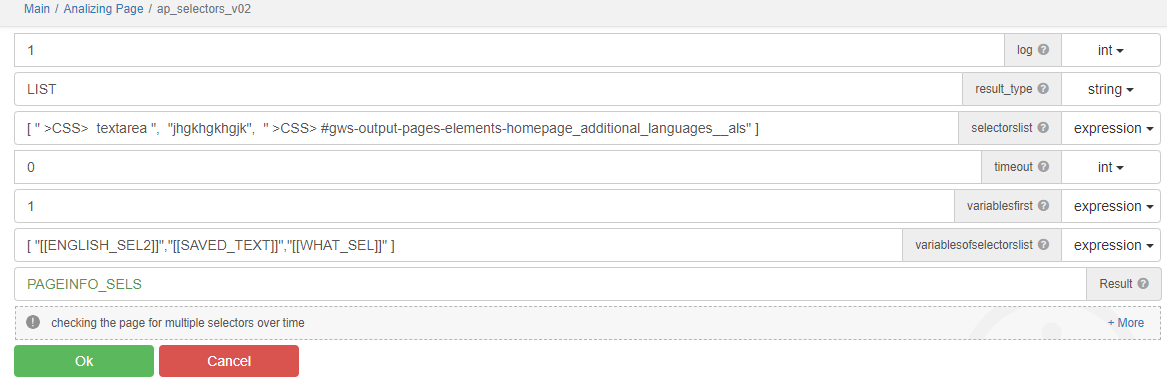
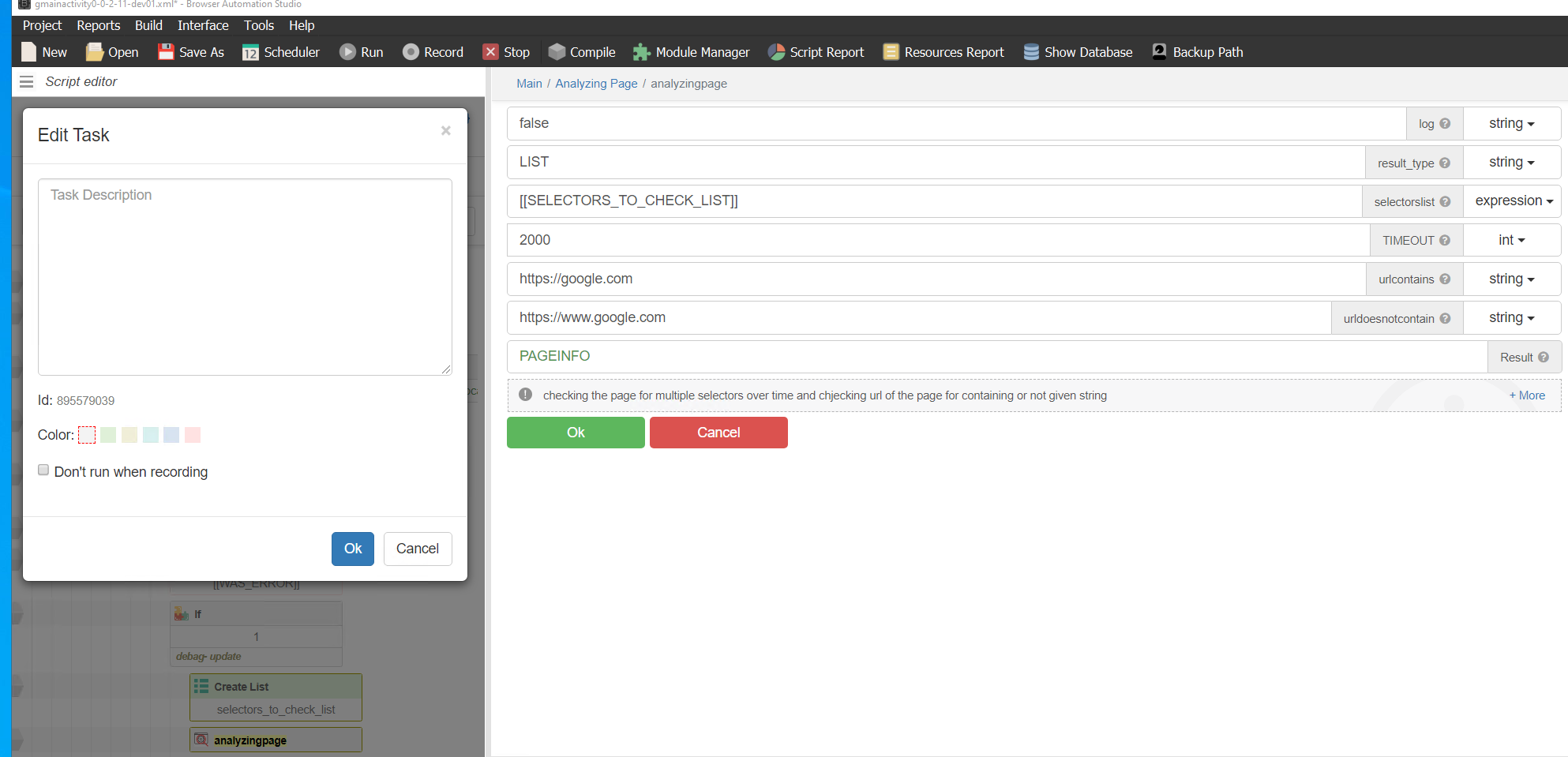
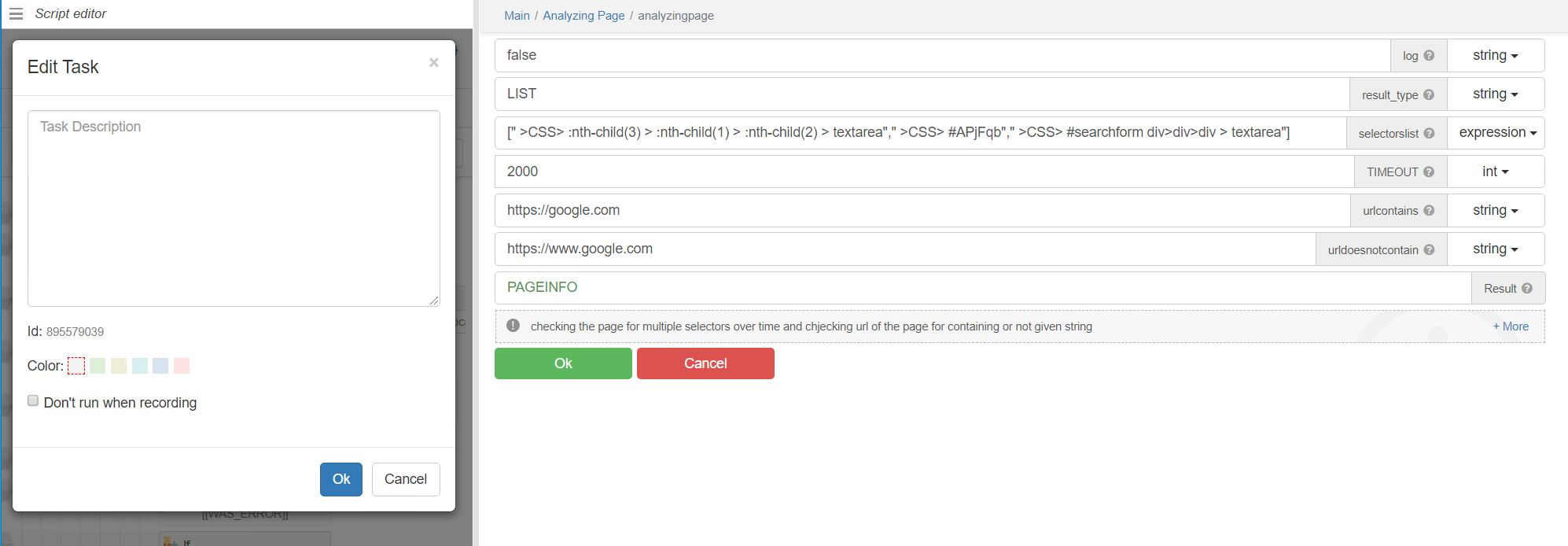
Description: checking the page for multiple selectors over time (different from modules of other users in that it doesn't stop analizing the page after first found selector) and checking url of the page for containing or not given strings.
Getting all needed information in 1 action.
Useful in finding and checking selectors and debugging scripts for multiple profiles.
Can help identify selectors that are not available immediately on page load.
Module is created with BAS and minimal JS.There is 3 actions:one returns only selectors info and other only url's info and other url' and selector's info
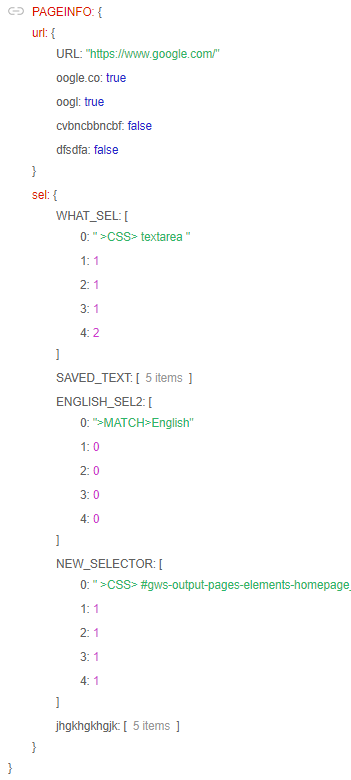
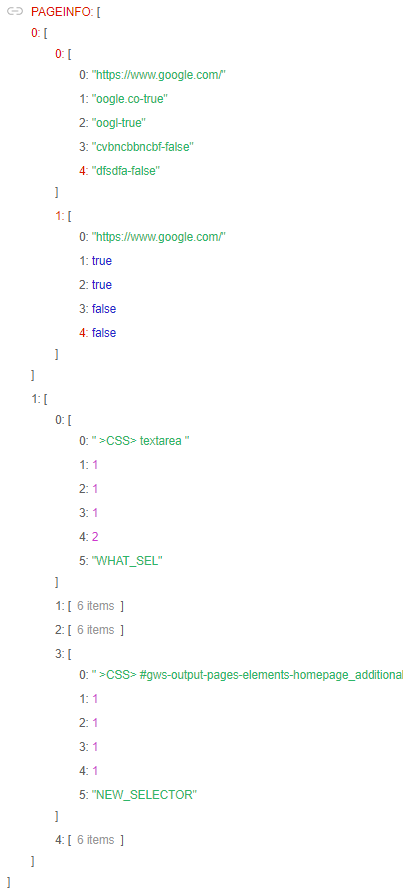
Returning: URL, list of results URL_contains_given_strings ,list of selectors with 4 datapoints for each one:- selector exists
- visible on the screen
- found on which recheck number
- amount of elements on the page found(that answer to this selector).
Possible to turn on or off logging of state of selectors every iteration (every 100 ms)
Output could be OBJECT (for advansed users), LIST (of lists) or JSONstring .
Examples of ouput:
JSON:

OBJECT:

LIST(array):


Changelog: -
Thanks.
If i may suggest one idea to improve: instead of url doesn't contain, make option to include list of strings in the urlcontains.
Thus the result would be easy to check with if result conains "string-true" or "string-false" and will be able to check multiple options of url at once. -
-
was asked in russian thread to give usage example for debuging
here is the answer:
In script creation, when looking and testing selectors on dynamic sites (such as Google and social networks), you may need to navigate through multiple screens and perform various checks. When you find a selector that seems suitable, and you deploy the script to run on 500 profiles with different fingerprints and accounts, you might encounter many 'selector not found' or 'failed to wait for selectors' errors.In such situations, it's not always clear whether the issue is due to a specific fingerprint or account, or if the script didn't wait long enough for the selector to appear. Additionally, it might be unclear on which screen the error occurred. In these cases, it's possible that other selectors for the same element are present, and you may need to adjust the logic accordingly.
Putting the actions from this module in all suspected places and logging the results would help in figuring everything out in one action, instead of checking each thing one by one. For example, determining the current URL, checking its content, verifying the presence and visibility of selectors, and experimenting with extended waiting times could all be addressed together. This approach is more efficient than tackling each aspect individually, such as checking: Is this selector present? Is it visible? If I wait longer, would it be present? Maybe the selector, in this case, has too many elements and thus can't pinpoint one?

-
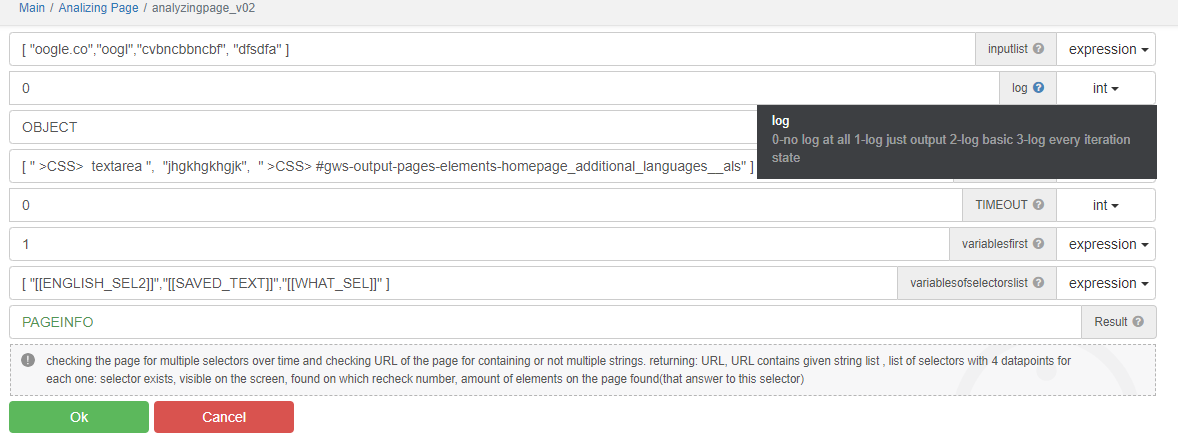
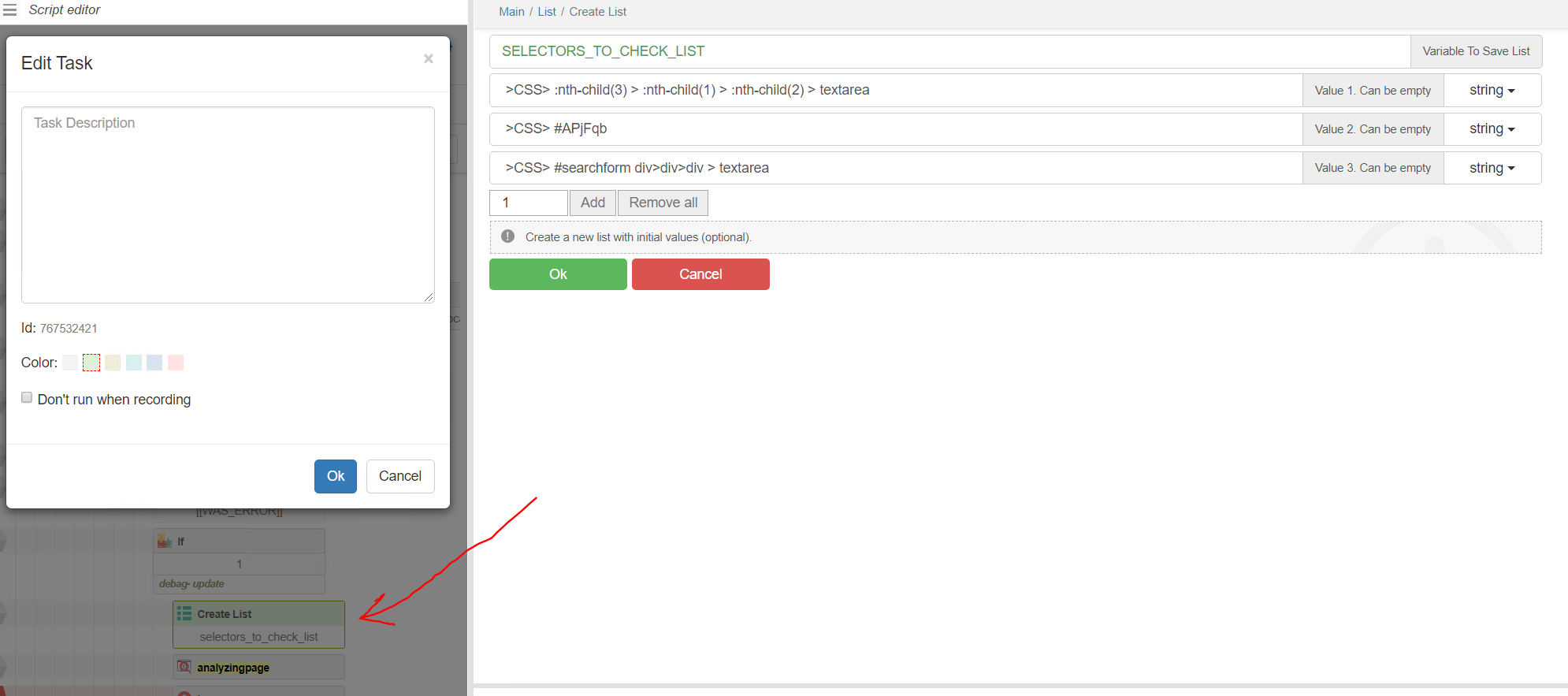
Or create list action and insert the variable with the list like in the screenshots
or just make the list in the input like this [" >CSS> :nth-child(3) > :nth-child(1) > :nth-child(2) > textarea"," >CSS> #APjFqb"," >CSS> #searchform div>div>div > textarea"]


-
Version 2.0 updated at the start of the thread:
Added ability to check multiple strings in the URL with clear true/false result.
Added display of variable name for each selector in results (best used with Saveselector action).
Enhanced logging capabilities.
Added option to group selector results by selectors or variable names storing them.