


@Roy-Mustang ohh okay i see.. i will try agaain brotherrr
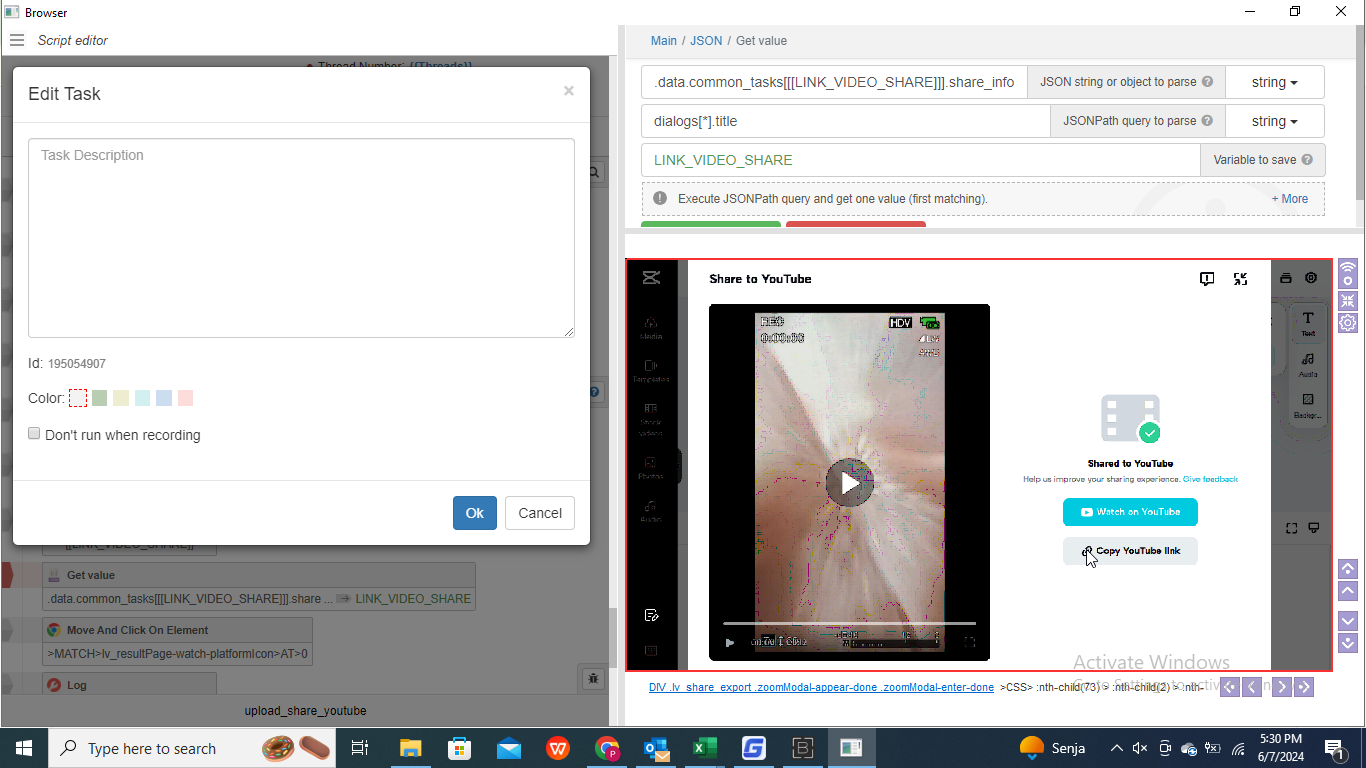
How do I copy the YouTube link and display it in the results, please help
-
-
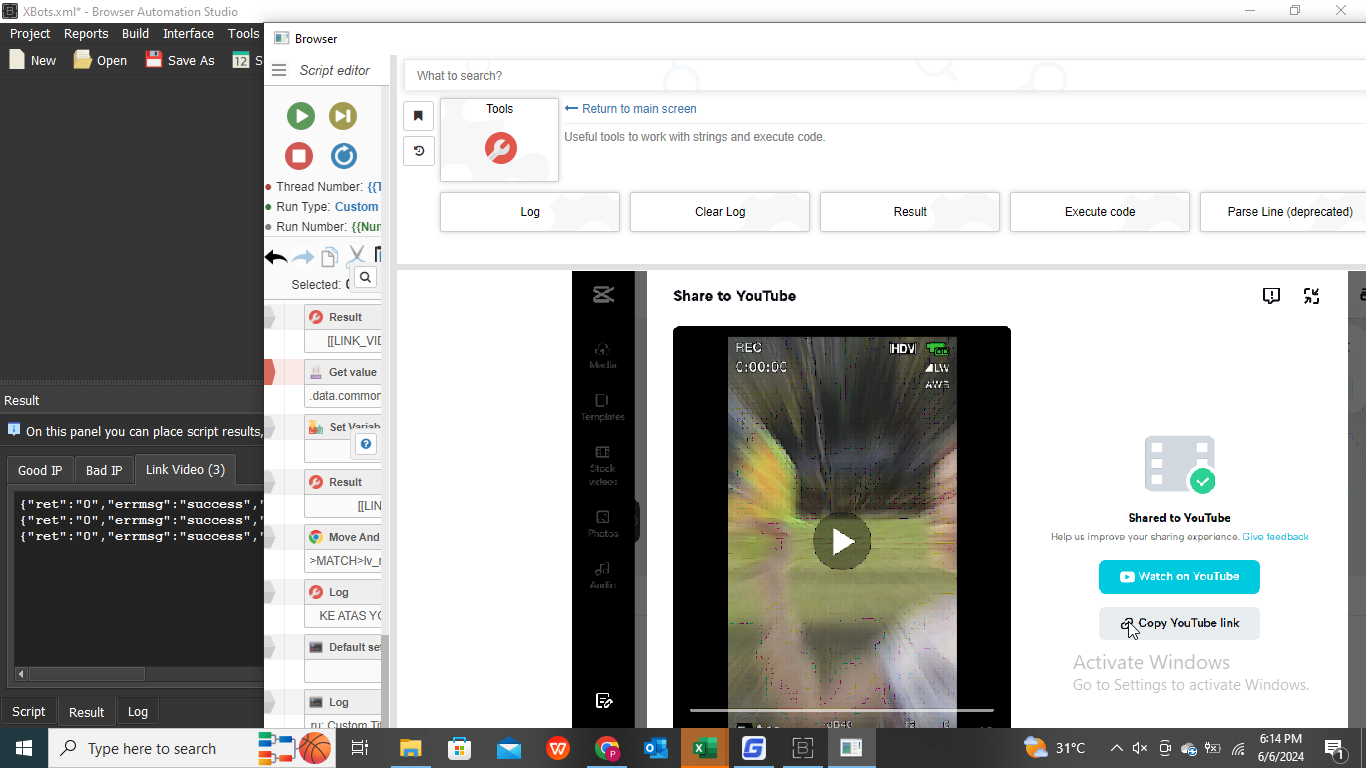
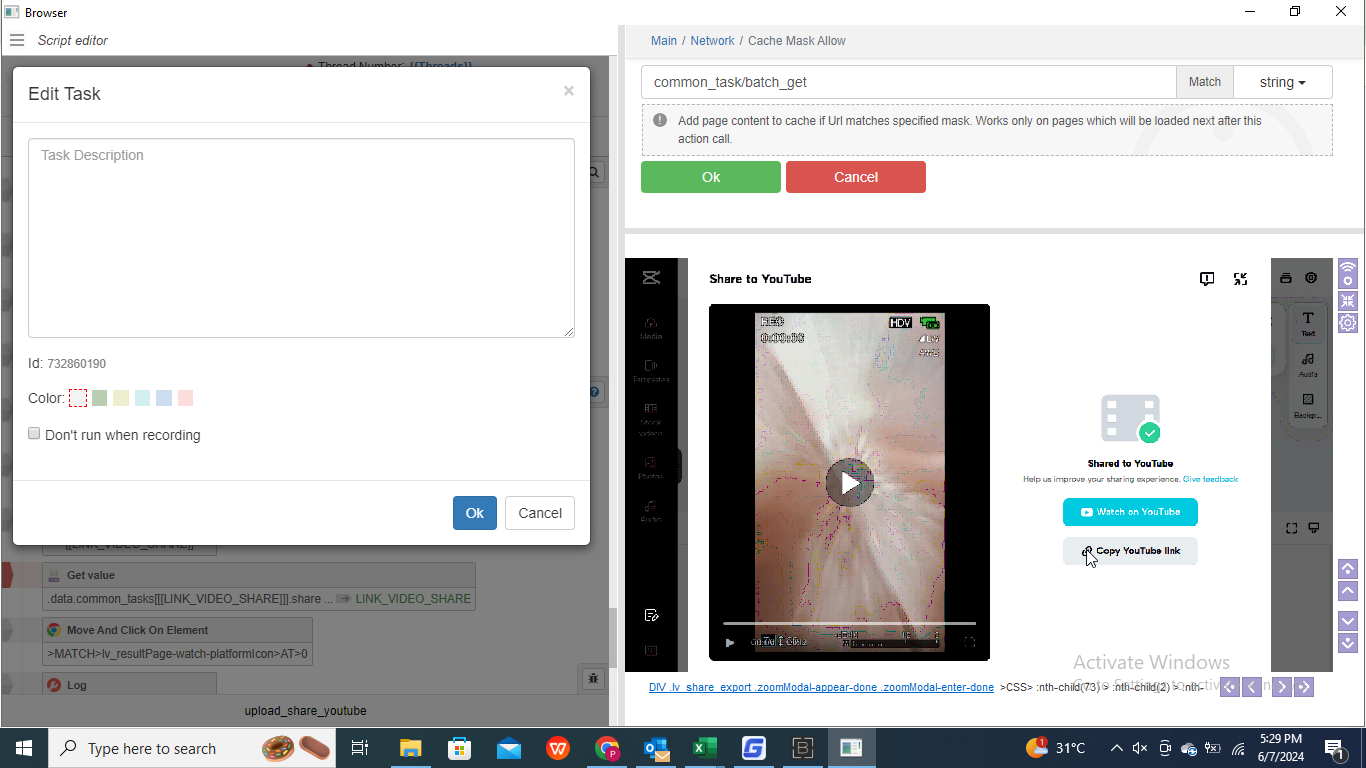
- "Cache Mask Allow" before exporting Video
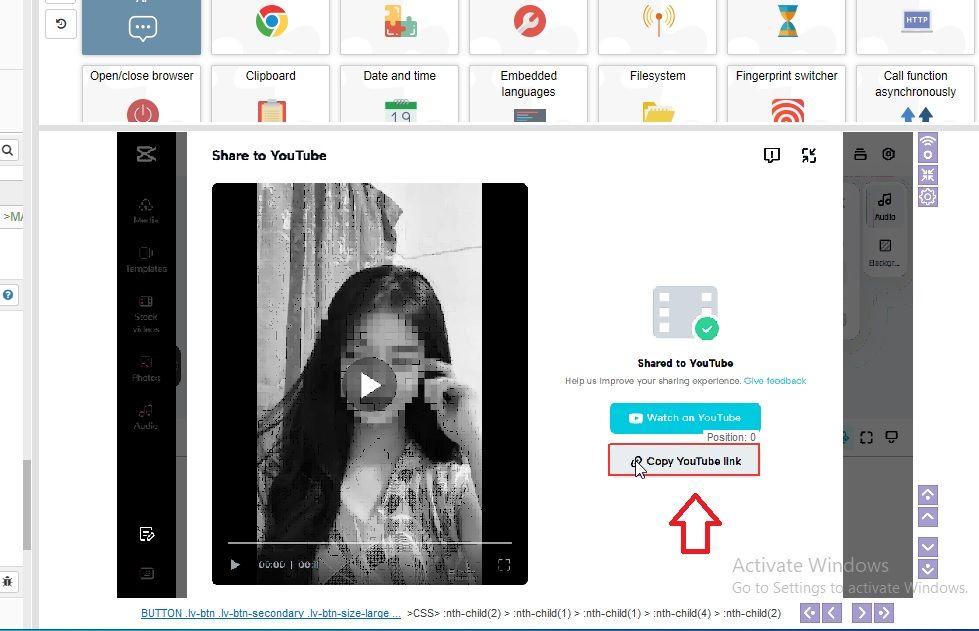
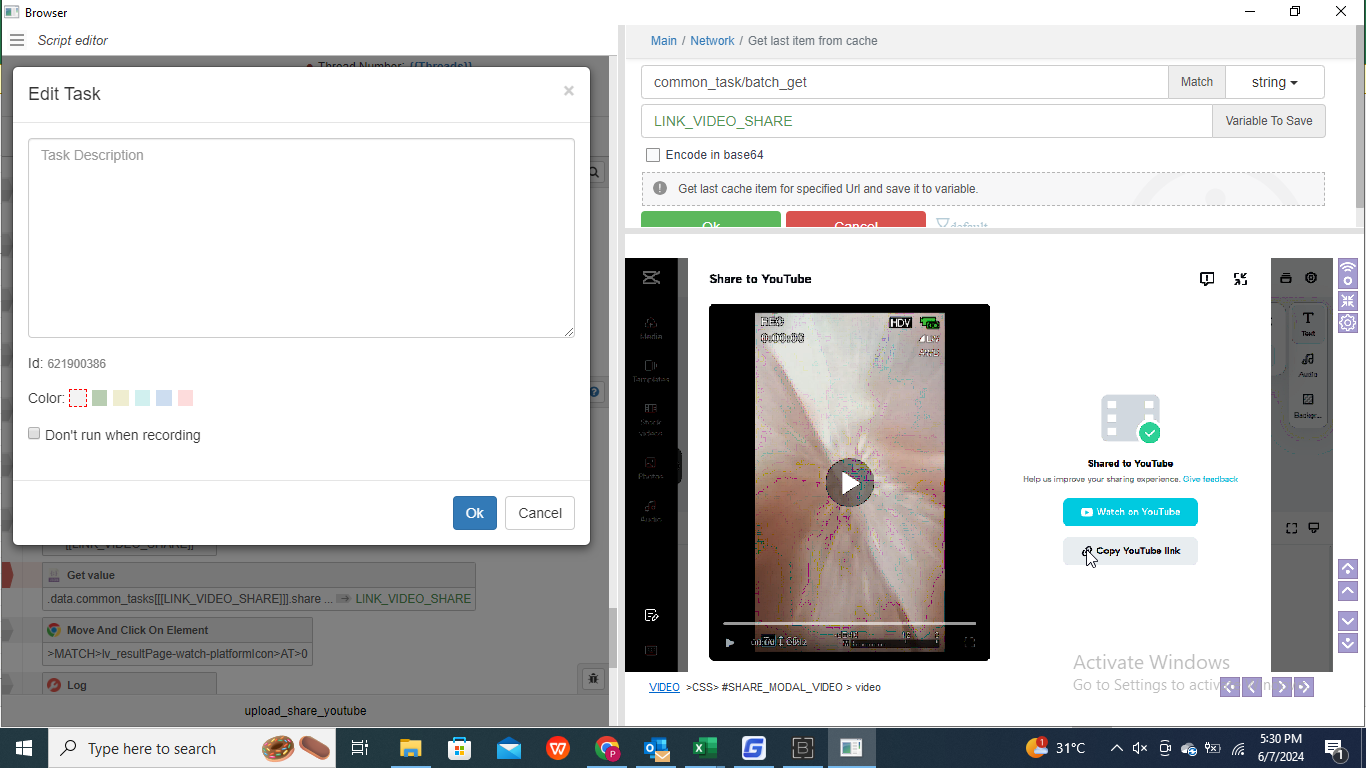
common_task/batch_get- After the "Copy Youtube link" button appears -> "Get last item from cache"
common_task/batch_get- "Get Value" JSON with JSONPath
.data.common_tasks[0].share_info.platform_link=> Youtube LINK
//// I never use "Clipboard"
💻 Work with Reputation, Speed, and Quality
🤙 Telegram : https://t.me/basvietnam
💻 Website : https://basvietnam.com/
📞 WhatsApp : https://wa.me/84973590048
🎦 Youtube : https://www.youtube.com/@basvietnam/videos -
@BAS-Viet-Nam I'm sorry, I fell asleep last night, ok, thanks bro for the answer, as soon as I have free time I will, once again thank you bro
-
-
-
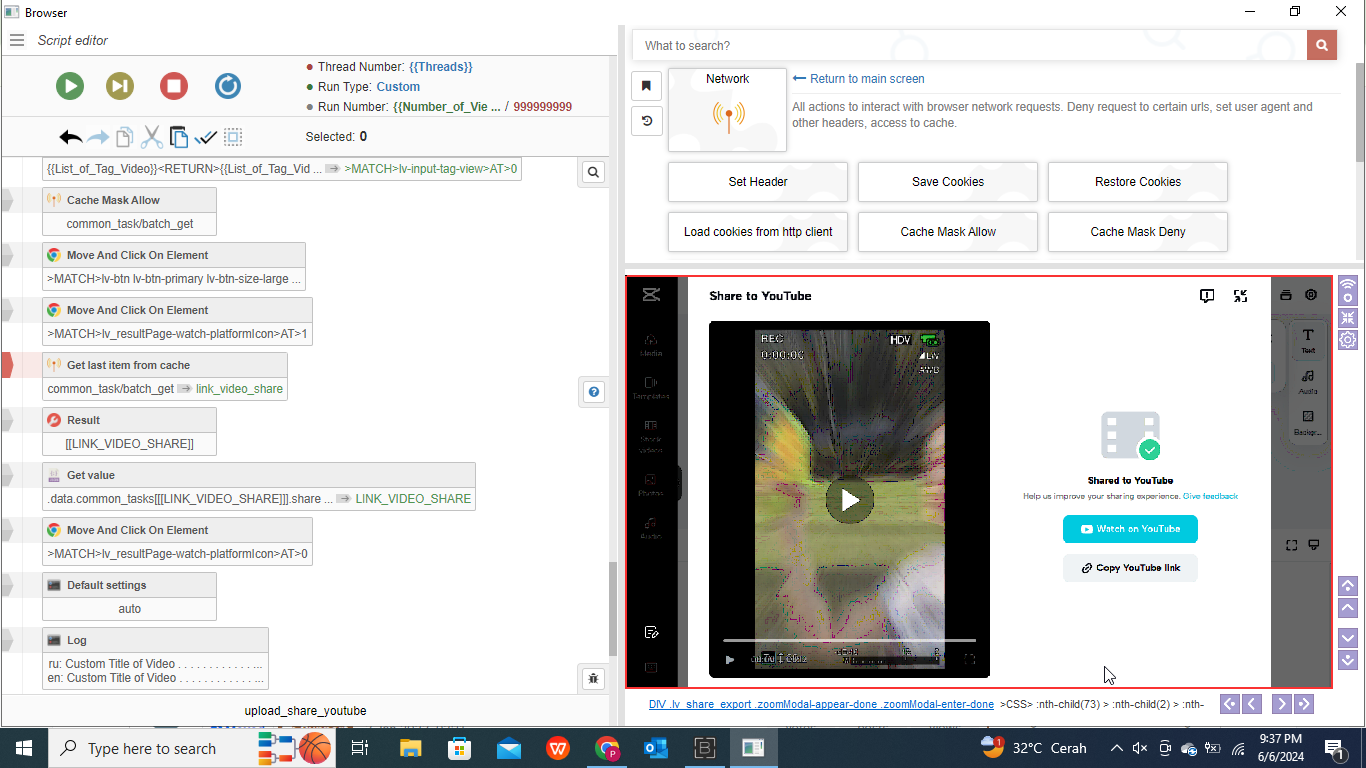
I'm sorry sir, this is more or less my implementation this year, is there still something wrong sir?
"Cache Mask Allow" before exporting Video
After the "Copy Youtube link" button appears -> "Get last item from cache"
"Get Value" JSON with JSONPath