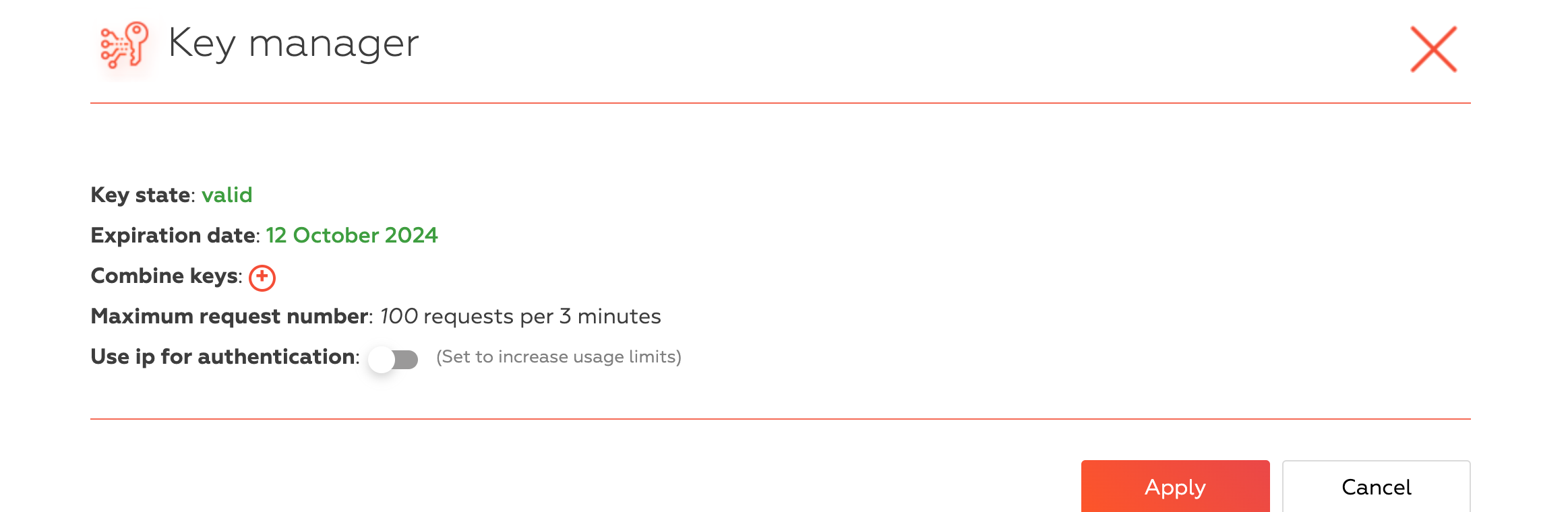



@bebetter said in How to Manage API Key Usage in Multi-Threaded Tasks with BAS:
Can we return the API key back to the resource after finishing a thread?
You don't need it. Just set the usage count of the resource when you create it.
General topic with questions and answers about the new algorithm for applying a fingerprint in BAS
In BAS version 27.7.0 they introduced mandatory use of active FingerprintSwitcher key when applying a paid fingerprint. That is, to use even a paid fingerprint downloaded and saved to a file, you must specify the FingerprintSwitcher key. The rule was introduced because of the massive problem of fingerprint resale.
To get and use free fingerprints you don't need to enter the key.
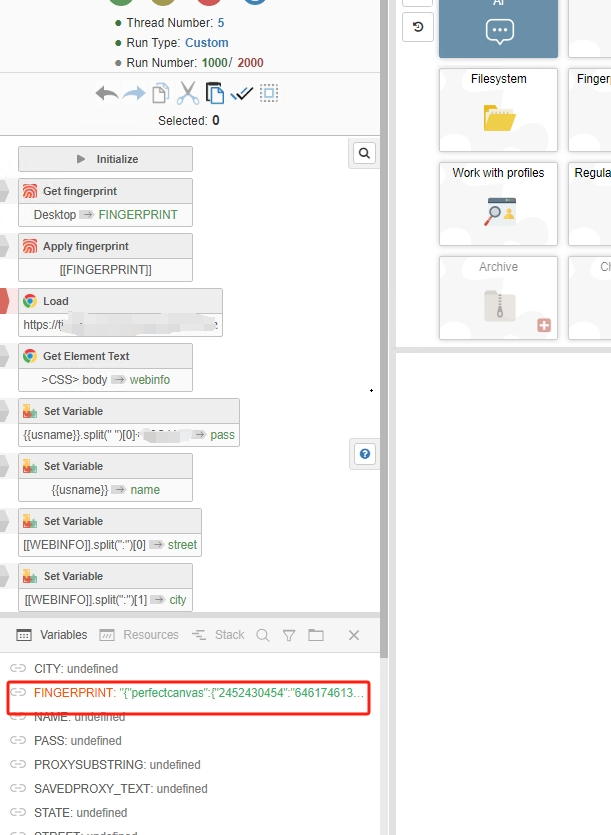
In the actions that apply the fingerprint "Apply fingerprint", "Browser Settings" and "Create or switch to regular profile (deprecated)" a new "FingerprintSwitcher key" field has been added to enter the key.
For convenience, two new actions have been added to the "Fingerprint switcher" module:
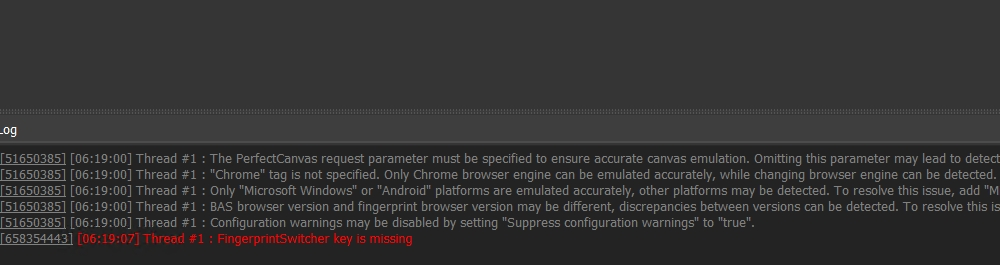
To summarize: If you receive the error "FingerprintSwitcher key is missing", then you need to put the active FingerprintSwitcher key in this action.
Clarifications (I will replenish them):
FingerprintSwitcher module)U cant use fingerprints without key even jf they are saved in files. Its nee update from 28 ver
[94309422] [15:45:12] Поток №3 : Произошла ошибка : FingerprintSwitcher key is missing
[94309422] [15:45:15] Поток №4 : Произошла ошибка : FingerprintSwitcher key is missing!
Screenshot 2024-09-22 at 12.47.25 PM.png
what's causing this error?
@salomeklaji please read the topic
i still do not understand the use of override key
@genericname1 What do you mean?
As a developer, issuing business licenses to my clients, why am I not able to use my own business license while doing development and testing on BAS? Does not make sense that I have free business licenses I can use while developing but yet I am forced to get a separate fingerprint apikey?
Hello. I'm a BAS Premium Owner.
I need your help very urgently.
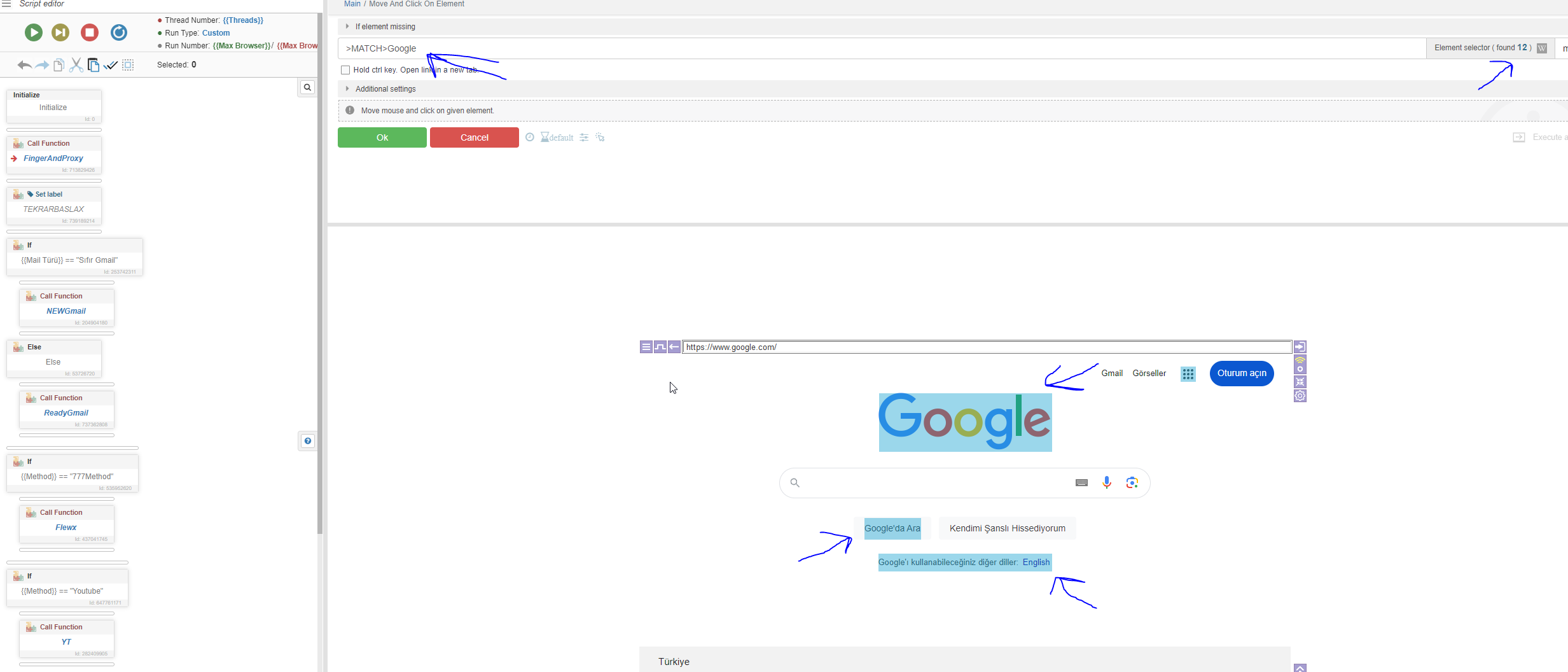
I open BAS Editor, I activate fingerprint microsoft windows.
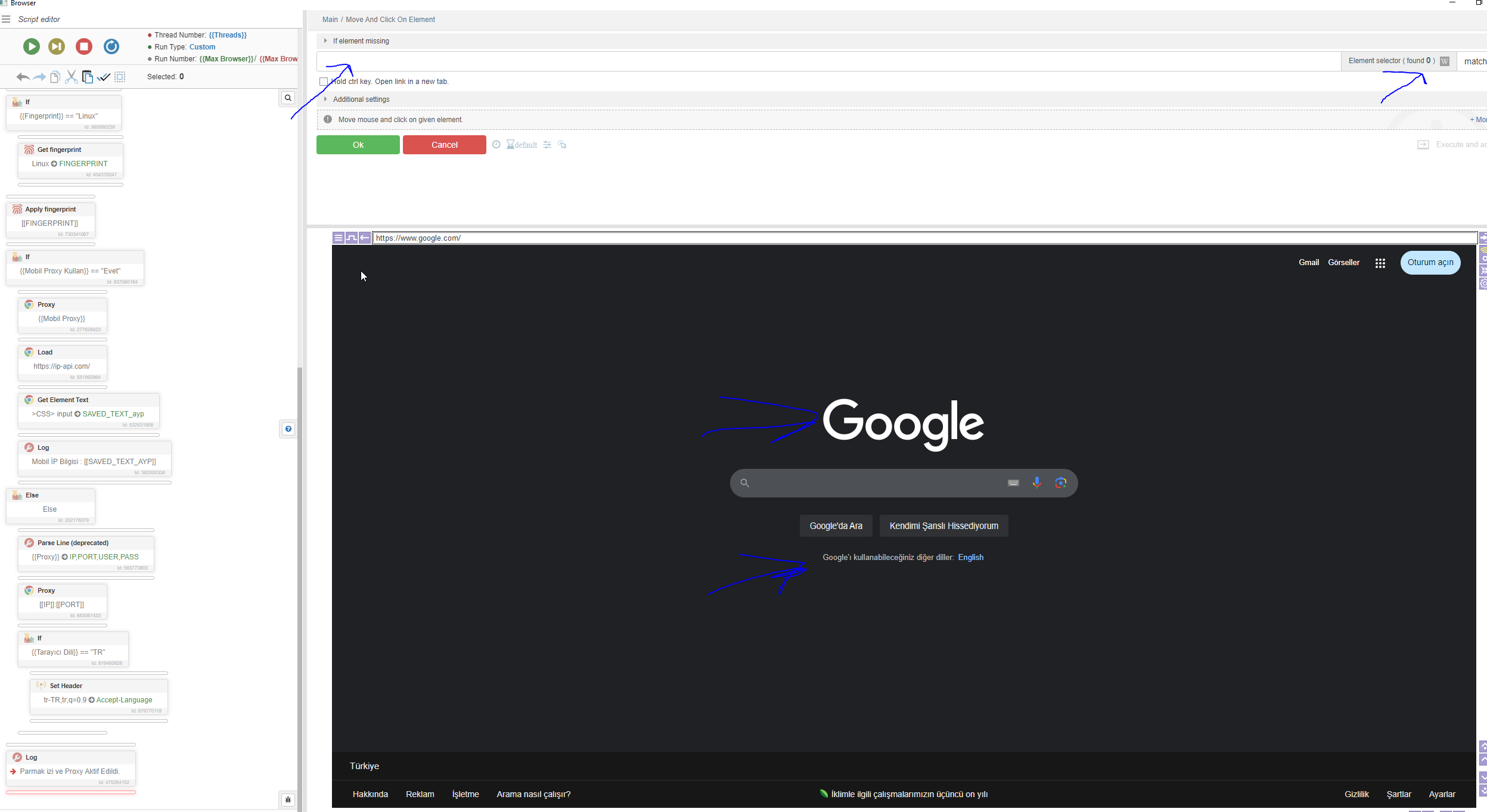
After activating the fingerprint, the elements do not appear. The elements and writings in the site are not detected.
When I do not activate the fingerprint, the elements appear and there is no problem.
I am throwing you 2 images. 1. the image I threw is not fingerprint activated.
The 2nd image I threw is after the fingerprint is activated.
https://community.bablosoft.com/topic/29016/error-fingerprintswitcher-key-is-missing
If you no longer have red rectangles for selecting items in the browser after applying the fingerprint, then you are using a third-party fingerprint module. You need to remove it from the project, you can do this using the GhostZ script: remove_module.xml
@Ggman said in Error "FingerprintSwitcher key is missing":
I have active business fingerprintswitcher licenses for my clients, but from time to time, they report error "key not found" . If key usage has been enforced like this, then BAS needs to make sure it works all the time. how can I resolve this?
What action does the error id refer to?
@Ggman said in Error "FingerprintSwitcher key is missing":
@Fox Apply Fingerprint
Do you specify the word "business" in action?
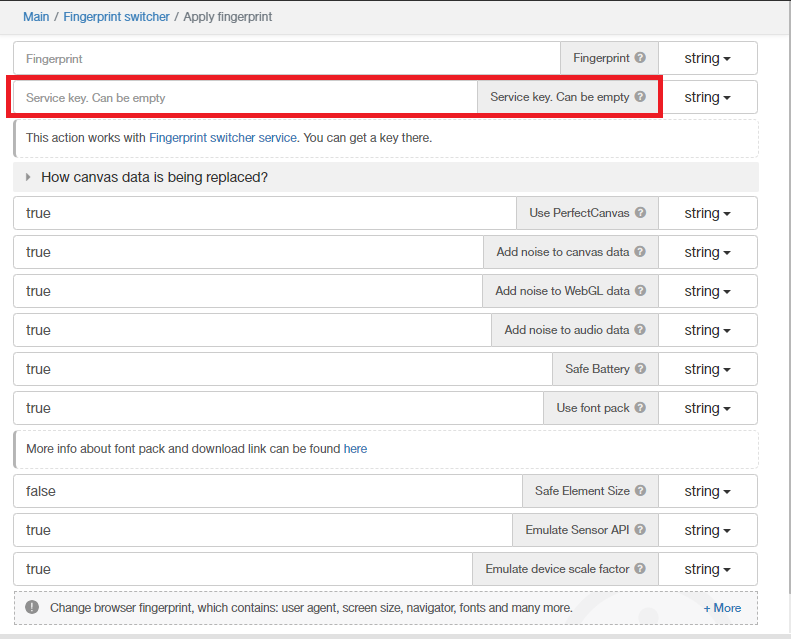
@Ggman said in Error "FingerprintSwitcher key is missing":
@Fox Yes, otherwise it would not work at all. Its like it happens from time to time, which indicates to me some issue on server side that happens occasionally.
Yes, we have found a possible cause, and we are currently working on a fix.