@gurkin4 Спасибо большое!
Переименовать заголовок браузера при ручном управлении
-
Пытаюсь упорядочить работу при ручном управлении в многопотоке. Было бы удобно, если каждый открытый браузер имел в своём хедере более подробную инфу, к примеру, с номером потока. То есть, чтобы вот тут:
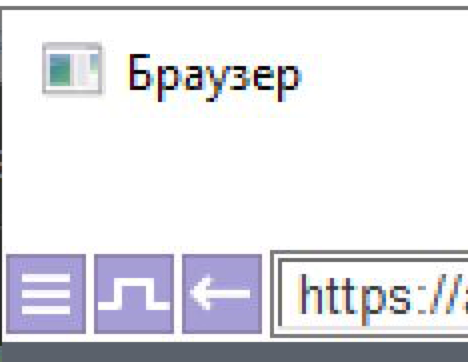
Вместо "Браузер" было, к примеру, "Браузер # 79", по аналогии с:
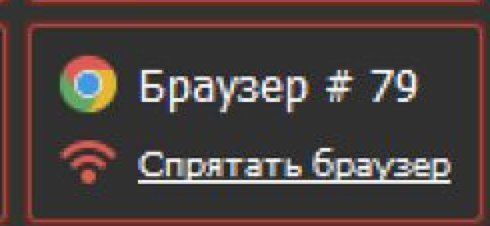
На кликерах такое легко делается, зная hwid окна. Может на басе тоже есть такая возможность?
-
-
@evgor said in Переименовать заголовок браузера при ручном управлении:
@arcos не нашли решение? Тоже нужно задавать свой заголовок браузера. Можно попробовать путем запуска стороннего системного скрипта, использующего user32.dll
Все так и есть.
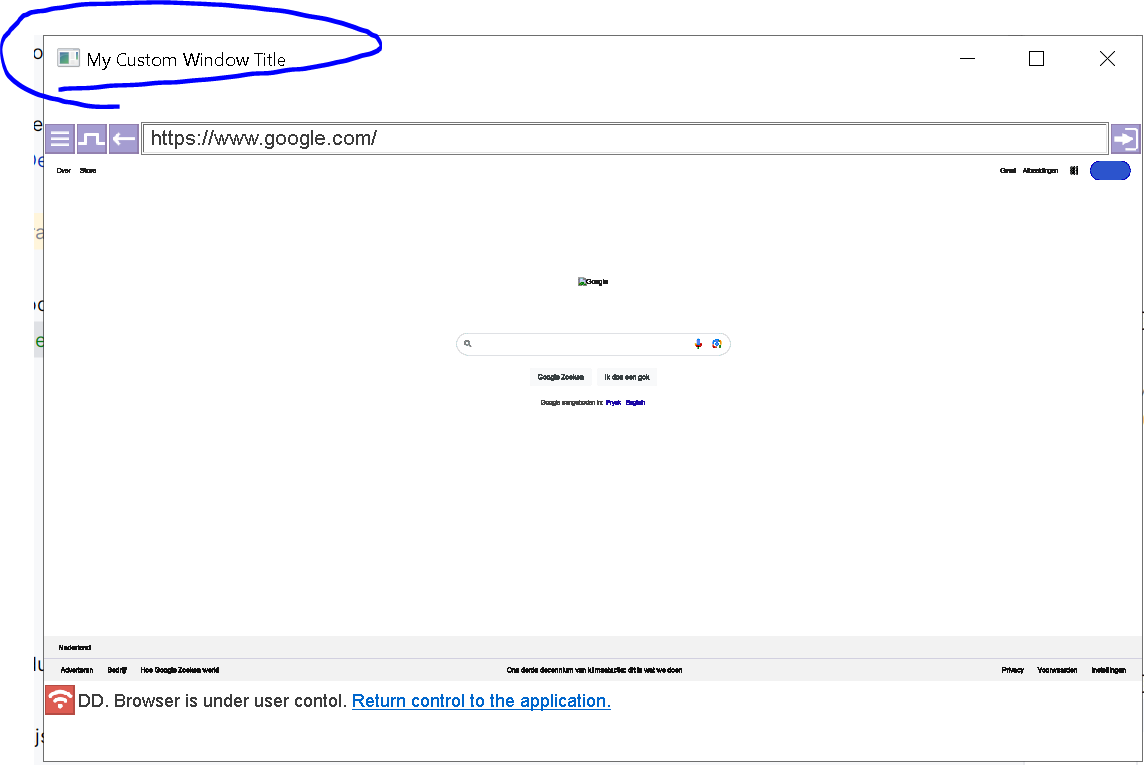
Инструкция(рабочий proof of concept):
- Нужно получить pid процесса Worker.exe, который запустил текущий браузер.
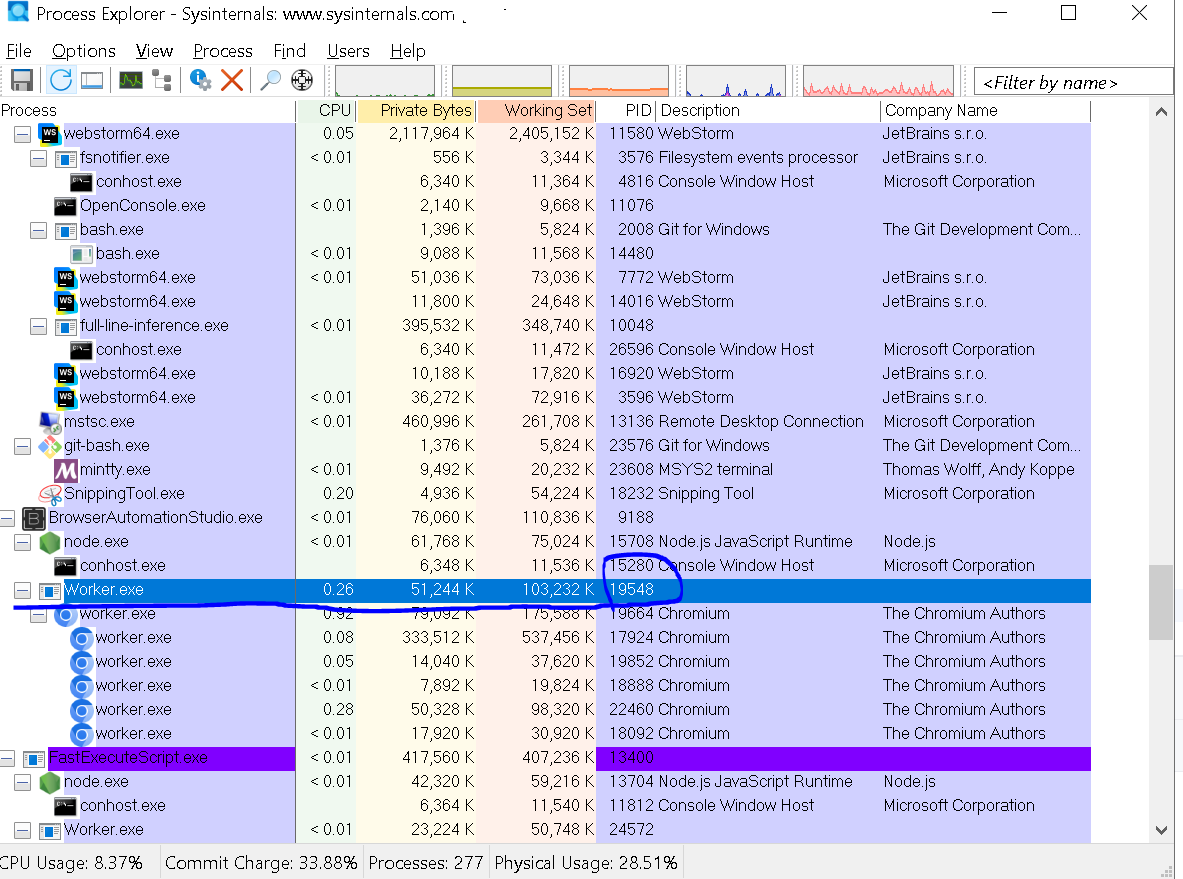
- Запустить скриптик
npm install ffi-napi ref-napi windows-process-treeconst ffi = require('ffi-napi'); const ref = require('ref-napi'); const {getProcessTree} = require('windows-process-tree'); // Load user32.dll and kernel32.dll const user32 = ffi.Library('user32', { 'FindWindowExA': ['pointer', ['pointer', 'pointer', 'string', 'string']], 'SetWindowTextA': ['bool', ['pointer', 'string']], 'GetWindowThreadProcessId': ['uint32', ['pointer', 'pointer']], 'GetWindowTextA': ['int', ['pointer', 'pointer', 'int']] // Load GetWindowTextA }); const kernel32 = ffi.Library('kernel32', { 'OpenProcess': ['pointer', ['uint32', 'bool', 'uint32']], 'CloseHandle': ['bool', ['pointer']] }); // Function to find a window with the title "Browser" associated with a process ID function findMainWindowWithTitle(processId, targetTitle) { console.log(`Searching for windows with title "${targetTitle}" for process ID: ${processId}`); let hWnd = null; let currentHWnd = user32.FindWindowExA(null, null, null, null); if (!currentHWnd || currentHWnd.isNull()) { console.log('No windows found on the first search.'); } while (!currentHWnd.isNull()) { // Check that currentHWnd is not null console.log('Checking a window handle...'); const buffer = ref.alloc('uint32'); const threadProcessId = user32.GetWindowThreadProcessId(currentHWnd, buffer); const windowProcessId = buffer.deref(); console.log(`Window handle: ${currentHWnd}, Process ID: ${windowProcessId}`); // If the window belongs to the target process ID, check its title if (windowProcessId === processId) { const title = getWindowTitle(currentHWnd); if (title && title === targetTitle) { console.log(`Found window with title "${targetTitle}" for process ID: ${processId}, handle: ${currentHWnd}`); hWnd = currentHWnd; break; } } // Move to the next window currentHWnd = user32.FindWindowExA(null, currentHWnd, null, null); } if (!hWnd || hWnd.isNull()) { console.error(`Failed to find window with title "${targetTitle}" for process ID: ${processId}`); return null; // Return null if no valid window handle is found } console.log(`Main window found: ${hWnd}`); return hWnd; } // Function to get the current window title function getWindowTitle(hWnd) { const bufferSize = 256; // Allocate buffer for title (max length of 256 characters) const titleBuffer = Buffer.alloc(bufferSize); const titleLength = user32.GetWindowTextA(hWnd, titleBuffer, bufferSize); if (titleLength > 0) { const currentTitle = titleBuffer.toString('utf-8', 0, titleLength); console.log(`Current window title: "${currentTitle}"`); return currentTitle; } else { console.error('Failed to retrieve window title.'); return null; } } // Function to change the window title if it matches "Browser" function setWindowTitle(processId, newTitle, targetTitle = 'Browser') { console.log(`Setting window title for process ID: ${processId} with target title "${targetTitle}" to "${newTitle}"`); const hWnd = findMainWindowWithTitle(processId, targetTitle); if (hWnd && !hWnd.isNull()) { console.log('Attempting to retrieve the current window title...'); getWindowTitle(hWnd); // Print the current window title before changing it console.log(`Attempting to set window title: ${newTitle}`); const success = user32.SetWindowTextA(hWnd, newTitle); if (success) { console.log('Window title updated successfully.'); } else { console.error('Failed to update window title.'); } } else { console.error(`Invalid window handle or no matching title found for process ID: ${processId}.`); } } // Example: Change the title of a process window with a given PID (function () { const targetProcessId = 19548; // Replace with the actual process ID (PID) const customTitle = 'My Custom Window Title'; const targetWindowTitle = 'Browser'; // Target window title to match console.log(`Starting process to change window title for PID: ${targetProcessId}`); setWindowTitle(targetProcessId, customTitle, targetWindowTitle); console.log('Script finished execution.'); })();Для production нужно допилить:
- получить профиль браузера в текущем потоке в BAS
- найти процесс браузера с параметрами путь к профилю
- получить PID родительского процесса Worker.exe, который запустил текущий браузер
По пути решить проблемы с зависимостями пакетов для NodeJS, потому что сходу они ставиться не будут.
-
@sergerdn дополню немного ваш ответ, PID воркера можно получить так:
[[PID]] = _get_browser_process_id(); -
@Oyasumi-Punpun said in Переименовать заголовок браузера при ручном управлении:
@sergerdn дополню немного ваш ответ, PID воркера можно получить так:
[[PID]] = _get_browser_process_id();Это который с большой буквы, который запускает процесс браузера? Worker.exe?
-
@sergerdn да, с маленькой это уже сам браузер, у него идентификатор процесса из кода не узнать, можно только сервисный идентификатор его получить, который в аргументе unique-process-id командной строки передается, тоже может быть пригодится:
[[ID]] = _get_browser_unique_id(); -
Thank you very much guys, I was looking for this for a while.