
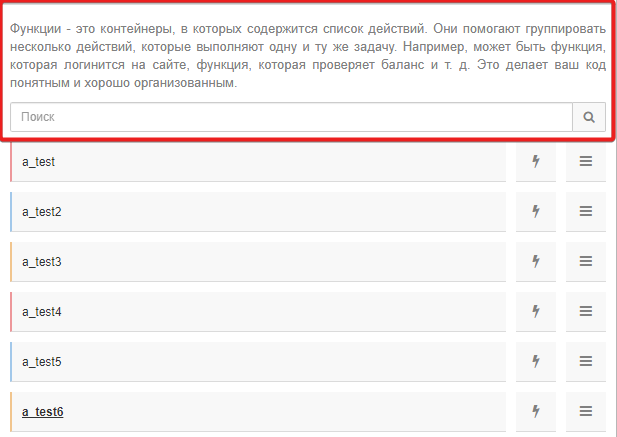


Поддерживаю !
Закрепить поиск в списке функций
-
-
Копался в индексе час наверное )
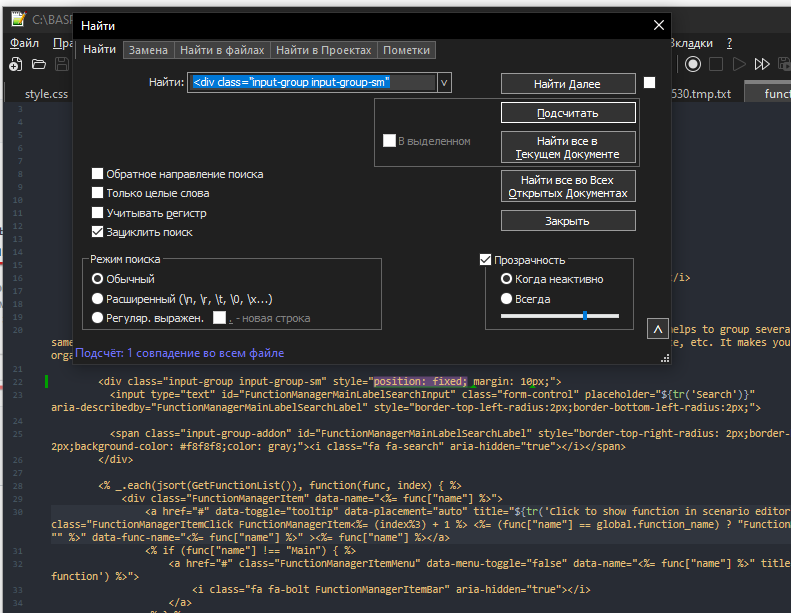
В итоге нашел я этот кусок кода в файле:
C:\BASPrem\BrowserAutomationStudio\apps\28.6.0\html\scenario\functionmanager.js
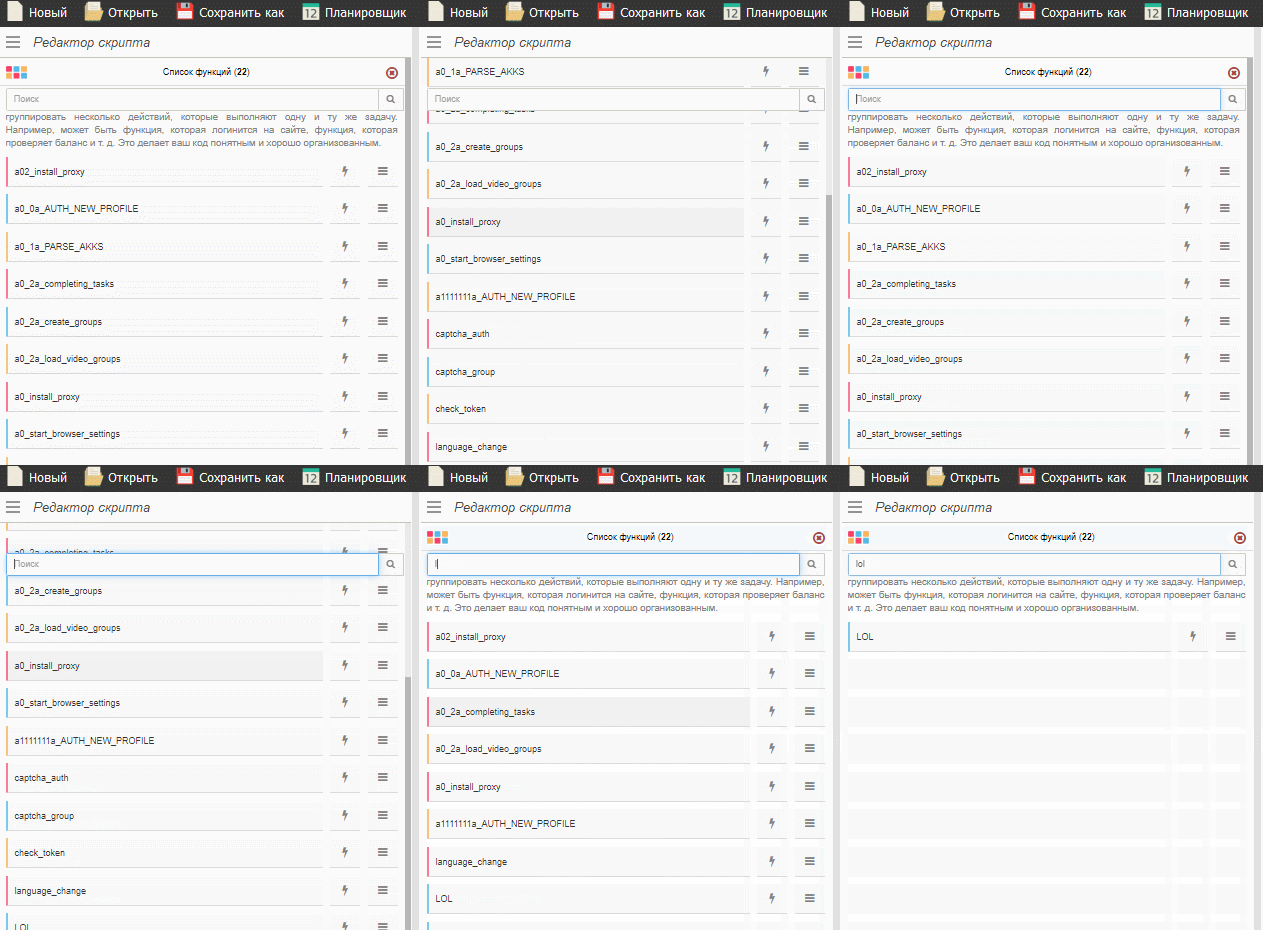
Находишь строчку номер 21 и добавляешь к ней стиль позиции )
Должно быть вот так:
<div class="input-group input-group-sm" style="position: fixed; margin: 10px;">
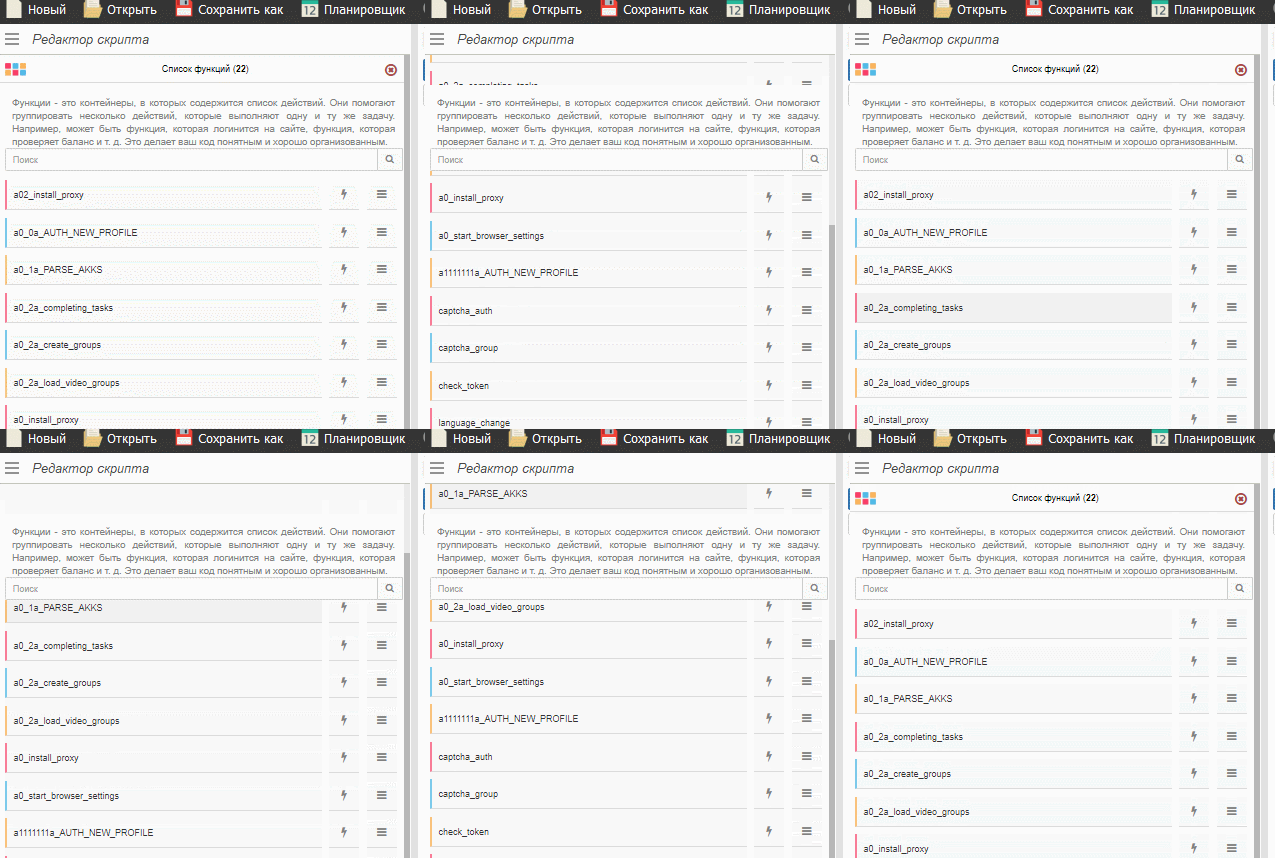
Пример работы:
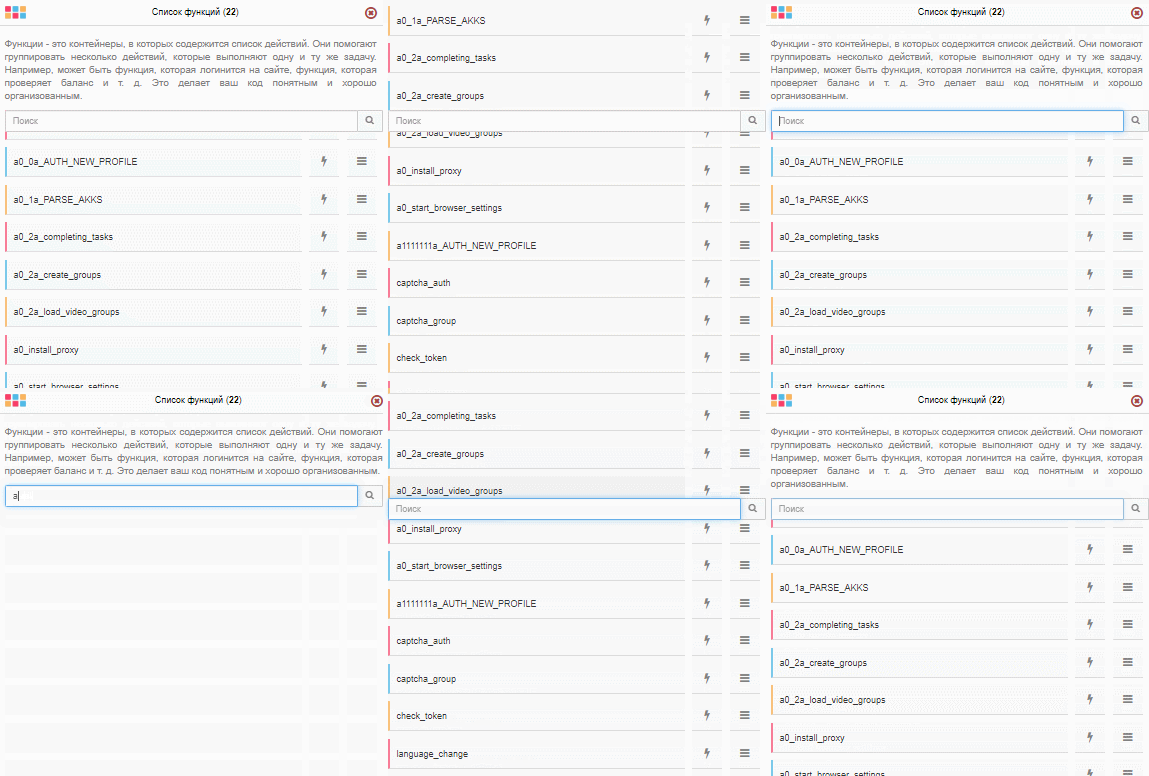
-
А еще лучше заменить строки с 19 по 26, вот так, и будет вообще красота)
</div> <div style="position: fixed; top: 30px; margin: 10px; background-color: #fff;">
		<div id="FunctionManagerDescription">${tr('Functions are containers, which holds action list. It helps to group several actions which does same task. For example, there can be function which logins to account, function that checks account balance, etc. It makes your code clear and well organized.')}</div>

		<div class="input-group input-group-sm" >
		  <input type="text" id="FunctionManagerMainLabelSearchInput" class="form-control" placeholder="${tr('Search')}" aria-describedby="FunctionManagerMainLabelSearchLabel" style="border-top-left-radius:2px;border-bottom-left-radius:2px;">

		  <span class="input-group-addon" id="FunctionManagerMainLabelSearchLabel" style="border-top-right-radius: 2px;border-bottom-right-radius: 2px;background-color: #f8f8f8;color: gray;"><i class="fa fa-search" aria-hidden="true"></i></span>
		</div></div><br><br><br><br><br><br>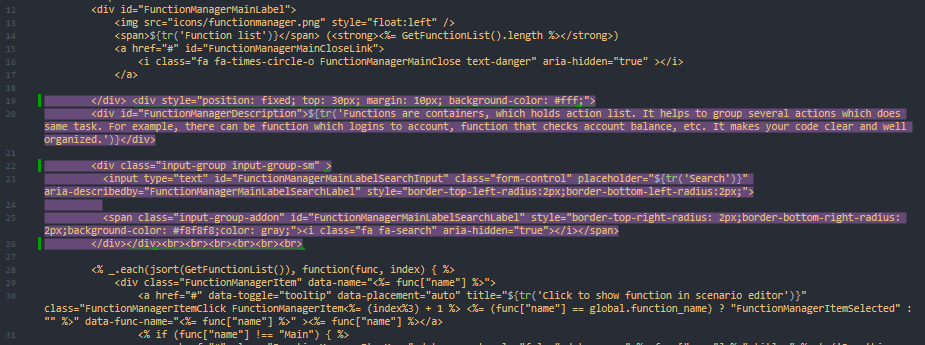
Сорри за флуд, я немножно заигрался )