


Same problem with me, i tried to connect to vpn and it's working, is this problem only with Location India?
Humanlike emulation type settings are completely blank/empty (BAS 30.6.0
-
@Fox However, I tried opening the Scheduler directly from my installation folder (AppData\Roaming\BrowserAutomationStudio\apps\30.6.0\Scheduler.exe), but it instantly crashes and closes itself right after launching. It won't stay open.
Because of this, the background task cannot run or download anything. Is there a way to fix this scheduler crash, or is there a missing dependency/permission issue on version 30.6.0
bandicam 2026-08-24 20-14-20-142.mp4 -
@juli said in Humanlike emulation type settings are completely blank/empty (BAS 30.6.0:
@Fox However, I tried opening the Scheduler directly from my installation folder (AppData\Roaming\BrowserAutomationStudio\apps\30.6.0\Scheduler.exe), but it instantly crashes and closes itself right after launching. It won't stay open.
Because of this, the background task cannot run or download anything. Is there a way to fix this scheduler crash, or is there a missing dependency/permission issue on version 30.6.0
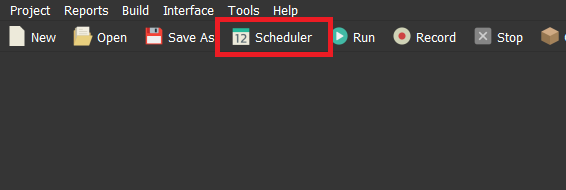
bandicam 2026-08-24 20-14-20-142.mp4This file is needed to launch the scheduler without an interface. Open BAS and click this button
-
-
@juli said in Humanlike emulation type settings are completely blank/empty (BAS 30.6.0:
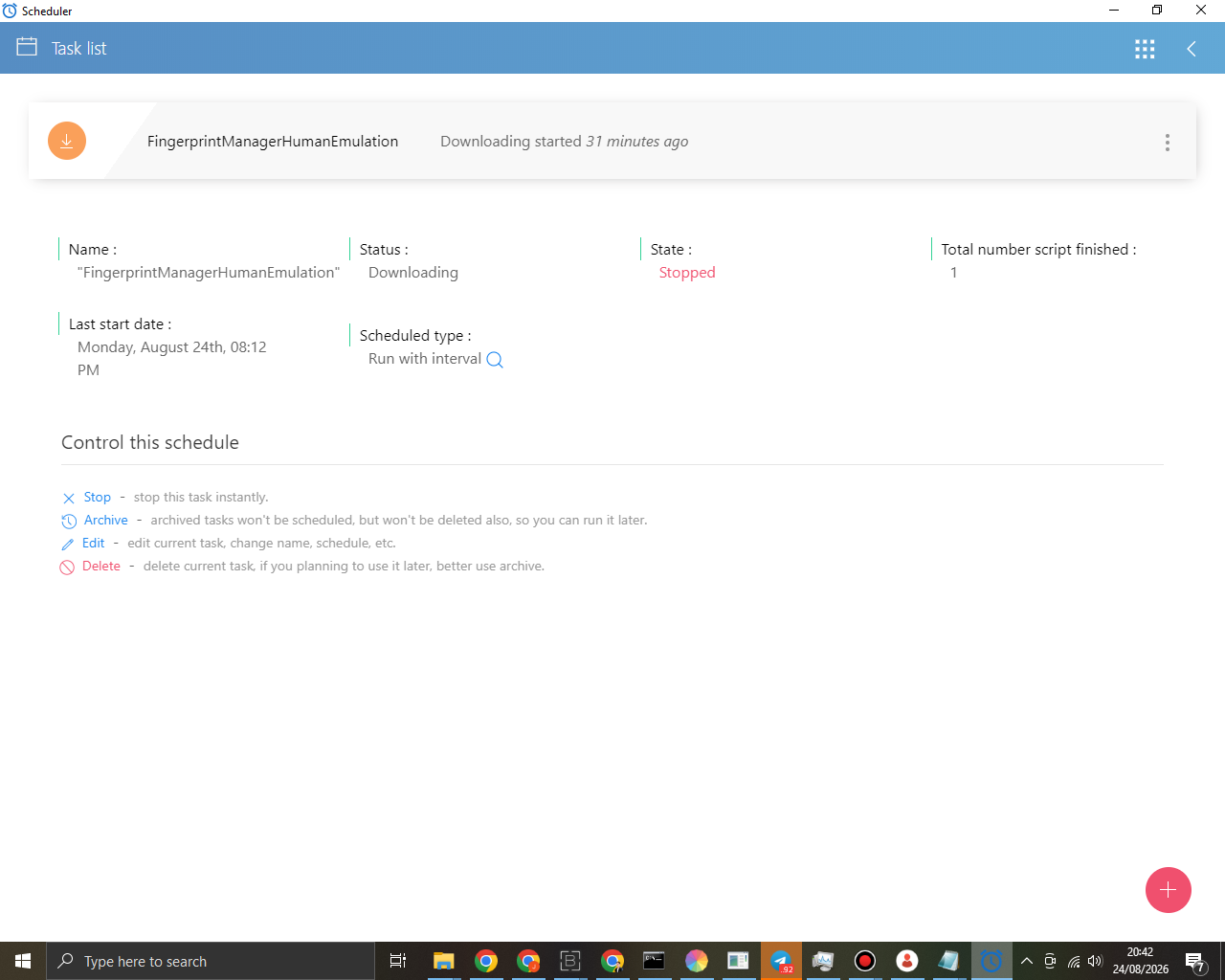
@Fox I opened the Scheduler through the BAS menu as you instructed, and I finally found the task.
However, it seems the download process is completely stuck. As you can see in the screenshot belowThe download process may take a while; try waiting for it to complete or use a VPN. Most likely, the issue is with your provider’s access to the Bablosoft servers
-
@juli said in Humanlike emulation type settings are completely blank/empty (BAS 30.6.0:
@Fox Could you check it?
Check what?
-
-
@juli said in Humanlike emulation type settings are completely blank/empty (BAS 30.6.0:
@Fox I've run out of options
Could you access it remotely to check?No, I don’t have time for that
-
Hi @Fox I decided to just build the bot manually directly in the BAS script editor.
However, I am now facing a new issue. The Get fingerprint action is taking an extremely long time to execute aand has been stuck loading for more than 30 minutes, as shown in the screenshot below.
I am only using the most common and basic tags: "Microsoft Windows, Chrome".
Is this fingerprint module also trying to download data from the Bablosoft server in the background? Could this also be caused by my ISP blocking the connection to your server, or is there another reason why it hangs like this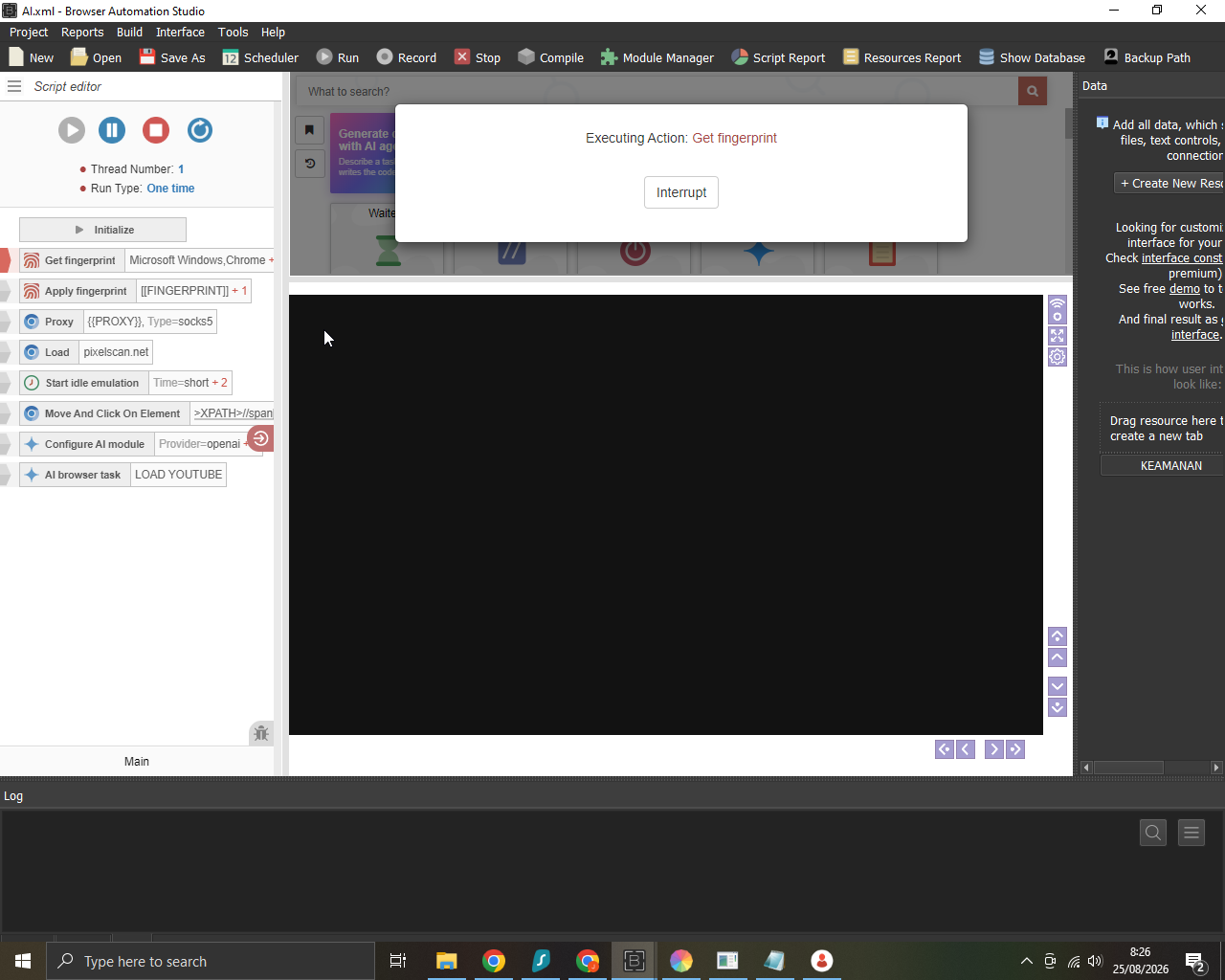
-
@Fox
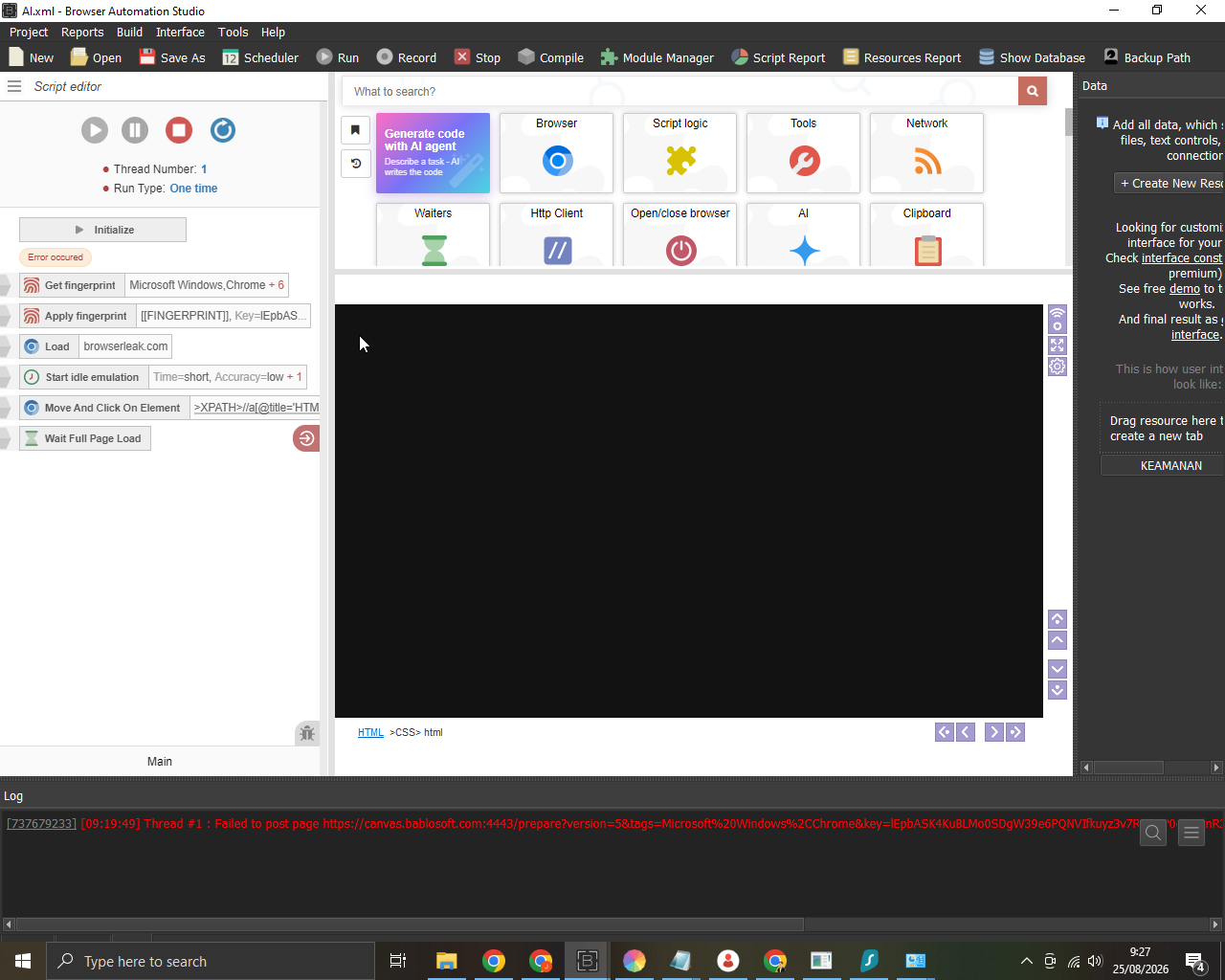
Log: [09:19:49] Thread #1 : Failed to post page https://canvas.bablosoft.com:4443/prepare?version=5&tags=Microsoft Windows%2CChrome&key=lEpbASK4KuBLMo0SDgW39e6PQNVIfkuyz3v7RAeNP0cZYDlnR3g9vGfbjWiaYwfv&min_browser_version=151&max_browser_version=151&time_limit=15 days with HttpClient -
@juli said in Humanlike emulation type settings are completely blank/empty (BAS 30.6.0:
Hi @Fox I decided to just build the bot manually directly in the BAS script editor.
However, I am now facing a new issue. The Get fingerprint action is taking an extremely long time to execute aand has been stuck loading for more than 30 minutes, as shown in the screenshot below.
I am only using the most common and basic tags: "Microsoft Windows, Chrome".
Is this fingerprint module also trying to download data from the Bablosoft server in the background? Could this also be caused by my ISP blocking the connection to your server, or is there another reason why it hangs like thisAs I wrote above, the problem lies with your provider; they are either slowing down or completely blocking access to the Bablosoft servers. Use a VPN
-
-
@Roy-Mustang That's right, I've tested it even though I'm using a premium residential proxy. So, what is the solution?
-
@juli You can try asking your Internet provider not to block access, or connect to a nearby VPN location to reduce the ping
-
@juli cant accept your dm what's up?