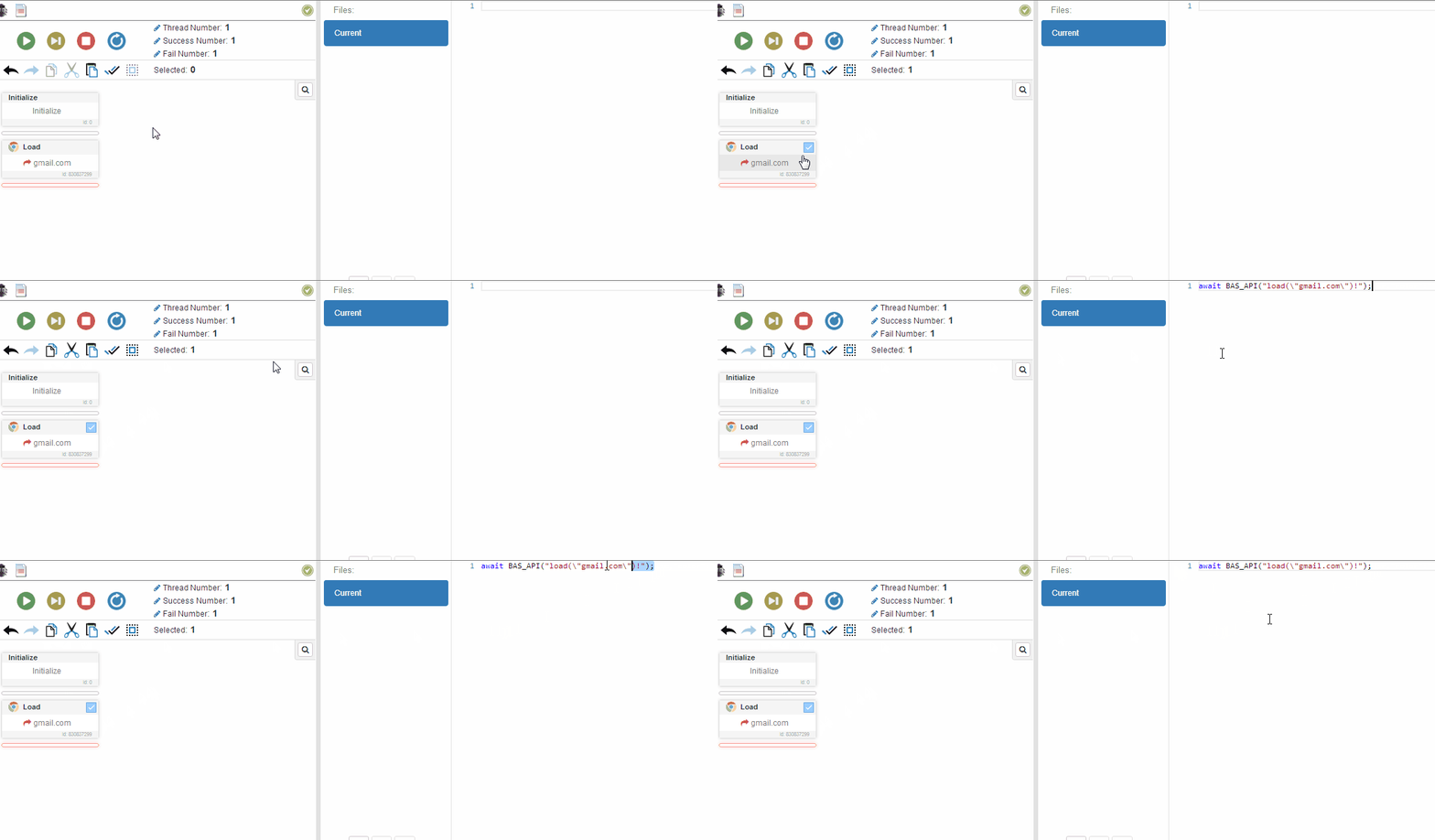
The long answer is that BAS has its own internal code generator, which means that everything in the BAS XML was generated by that system.
However, I strongly do not recommend writing code by hand. It will be extremely difficult to update and understand the code later based on what you wrote today.
@jobriwterr I didn't fully understand you, the clipboard is shared by the entire PC, so if you work on that PC and use the clipboard in your work it can cause problems. If you are using multithreading then you should use the clipboard one at a time, this can be implemented through thread locking using global variables.
Hello there I'm trying to run BAS api or BAS functions in node and no matter what I try I get an error
I love to get your help :D
Using the code bellow
await BAS_API("load('google.com')!");
or
await BAS_API("load(\"http://google.com\")!");
I get the this Error
F:\bablosoft\BrowserAutomationStudio\apps\22.7.1\embedded\f1064e45.948MdPTikzsT\distr\lib\custom\wl3hbvfvocs.js:46
await BAS_API("load(\"http://google.com\")!");
^^^^^^^
SyntaxError: Unexpected identifier
at createScript (vm.js:80:10)
at Object.runInThisContext (vm.js:139:10)
at Module._compile (module.js:588:28)
at Object.Module._extensions..js (module.js:635:10)
at Module.load (module.js:545:32)
at tryModuleLoad (module.js:508:12)
at Function.Module._load (module.js:500:3)
at Module.require (module.js:568:17)
at require (internal/module.js:11:18)
at F:\bablosoft\BrowserAutomationStudio\apps\22.7.1\embedded\f1064e45.948MdPTikzsT\distr\lib\internal\custom.js:11:38
@nydigov Easiest way to fix this is to delete "Close Browser" action. If you don't have any open/close browser actions BAS will handle browser lifetime automatically.
If you want to handle it by yourself, add Open browser action before using any action which needs browser.