




@ahmad BAS runs independently on each VPS.
Learn how to control the entire VPS at the same time, instead of controlling all the BAS on all the VPS.
BAS and DeepL extension
-
Hi,
I have a problem with my script.
I would like to add DeepL extension to my project. To do this, I add a "Browser Setting" action where I enter as extension: cofdbpoegempjloogbagkncekinflcnj
This is the id of the plugin. When I record the whole script my extension is added and smoothly everything works. When I run the script in automatic mode a window appears that does not disappear and does not want to proceed. The extension window DeepL appears.How can I configure to add the extension and then be able to use it further in the project? Below screen which displays to me and does not want to go further.
Is anyone able to suggest what I am doing wrong?

-
Have you considered using their API?
request:
curl -X POST 'https://api-free.deepl.com/v2/translate' \
	-H 'Authorization: DeepL-Auth-Key [yourAuthKey]' \
	-d 'text=Hello%2C%20world!' \
	-d 'target_lang=DE'
response:
{ "translations": [ { "detected_source_language": "EN", "text": "Hallo, Welt!" } ] } -
the use of the API in the free version is unfortunately limited to 500,000 characters. An extension in chrome would allow me to use unlimited access. Can this be circumvented?
-
@piotrek1349 да, можно использовать рест апи из этого расширения. Я делал на основе него (и некоторых других переводчиков) несколько месяцев назад модуль баса, но пока он сырой. Если вам срочно, могу скинуть в текущем виде.
-
And does anyone have any idea why this is happening? What is the reason for such a problem?
-
- find action 'Browser settings'
- in action, u need to find title 'Extension'
- Paste id your extension in field
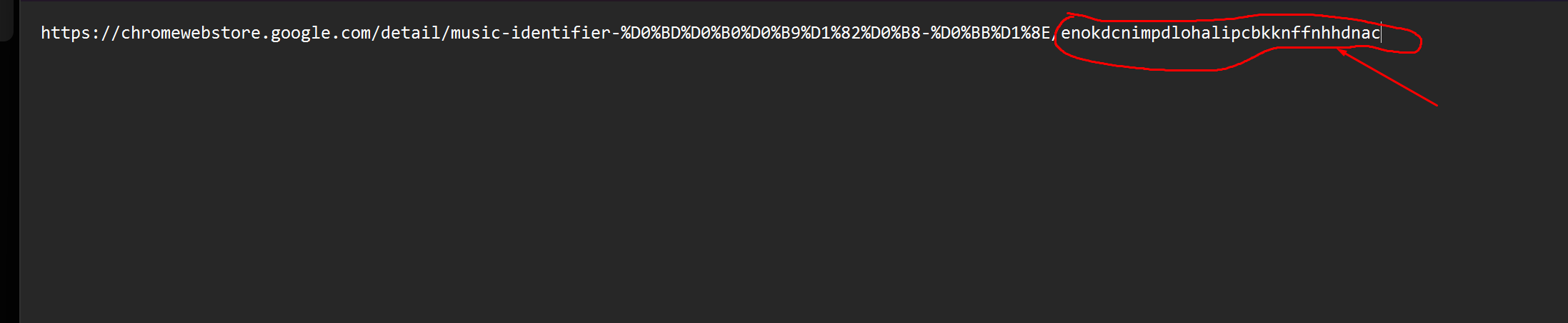
https://chromewebstore.google.com/detail/music-identifier-найти-лю/
enokdcnimpdlohalipcbkknffnhhdnac -
@Roy-Mustang not working
-
@Saddamz full screenshot action
-
@Roy-Mustang Contact me on Whatsapp: +923214505042
-
@Roy-Mustang when i add this extension then:
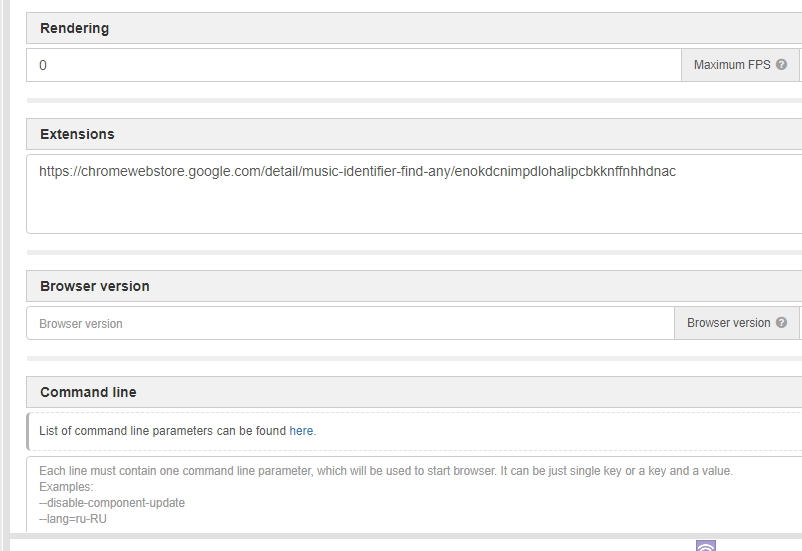
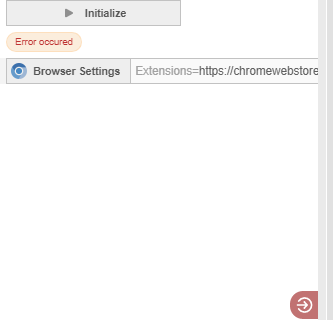
-
@Saddamz
I gave you instructions on how to insert it correctly, even highlighting it. Now delete what is marked in red, including the slash, and you should only have the extension ID left.
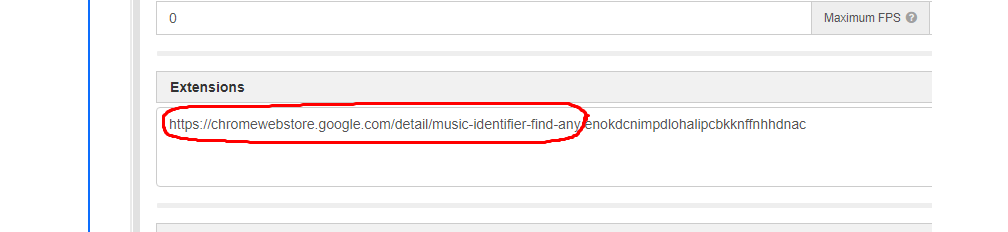
-
@Roy-Mustang Okae
-
@Roy-Mustang Oh Thanks Bro
-
@Roy-Mustang Bro I have a paid task for you
-
@Roy-Mustang kindly contact when you free
-
@Roy-Mustang ??
