

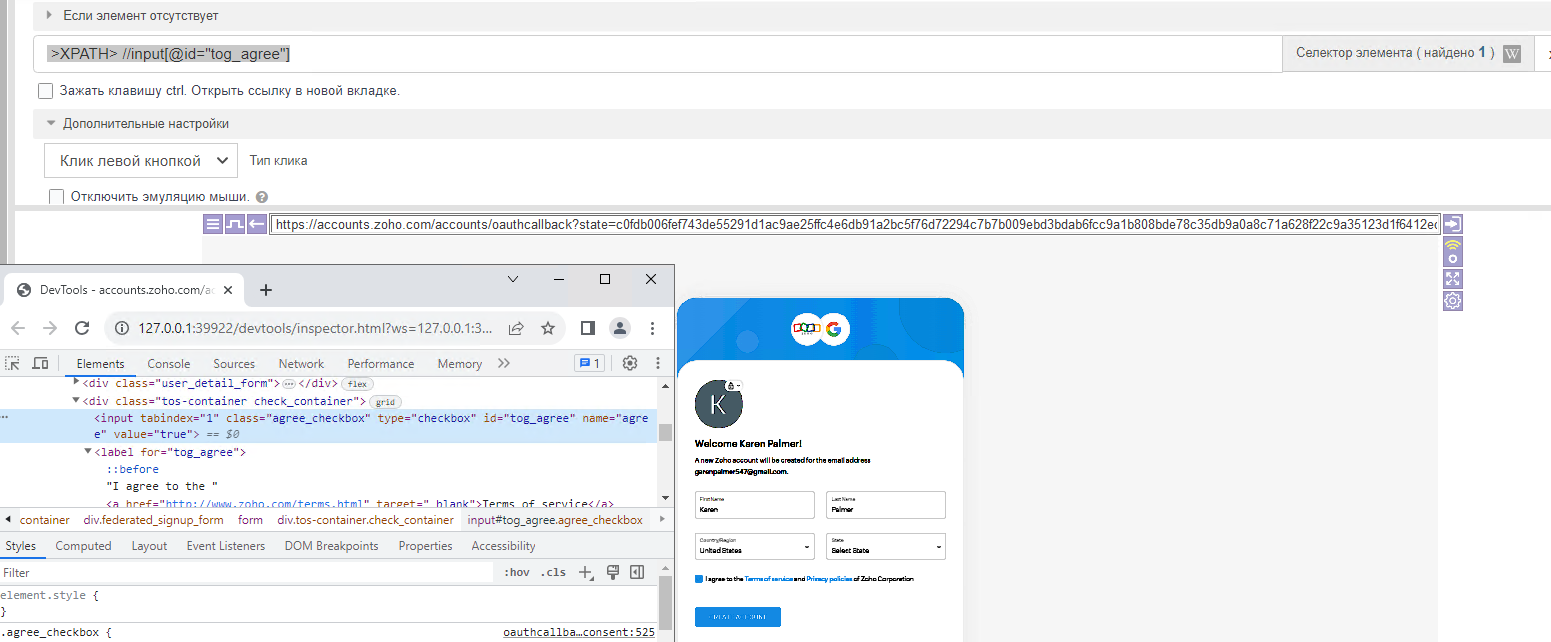
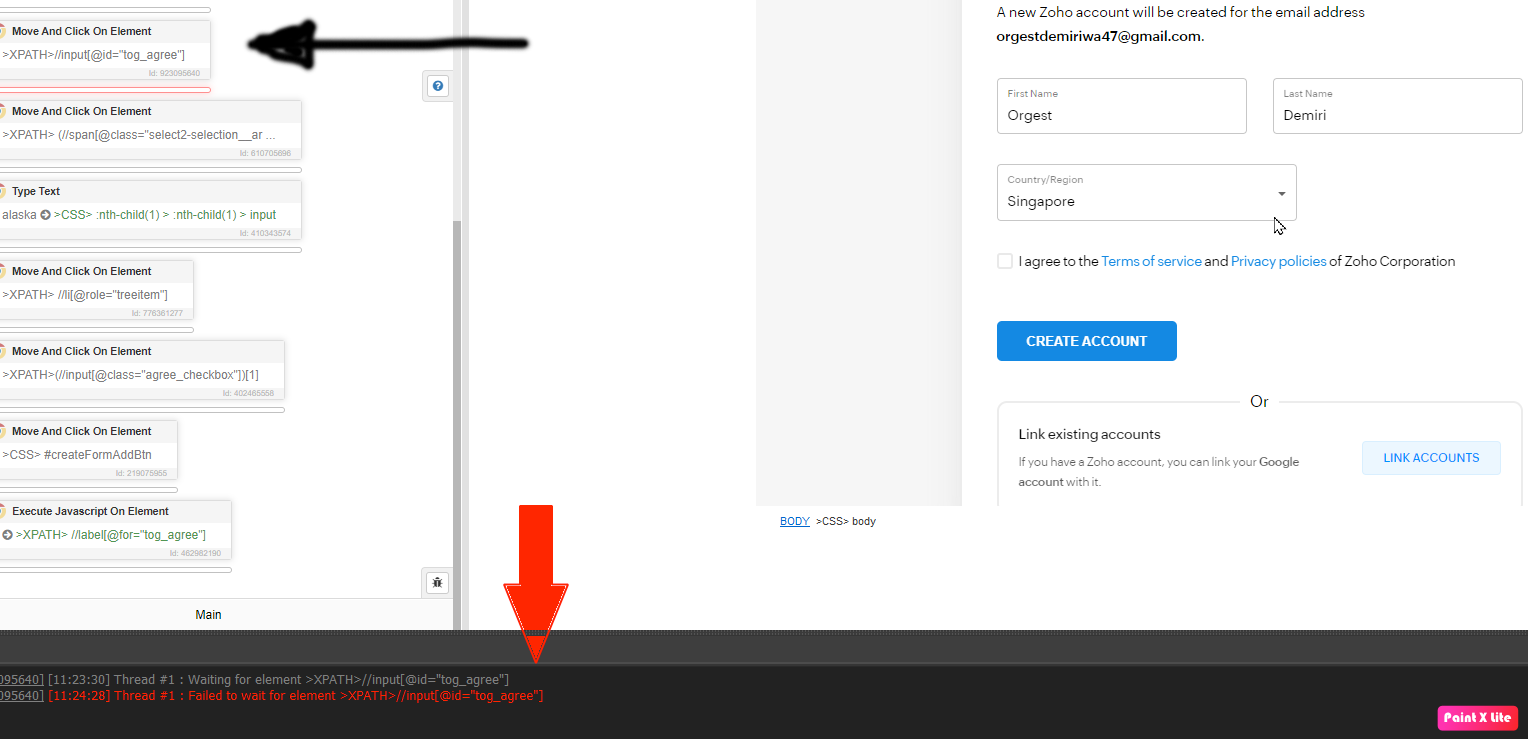
@BerkeT i have same problem with you
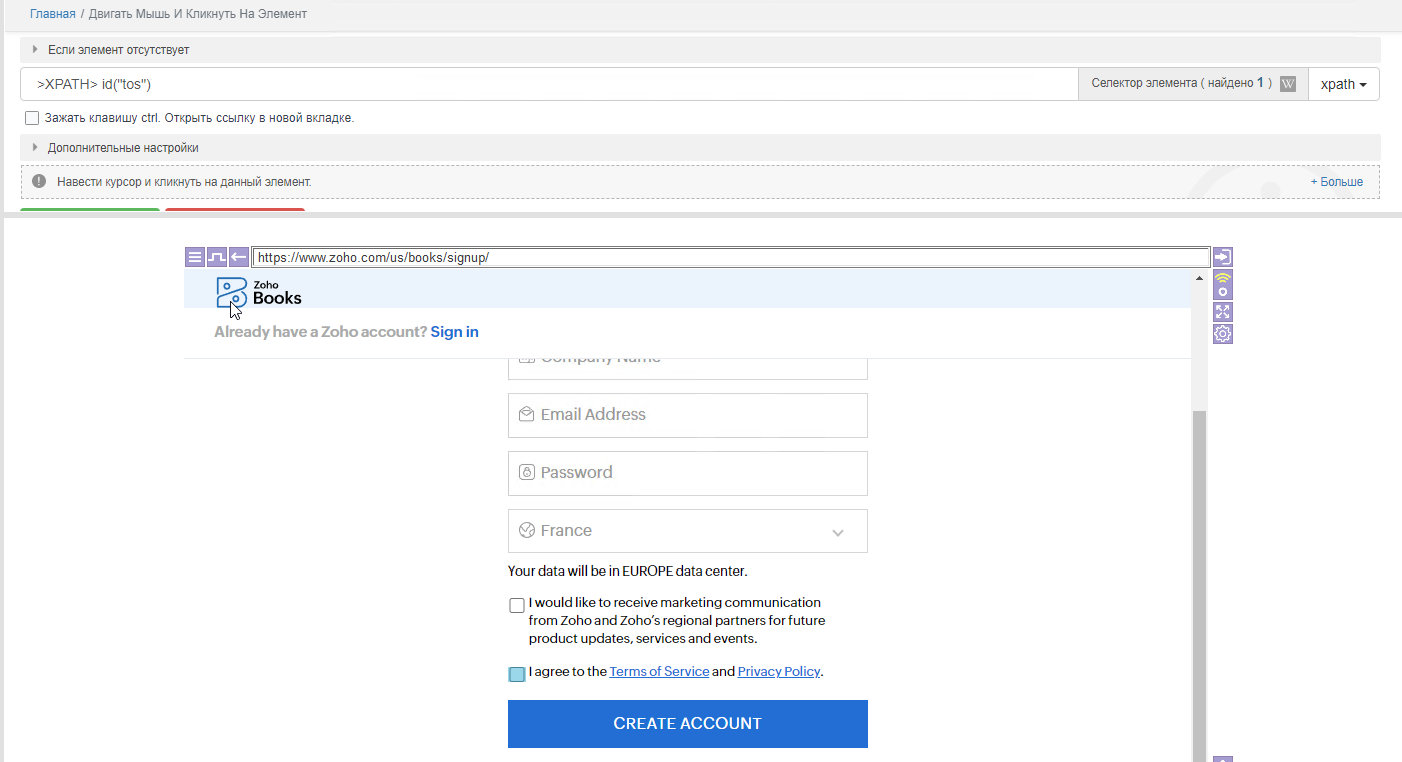
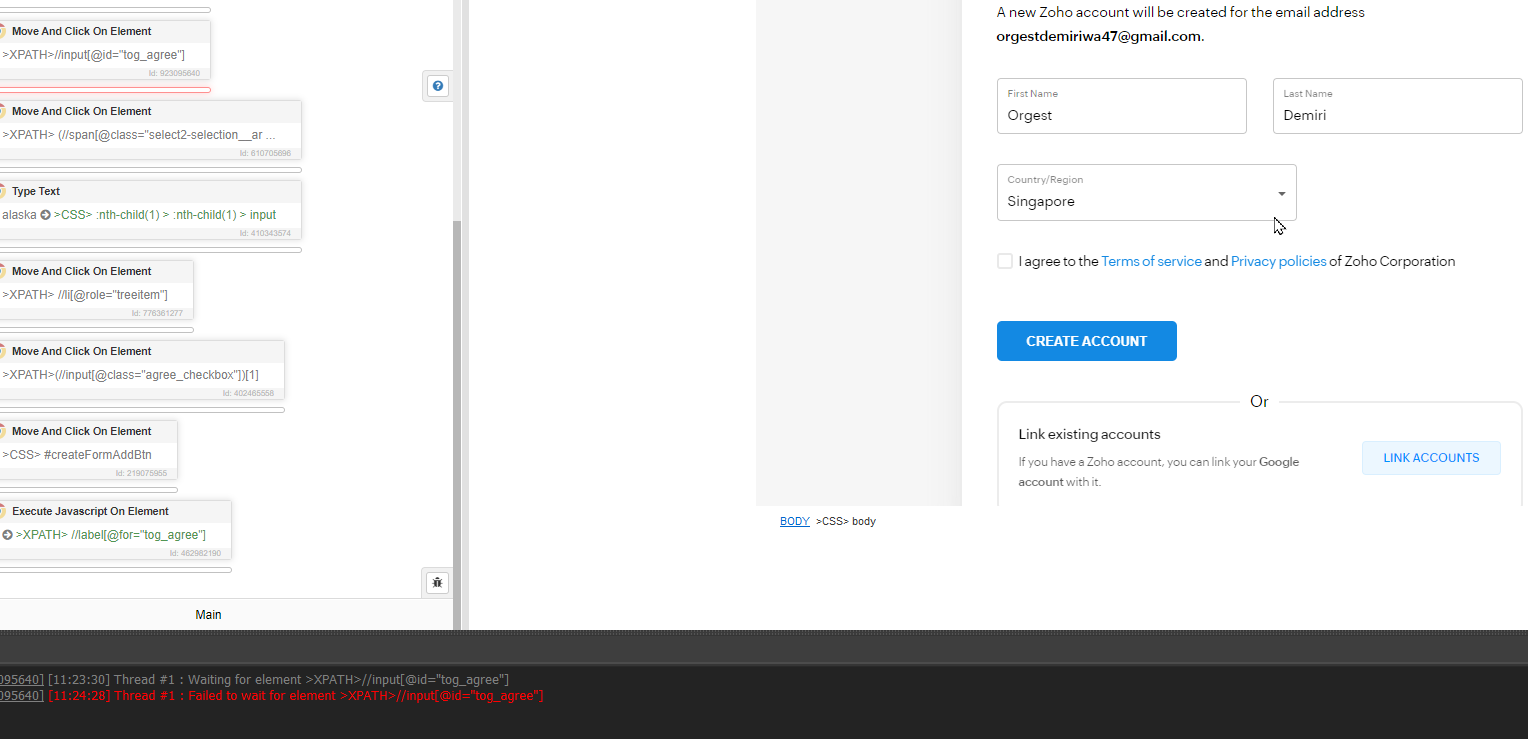
Bas is unable to click on Check box (I agree btn)
-
Hello all,
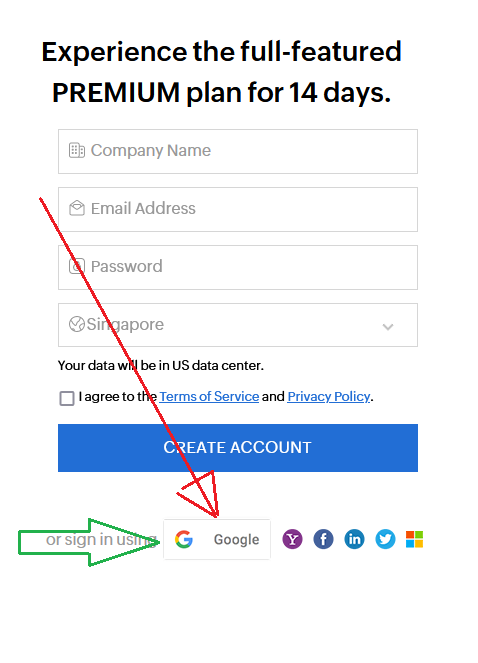
I am trying to create auto registration on https://www.zoho.com/us/books/signup/ using gmail accounts.
When I get Check box to accept the agreement BAS is not able to recognize this check box.
If I control browse directly under BAS using F2 key then I am able to click on this box.https://prnt.sc/BMibxoQdDrsq
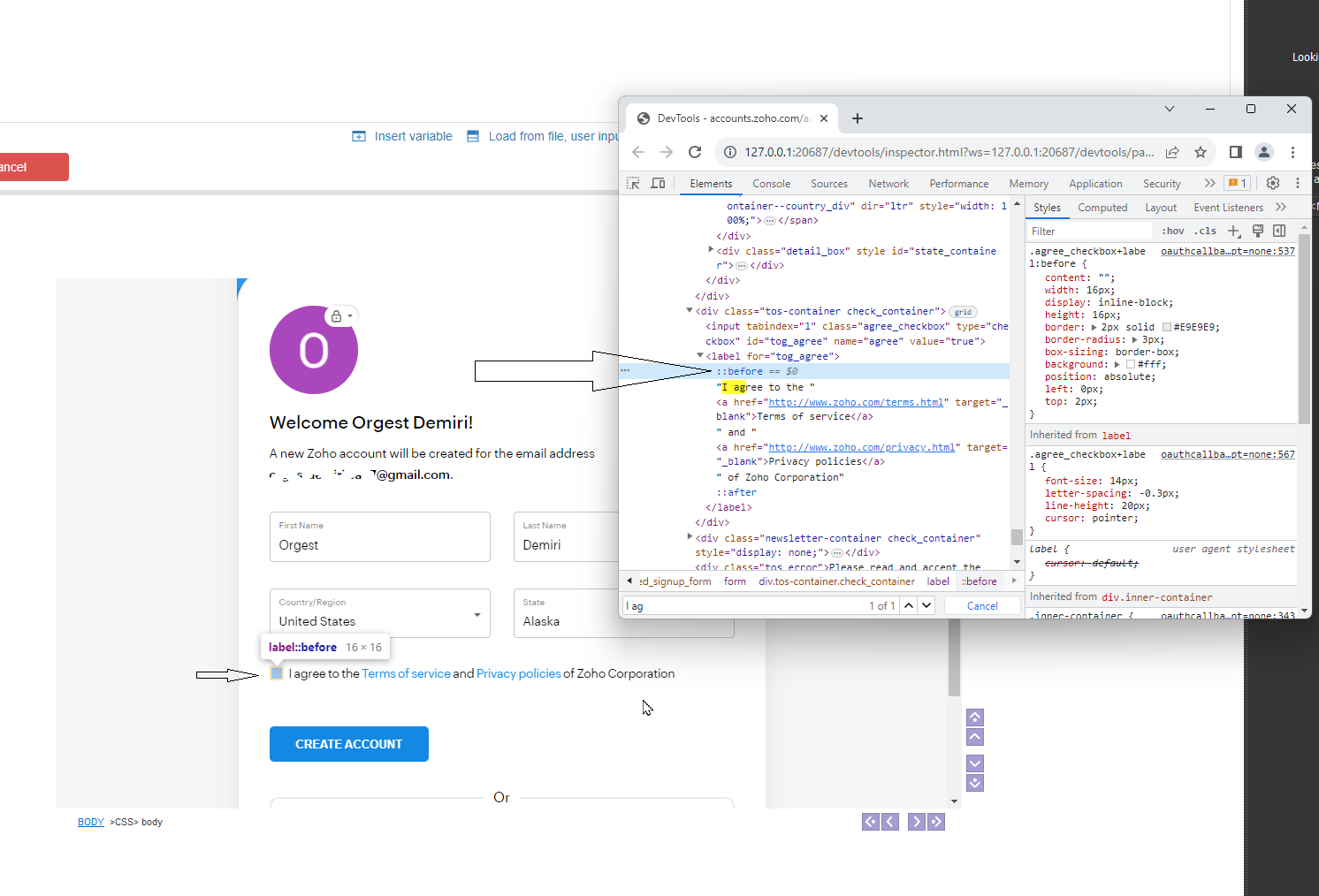
I inspect element and found that to click on check box I have to create xpath for before::
like https://prnt.sc/hSlBE5n7_Put
How can I create xpath for that or How to execute java-script on that element -
@DuckDuck Thanks for your response.
Looks like the image you share is not from https://www.zoho.com/books/signup
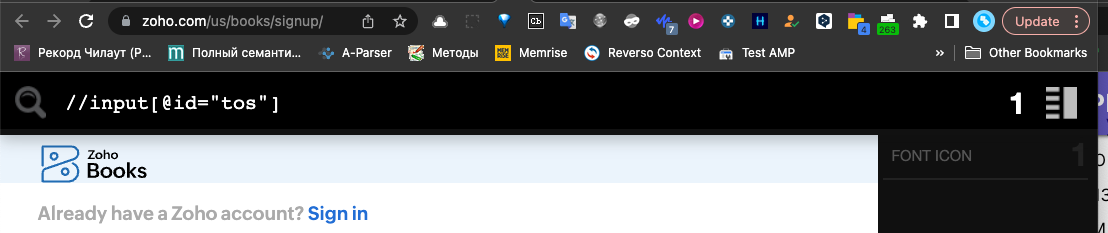
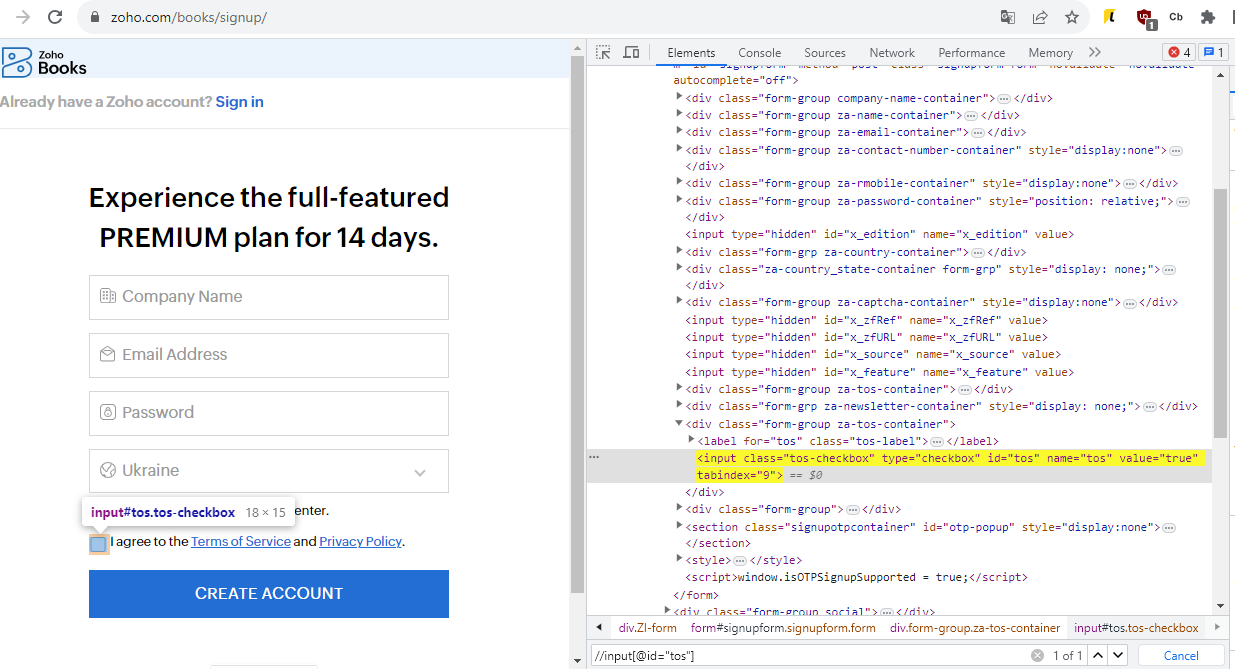
Cause I did not find your xpath (//input[@id="tos"].
https://prnt.sc/hmi2GczK9G3u -
Browser -> Javascript
I have tested it and it works.
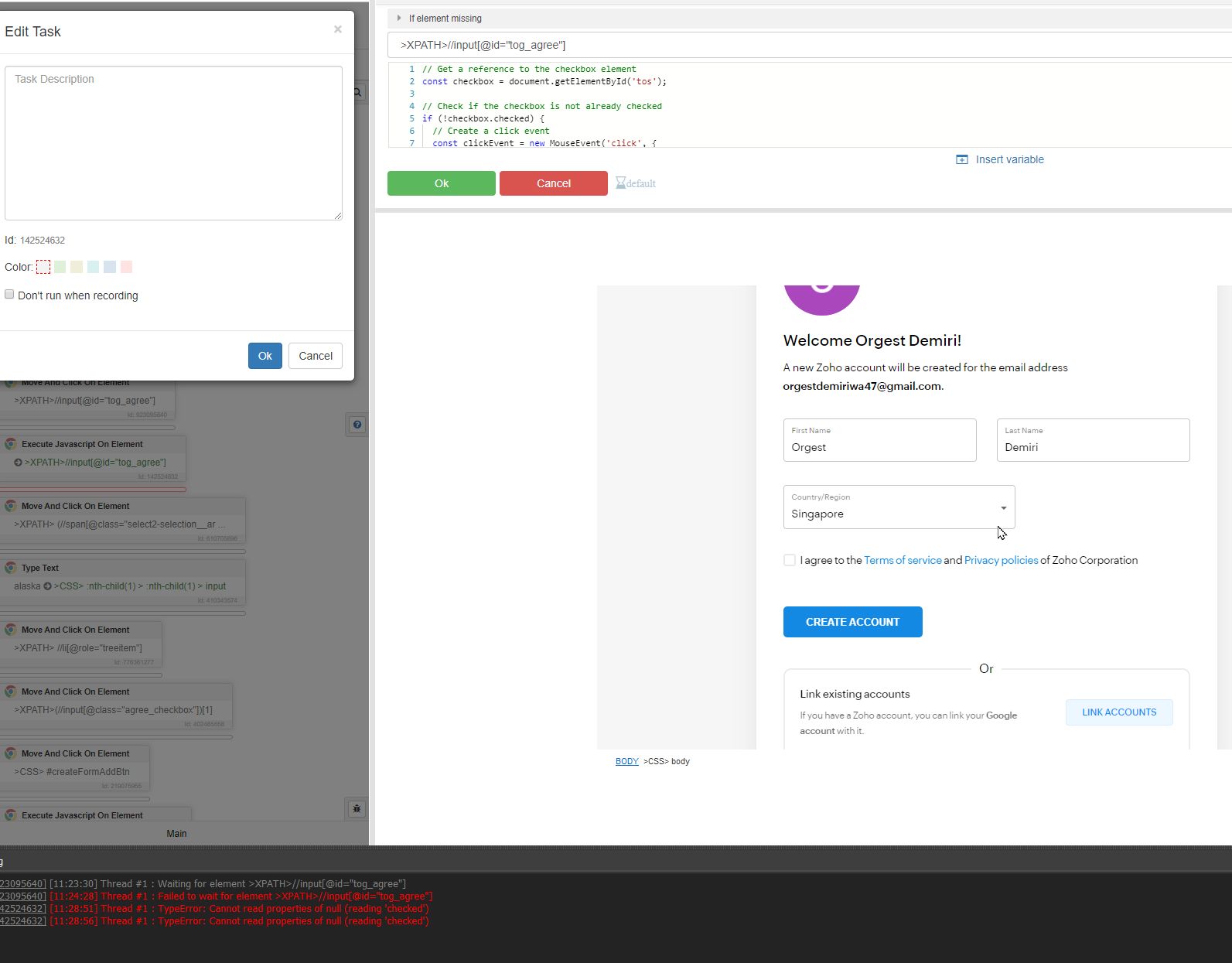
https://www.zoho.com/us/books/signup/// Get a reference to the checkbox element const checkbox = document.getElementById('tos'); // Check if the checkbox is not already checked if (!checkbox.checked) { // Create a click event const clickEvent = new MouseEvent('click', { view: window, bubbles: true, cancelable: true }); // Dispatch the click event on the checkbox checkbox.dispatchEvent(clickEvent); } -
-
@DuckDuck said in Bas is unable to click on Check box (I agree btn):
//input[@id="tog_agree"]
Both are not worked for me
When I search with //input[@id="tog_agree"] on Chrome developer tool this path only pointing the check box not selection the box. Please see the image attached.
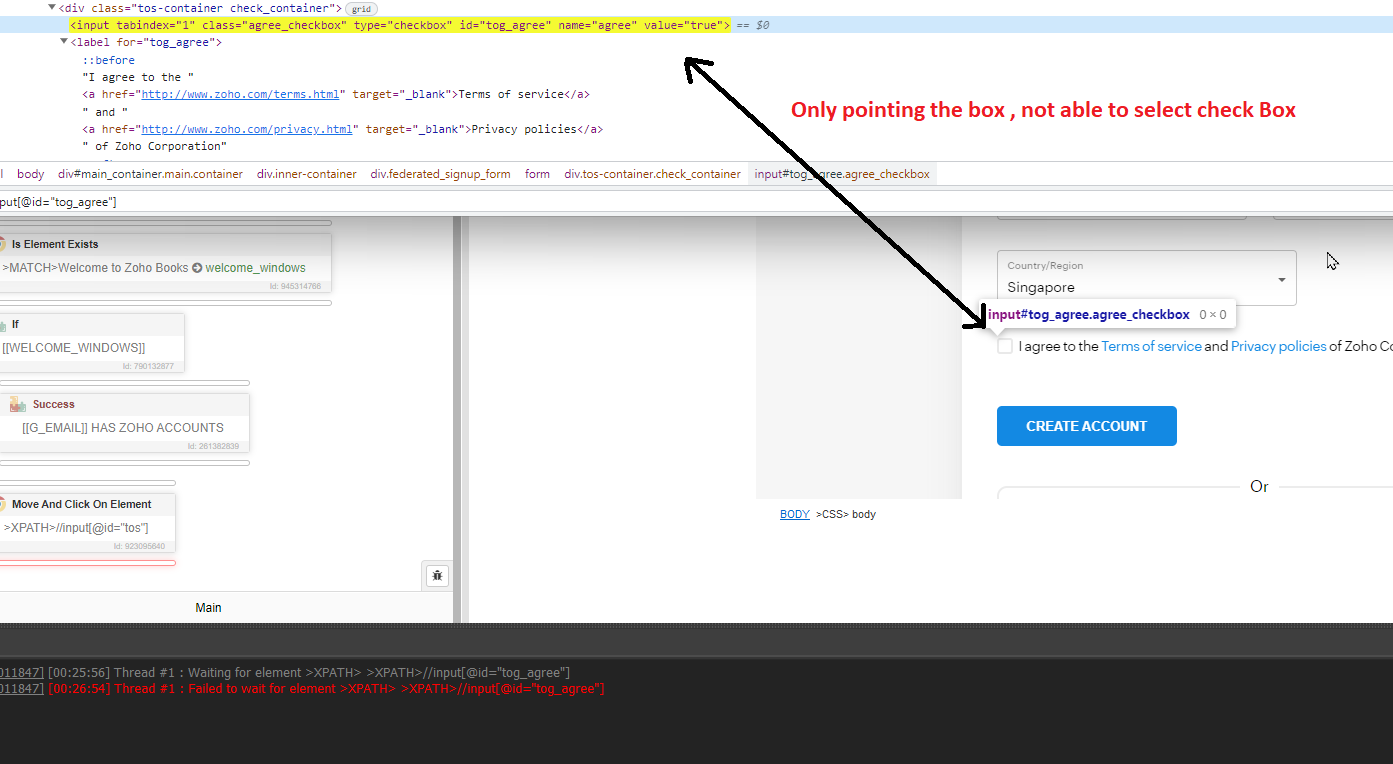
In the bellow Screenshot you can see when i hover the cursor on ::before == $0 its able to select the box, How can I use xpath for this?