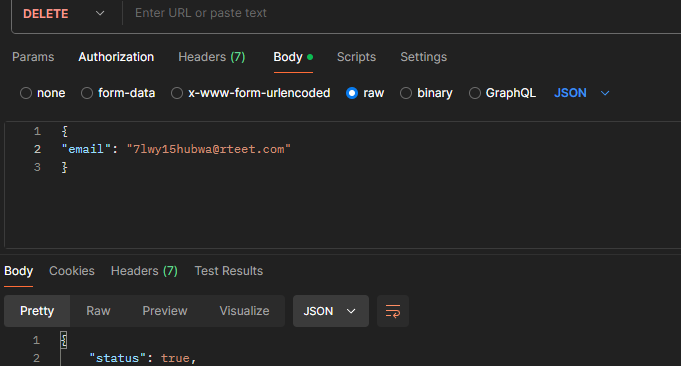
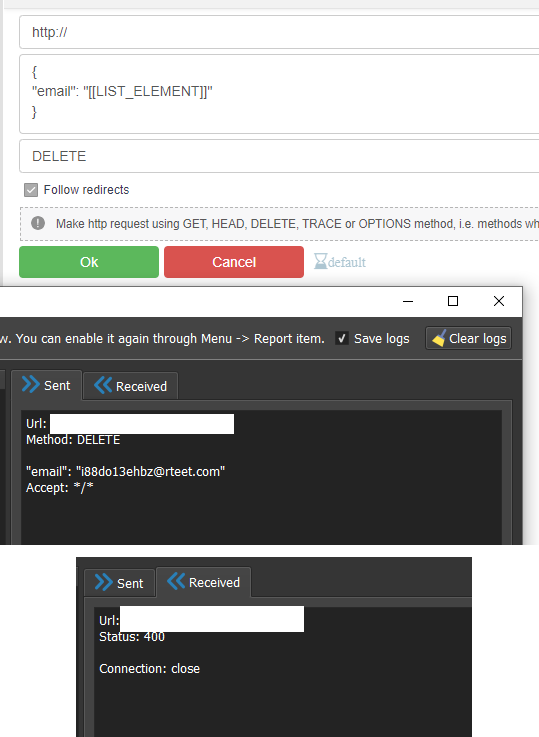
@Detected You have used the Get action and are adding your body to the headers. You need to use POST request - you can change the method to DELETE in the Post action
@lymz101 Well, it's a file with data, not an answer in json format, save it to disk and from it already take a random string for example, and then it should be parsed