
https://community.bablosoft.com/topic/22603/androidmanager-module-for-managing-android-emulators/257
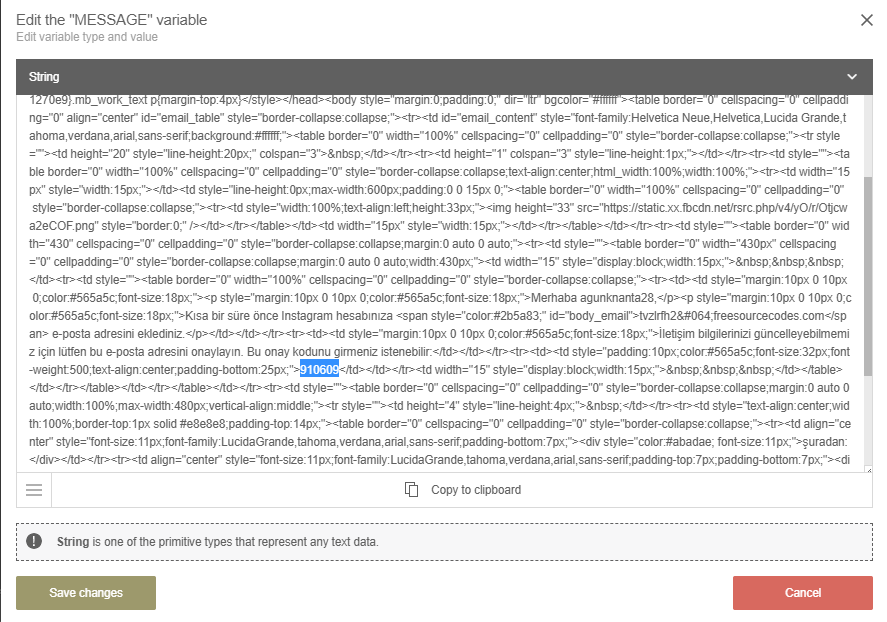
I want to distinguish data in the message section
-
Hello, there is a 6-digit code in the message section as shown below. How can I distinguish this code?
I'm not very familiar with the program, I would appreciate it if you could give me some details.
-
@halilhrm0618 you can try regular expression as
>\d{6}</td>
then use again regular expression
\d{6}

