
After reinstalling a software it works now.
How to Allow Microphone or Camera Access in BAS Profile?
-
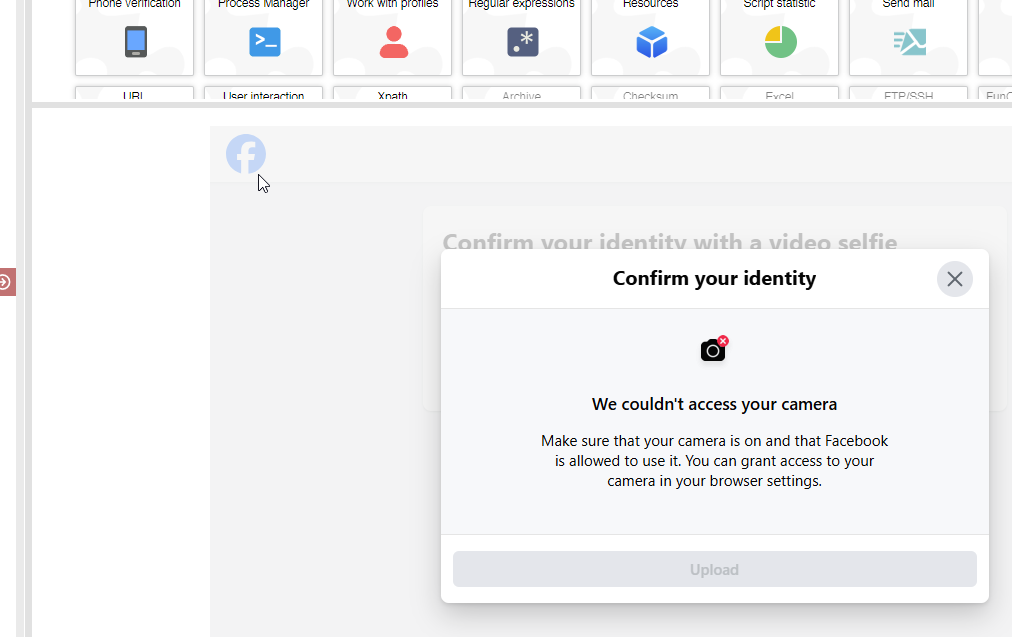
Hi everyone,I’m working on a project using Browser Automation Studio (BAS), and I need to allow microphone and camera permissions in a browser profile.
When a website requests access to the mic or cam, the browser usually asks for permission. But in automation, that prompt doesn't work well. So I want to know:
How can I automatically grant microphone and camera permissions in a BAS profile?
Is there a way to pre-configure the profile settings or Chromium flags for this?
Do I need to use any specific command-line arguments or modify any JSON/profile files?
I appreciate any help or examples from anyone who has done this before. Thanks in advance!
Best regards,
MAB Tech