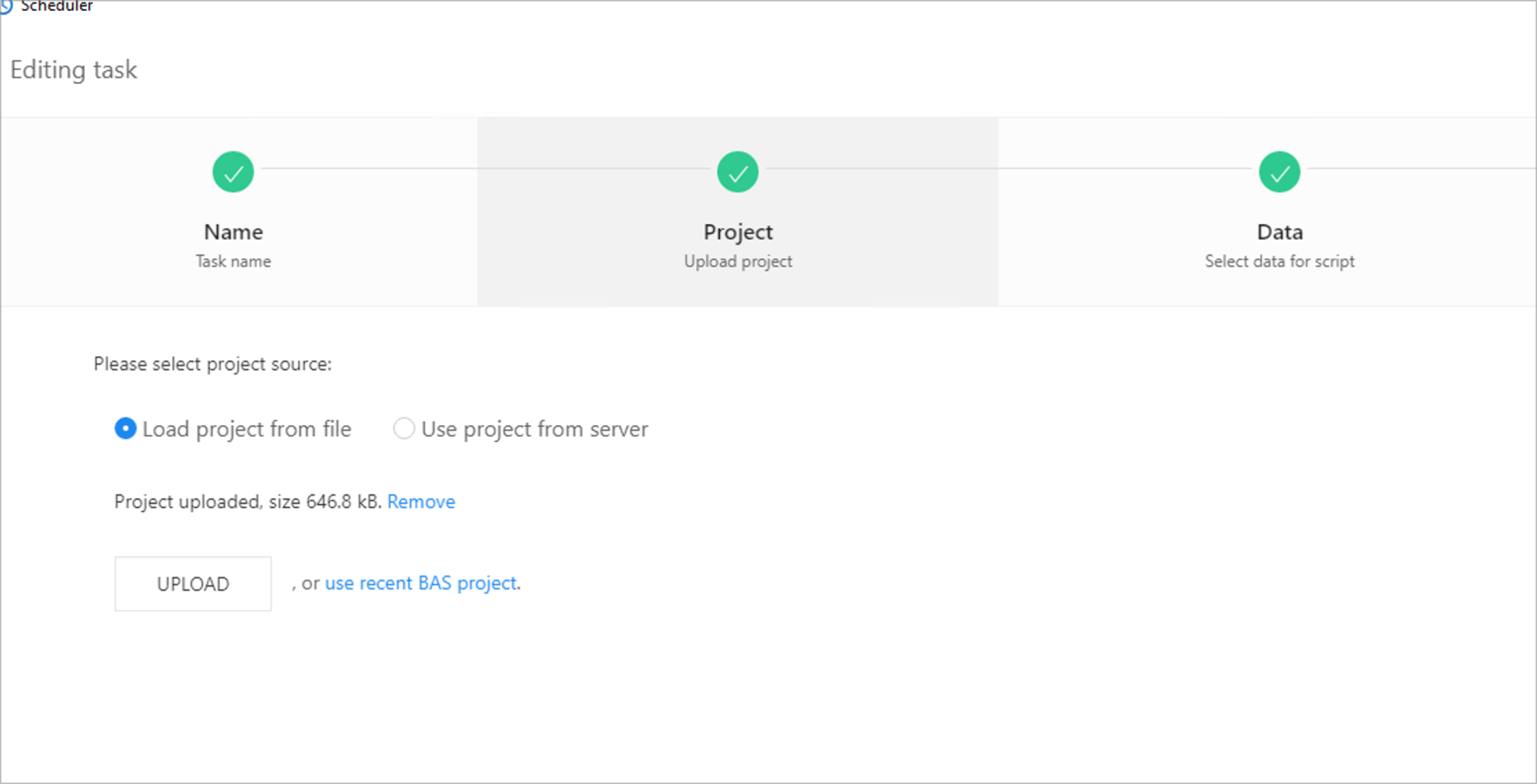
Hey, some time ago I created a script, and I do not know which exact file is loaded here, I already lost it, but it works fine when loading from scheduler, is it possible to find where exactly this file is loaded or extract the script from scheduler somehow? thanks
@clarabellerising Already took these actions but didn't help. I've ended up reinstalling Windows. Now everything works. Hopefully won't have this problem again
@m4zuper Strange, as this is broken at least since 26.8.0 or something related to this. Hence I thought it's generally not working an concerns every user...
Currently using 27.6.2 on Windows 10, 64BG RAM, Ryzen 7 5800X. BAS is installed at the standard location on C drive. And it happens with every project I try to add this way. Okay, it's not that issue but it's convient to add a project with just one click.
