
How to login to any account which have captcha in it using http request?
How To Use Business FP In Web Interface
-
-
@elleevans said in How To Use Business FP In Web Interface:
Hello, While Trying To Access Web Interface It's Asking For Email And Password For The Bablosoft Account To Verify Whether We Are Premium Or Not. So, How Can We Use Business FP If We Want To Use This Script Over Multiple Machines?
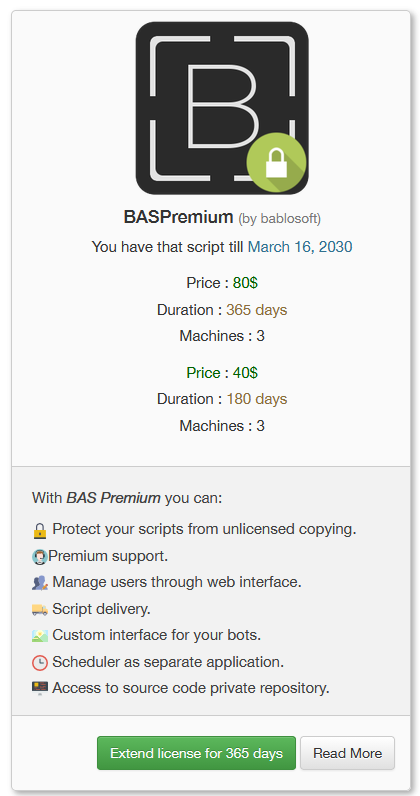
You are confusing different bablosoft products, FingerprintBusiness allows embedding FingerprintSwitcher keys in compiled scripts https://wiki.bablosoft.com/doku.php?id=fingerprintbusiness (if you just embed your key, this key will be blocked). The web interface appears for compiled scripts when you purchase BASPremium:
-
@elleevans Good afternoon, we sent you a private message
-
@Fox I Have Both Bablosoft Premium, And Bablosoft Business FP. And I Have Compiled My Script But When Trying To Run The Script It's Asking For Email And Password (In The Browser).
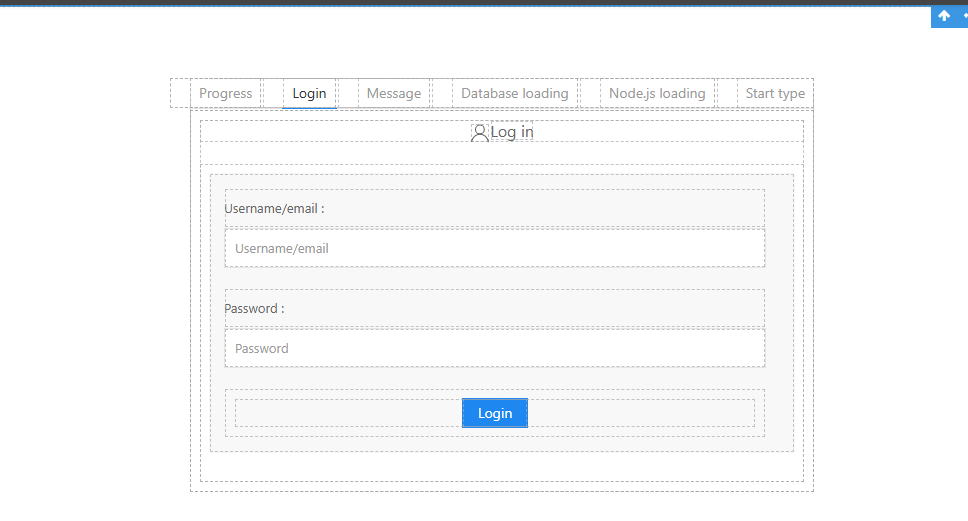
Like This, So How Can I Use It With Business FP? As I'll Need To Login As User (With Business FP Enabled) To Use The Business FP Right?
Currently I Am Logging In Through My Bablosoft Account (The Account From Which I've Purchased Bablosoft Premium).
-
@elleevans said in How To Use Business FP In Web Interface:
@Fox I Have Both Bablosoft Premium, And Bablosoft Business FP. And I Have Compiled My Script But When Trying To Run The Script It's Asking For Email And Password (In The Browser).
Like This, So How Can I Use It With Business FP? As I'll Need To Login As User (With Business FP Enabled) To Use The Business FP Right?
Currently I Am Logging In Through My Bablosoft Account (The Account From Which I've Purchased Bablosoft Premium).
create a user in your personal account and grant a license for your script to this user. When running the script (or during compilation), enter the data of the created user