
Same problem with me, i tried to connect to vpn and it's working, is this problem only with Location India?
Humanlike emulation type settings are completely blank/empty (BAS 30.6.0
-
Dear BAS developer,
I am experiencing a persistent issue with FingerprintManager where the "Humanlike emulation type" options are completely blank and not showing up at all.
Here are the details of my situation and what I have tried so far:
BAS Version: 30.6.0
Troubleshooting done: I have already tried finding and running scheduler.exe manually as an Administrator to ensure the background service is active.
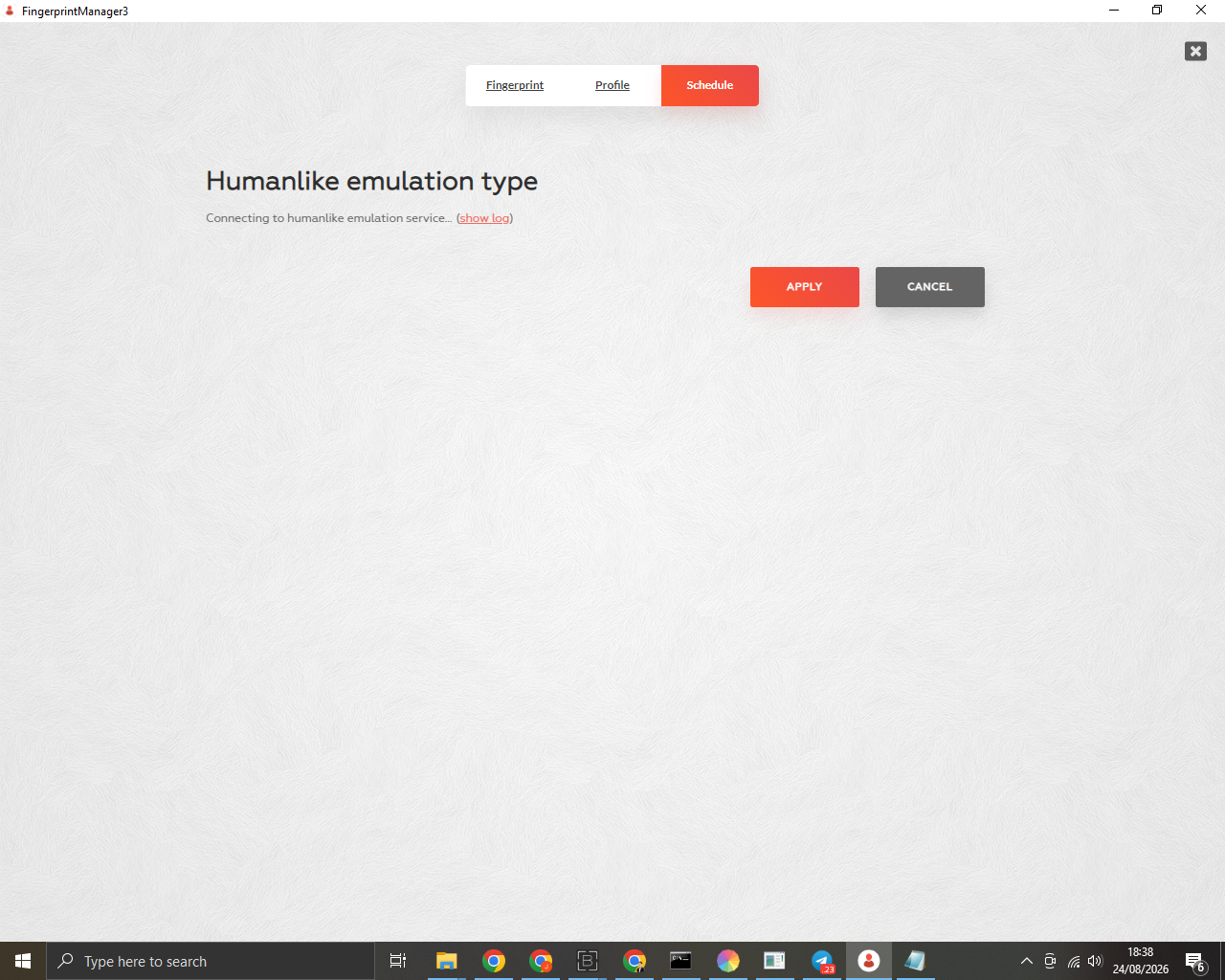
The Issue: When I open the Schedule tab and select "Humanlike emulation", it just says "Connecting to humanlike emulation service..." but the setting options below it remain completely empty. I can only see the "APPLY" and "CANCEL" buttons.
I have attached a screenshot of the issue for reference. Has anyone encountered this bug before, or does anyone know what else might be blocking the interface from loading properly?
Thank you in advance for your help! -
@juli said in Humanlike emulation type settings are completely blank/empty (BAS 30.6.0:
Dear BAS developer,
I am experiencing a persistent issue with FingerprintManager where the "Humanlike emulation type" options are completely blank and not showing up at all.
Here are the details of my situation and what I have tried so far:
BAS Version: 30.6.0
Troubleshooting done: I have already tried finding and running scheduler.exe manually as an Administrator to ensure the background service is active.
The Issue: When I open the Schedule tab and select "Humanlike emulation", it just says "Connecting to humanlike emulation service..." but the setting options below it remain completely empty. I can only see the "APPLY" and "CANCEL" buttons.
I have attached a screenshot of the issue for reference. Has anyone encountered this bug before, or does anyone know what else might be blocking the interface from loading properly?
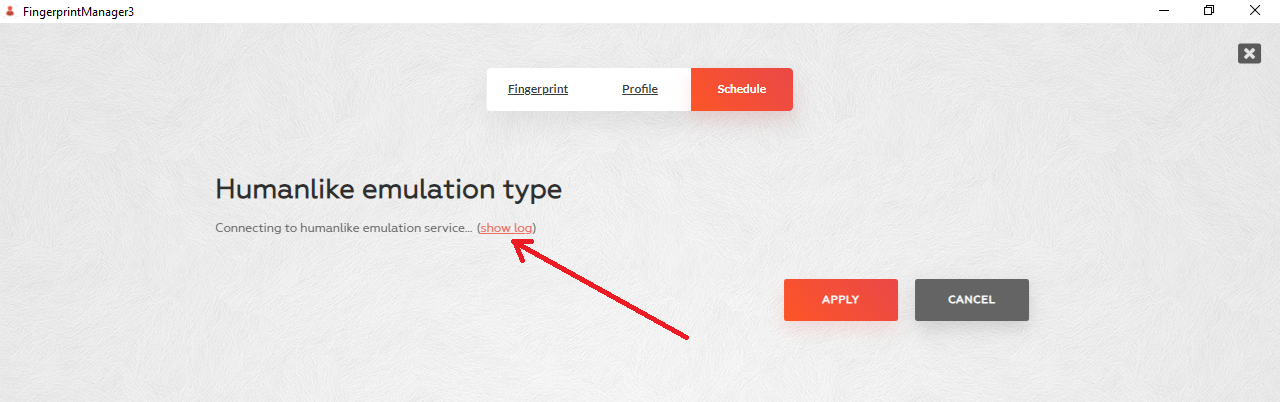
Thank you in advance for your help!Can you attach a log?
-
-
@juli said in Humanlike emulation type settings are completely blank/empty (BAS 30.6.0:
Is there anything else I need to attach?
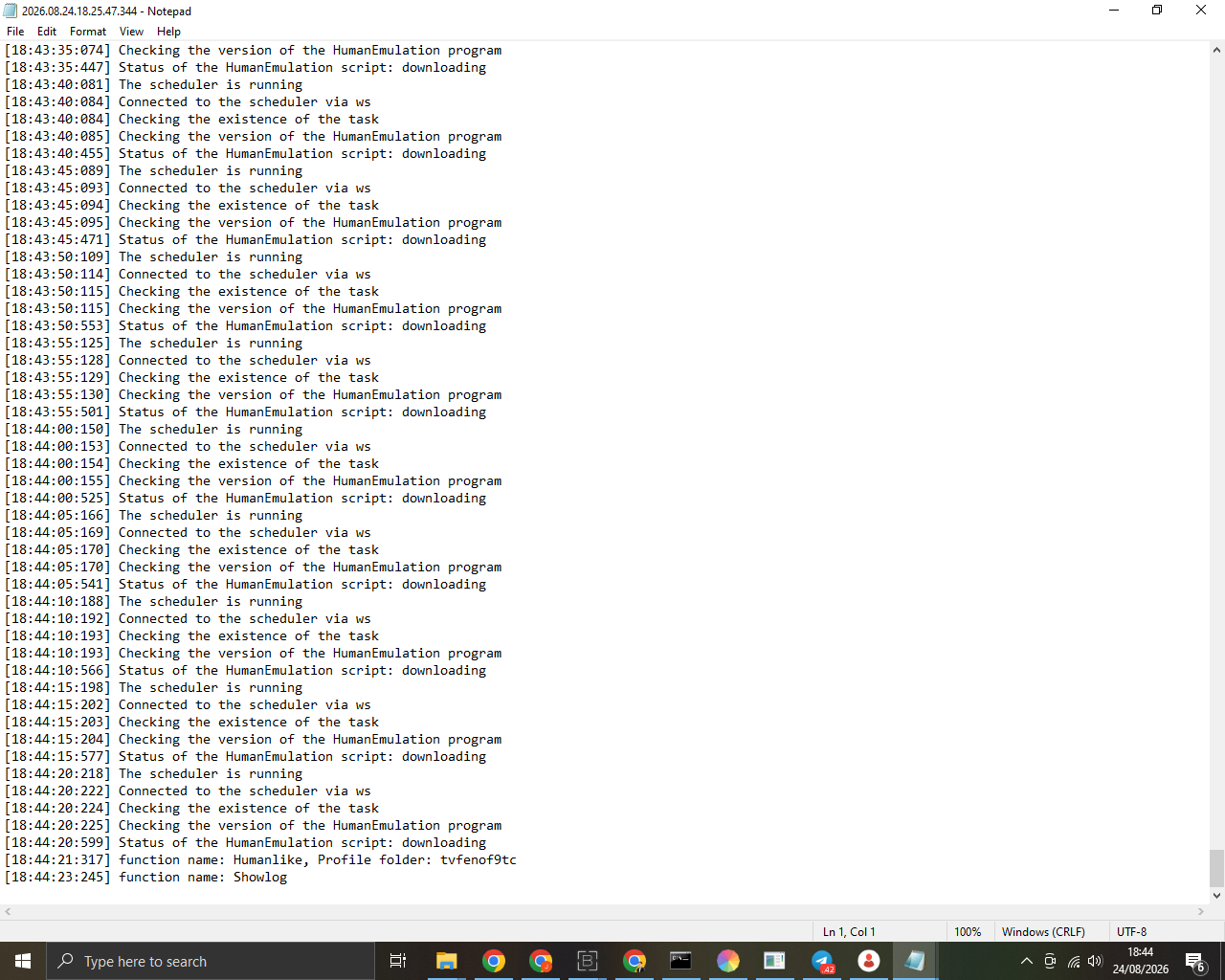
A screenshot of a text document is unexpected
:D. Pay attention to the status of the script, the "downloading" status means that it is being downloaded to your PC -
@Fox
So, what should I do next? Do I just need to leave the window open and wait for the download to finish?Also, for more context: I had just started running one profile successfully. Then, I wanted to run another profile at the same time. But when I opened the settings for the second profile, it was completely blank.
Does this mean I cannot run or configure multiple profiles simultaneously? Or does the background downloading process prevent other profiles from showing the settings until it's 100% done?
-
-
@juli said in Humanlike emulation type settings are completely blank/empty (BAS 30.6.0:
I am awaiting your reply
I simply want to use BAS comfortably after all, I am one of your customersThere is no official support on the forum; users help each other in their free time
-
@juli said in Humanlike emulation type settings are completely blank/empty (BAS 30.6.0:
@Fox
So, what should I do next? Do I just need to leave the window open and wait for the download to finish?Also, for more context: I had just started running one profile successfully. Then, I wanted to run another profile at the same time. But when I opened the settings for the second profile, it was completely blank.
Does this mean I cannot run or configure multiple profiles simultaneously? Or does the background downloading process prevent other profiles from showing the settings until it's 100% done?
The emulation is performed by a separate script that is downloaded from the server. It runs in the background if emulation is enabled for at least one profile. If emulation is enabled for several profiles, this script will run the emulation in multiple threads
-
@Fox It is great to know that it supports multiple threads and can run on several profiles simultaneously
However, my main issue is still happening the settings menu is still completely blank and stuck on "Connecting to humanlike emulation service" (just like my first screenshot). I cannot configure or apply anything
Since it downloads a separate script from the server, is it possible that the download is stuck or blocked on my end?
How can I check if the download has failed? or should I just try reinstalling/restarting a specific service to force it to redownload properly? -
@juli said in Humanlike emulation type settings are completely blank/empty (BAS 30.6.0:
@Fox It is great to know that it supports multiple threads and can run on several profiles simultaneously
However, my main issue is still happening the settings menu is still completely blank and stuck on "Connecting to humanlike emulation service" (just like my first screenshot). I cannot configure or apply anything
Since it downloads a separate script from the server, is it possible that the download is stuck or blocked on my end?
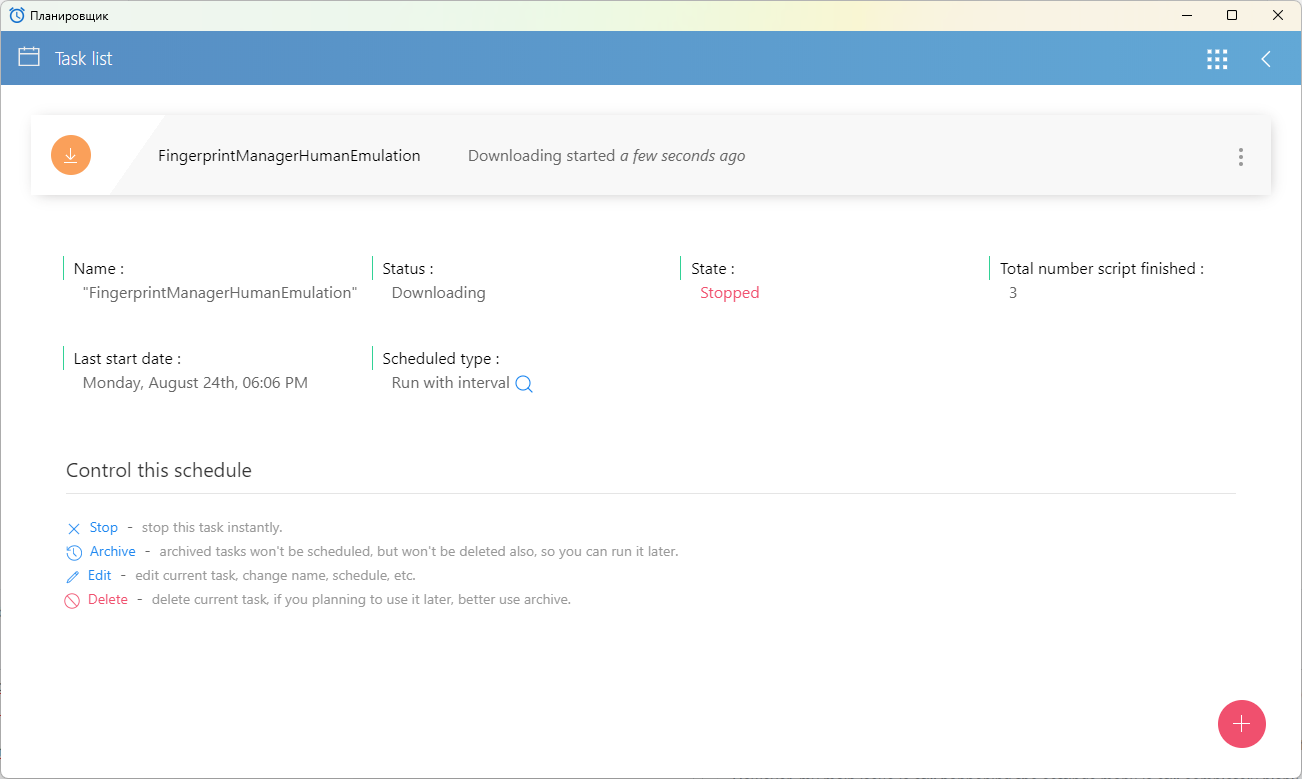
How can I check if the download has failed? or should I just try reinstalling/restarting a specific service to force it to redownload properly?Open TaskScheduler BAS using any method, and you will find the task “FingerprintManagerHumanEmulation” there
-
@Fox However, I tried opening the Scheduler directly from my installation folder (AppData\Roaming\BrowserAutomationStudio\apps\30.6.0\Scheduler.exe), but it instantly crashes and closes itself right after launching. It won't stay open.
Because of this, the background task cannot run or download anything. Is there a way to fix this scheduler crash, or is there a missing dependency/permission issue on version 30.6.0
bandicam 2026-08-24 20-14-20-142.mp4 -
@juli said in Humanlike emulation type settings are completely blank/empty (BAS 30.6.0:
@Fox However, I tried opening the Scheduler directly from my installation folder (AppData\Roaming\BrowserAutomationStudio\apps\30.6.0\Scheduler.exe), but it instantly crashes and closes itself right after launching. It won't stay open.
Because of this, the background task cannot run or download anything. Is there a way to fix this scheduler crash, or is there a missing dependency/permission issue on version 30.6.0
bandicam 2026-08-24 20-14-20-142.mp4This file is needed to launch the scheduler without an interface. Open BAS and click this button

-
-
@juli said in Humanlike emulation type settings are completely blank/empty (BAS 30.6.0:
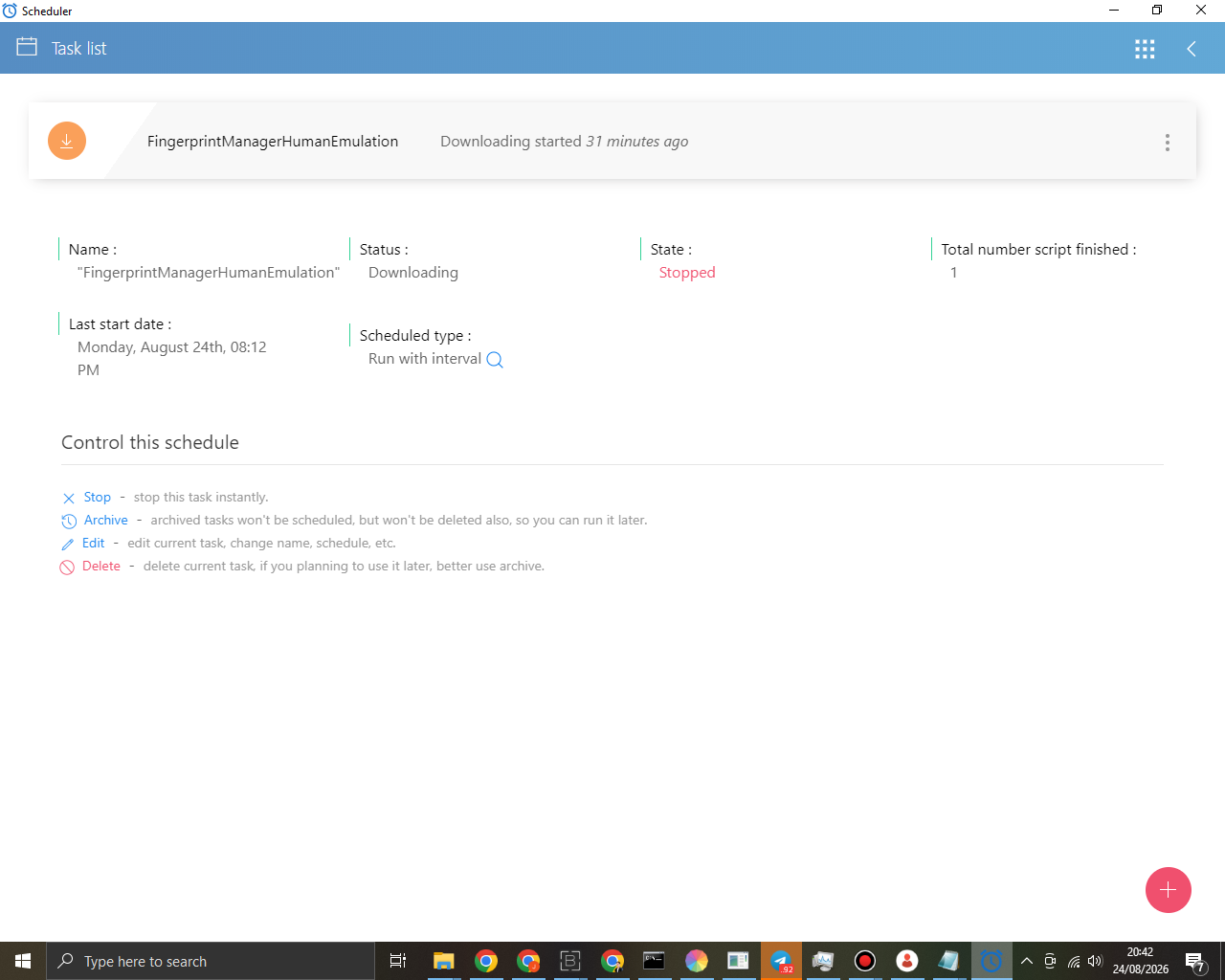
@Fox I opened the Scheduler through the BAS menu as you instructed, and I finally found the task.
However, it seems the download process is completely stuck. As you can see in the screenshot belowThe download process may take a while; try waiting for it to complete or use a VPN. Most likely, the issue is with your provider’s access to the Bablosoft servers
-
@juli said in Humanlike emulation type settings are completely blank/empty (BAS 30.6.0:
@Fox Could you check it?
Check what?
-
-
@juli said in Humanlike emulation type settings are completely blank/empty (BAS 30.6.0:
@Fox I've run out of options
Could you access it remotely to check?No, I don’t have time for that