
Can you give me some good proxy?
iPhone fingerprint useragentdata
-
@genericname1 I understand that iPhone fingerprints may no longer be fully supported, but the main issue is not only the User-Agent string.
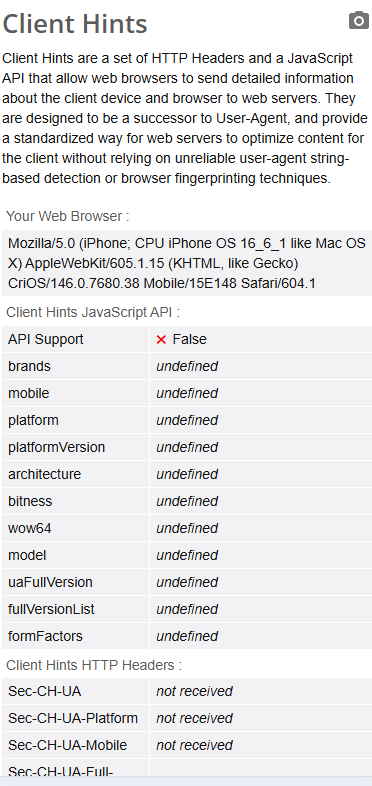
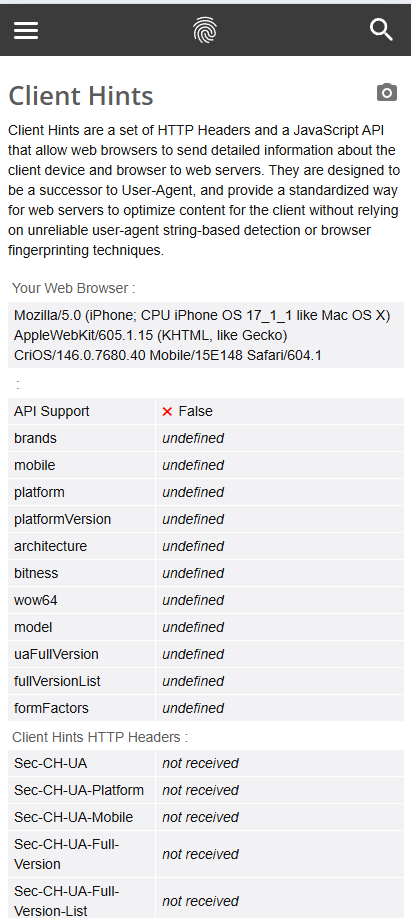
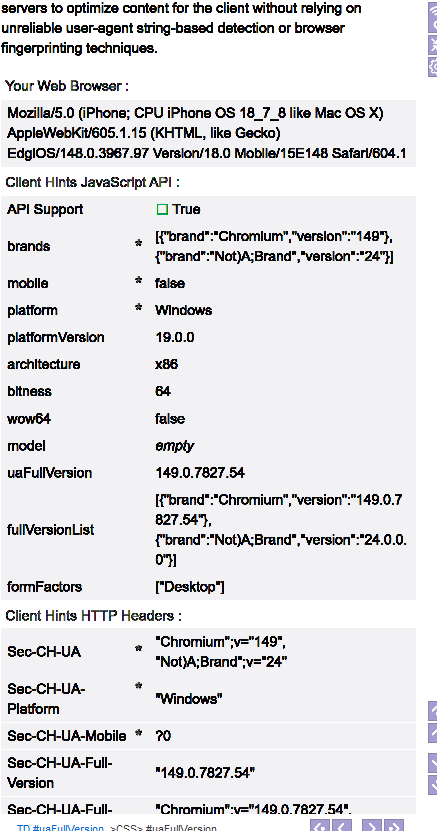
When I use an iPhone / iOS fingerprint in BAS, the User-Agent looks like iPhone Safari / iOS, but the Client Hints JavaScript API is still available:
navigator.userAgentDataexists.As a result, BrowserLeaks shows
API Support: True, and sometimes it still exposes Chromium/Windows-related values such asmobile=false,platform=Windows,architecture=x86,bitness=64, or the real Chromium full version.For a real iPhone Safari fingerprint, the expected result should be closer to:
navigator.userAgentData === undefinedor:
"userAgentData" in navigator === falseand the Client Hints HTTP headers should be
not received.Setting
useragentdatato an empty object or empty string only makes the values empty, but it does not disable the API itself.Is there any BAS setting, browser parameter, or fingerprint option that can completely disable
navigator.userAgentDatafor iPhone fingerprints?If iPhone fingerprints are no longer supported, should we only use Android Chrome fingerprints instead?
-
@genericname1 Is there any BAS setting, browser parameter, or fingerprint option that can completely disable navigator.userAgentData for iPhone fingerprints?
-
@memoremo1 Sorry, I can't send private messages. I looked at the screenshot; did you manually configure the
userAgentDatawithin the fingerprint settings? Normally, when using Safari,navigator.userAgentDatashould beundefined. Is there a way to resolve this?