

Your browser does not seem to support JavaScript. As a result, your viewing experience will be diminished, and you have been placed in read-only mode.
Please download a browser that supports JavaScript, or enable it if it's disabled (i.e. NoScript).
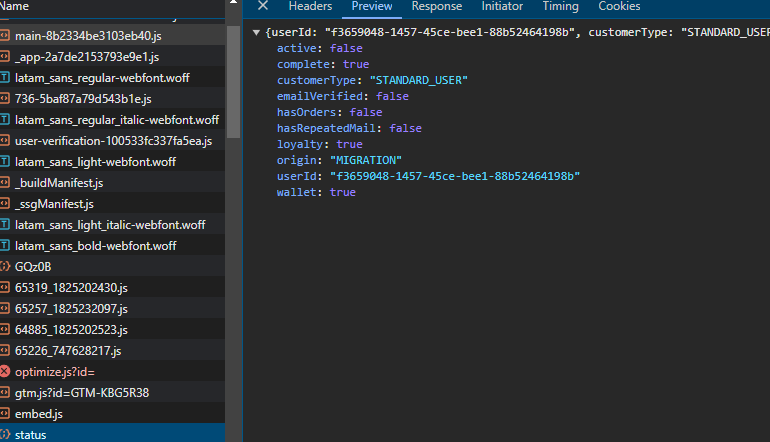
Is there a way to capture the response from a script.js on a webpage using page.response in Browser Automation Studio without using Node.js, as multithreading wouldn’t work
or some other way to get the response from script.js
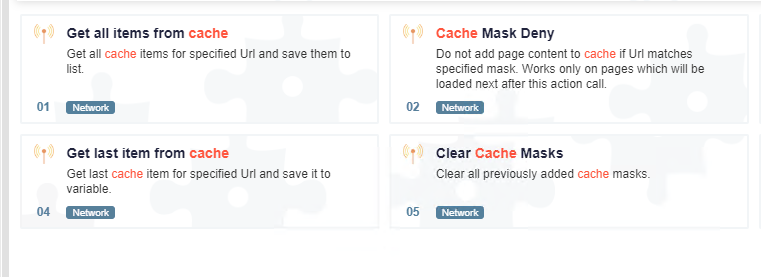
try "cache mask allow" and put the link you want to get respone, then view the cached items by "get all items from cache"
@hamhuhhg thanks brother
@Mister-0 how you parsing response data
@Pranab143 said in RESPONSE PAGE:
https://community.bablosoft.com/topic/10374/получить-значение-параметра-из-действия-получить-все-элементы-кэша
@resep said in Idle Emulation Keep Scroll page even without idle type 1:
@Fox can you help me ?
no
@Moastafi74 said in load and show page using http client ?:
@Fox why doesn't load full page?
Open the console in the browser on the network tab and go to the page. You will see that multiple requests are used to load the page, not just one.
@jobriwterr said in load page only text / block element:
mr @Fox
Why did you tag me in your message?
Use the selector >MATCH> https://wiki.bablosoft.com/doku.php?id=how_to_search_for_element