

@Johnny Strange. I "fixed" it by simply re-trying the same steps several steps. After a while mostly it works. Good enhancemend of course would be the possibility to combine several perfect canvases. Maybe we will see an update about this.
Scheduler not working
-
Try downloading and using "Scheduler" as a separate application. You can download it from your Bablosoft personal account page.
-
-
@Moderator didnt help :(
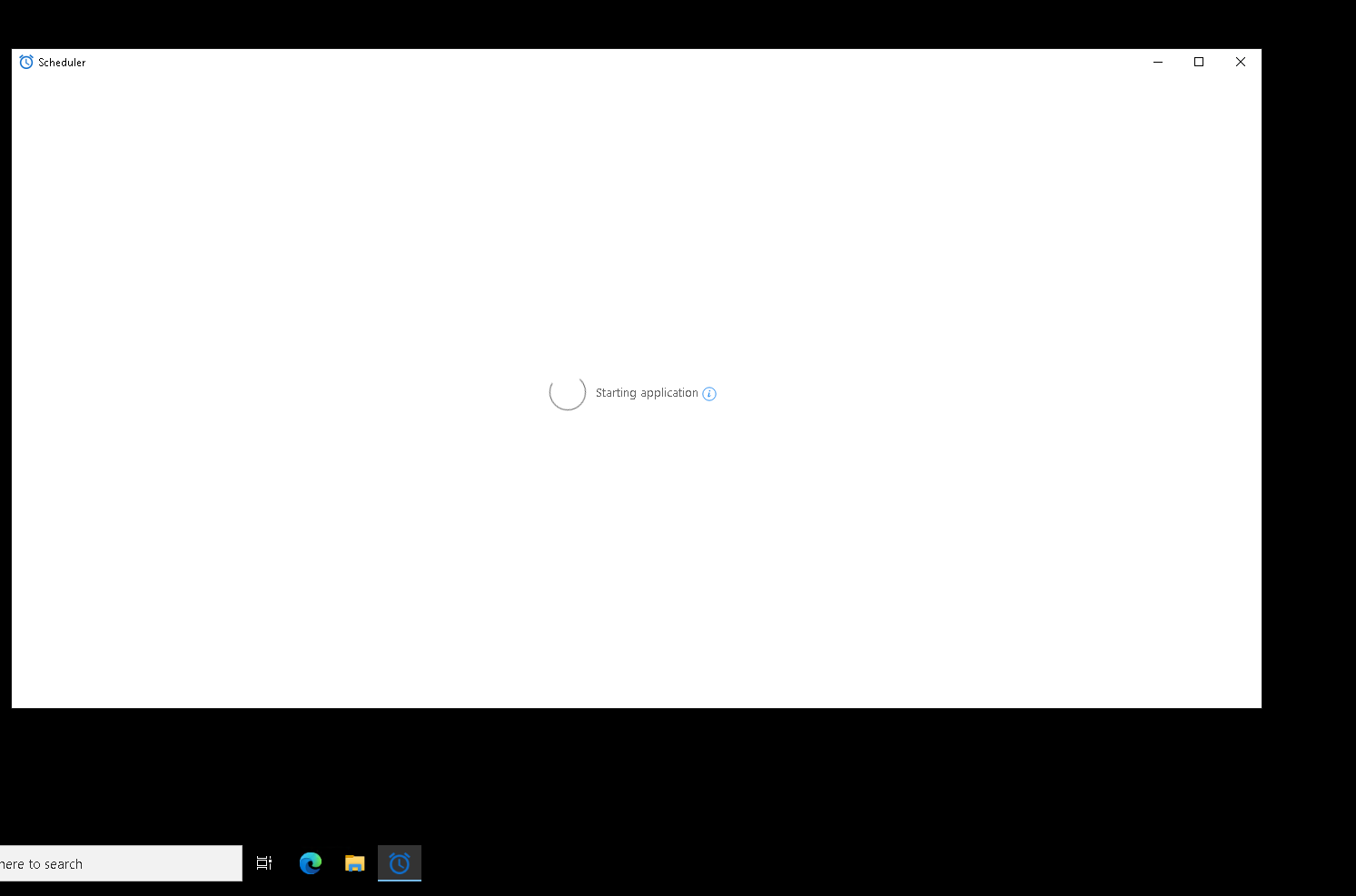
-
@bestseo Had the same problem in the past. Fixed it by manually starting "C:\Users\User\AppData\Local\TaskScheduler\1.6.0\Scheduler.exe" before starting the Scheduler GUI ("C:\Users\Phoenix\AppData\Local\TaskScheduler\1.6.0\gui\SchedulerGui.exe") and executing all with admin-rights.
