
just do full screen windows of bas program and exit from full screen and it will show :)
What exactly does "Auto-update actions" do, and is it safe for existing projects?
-
Hello everyone,
I recently opened an existing BAS project and received a notification asking me to use the "Auto-update actions" feature because the project's BAS version is different from my current BAS version.
Before clicking OK, I would like to understand a few things:
What exactly does this feature change or update inside a project?
Does it only update action definitions and parameters, or can it also modify the existing workflow and logic?
Could updating actions affect custom JavaScript code, Node.js code, or other custom configurations?
Is there any risk that some actions might stop working correctly after the update?
Is it possible to revert the changes if something goes wrong?
I have several existing projects with complex workflows and multiple automation tasks, so I want to make sure updating them won't break anything.
What is your recommendation? Should I always update actions when opening an older project in a newer BAS version, or is it better to keep the original actions if everything is working fine?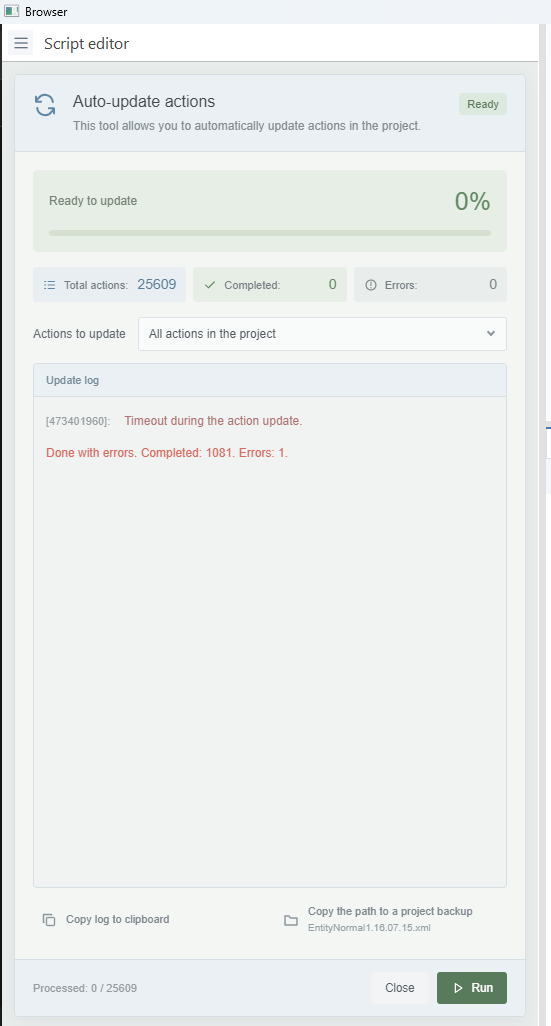
Thanks in advance for your help!