Your browser does not seem to support JavaScript. As a result, your viewing experience will be diminished, and you have been placed in read-only mode.
Please download a browser that supports JavaScript, or enable it if it's disabled (i.e. NoScript).
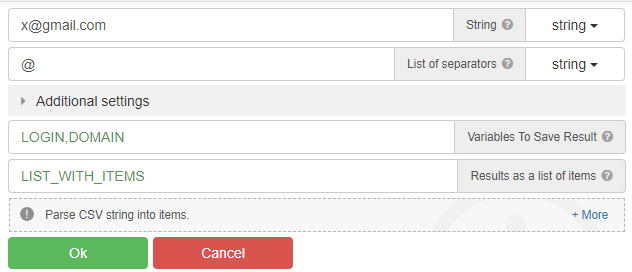
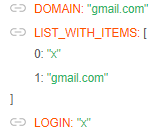
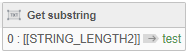
For example, when you run this code on "x@gmail.com", it only gets "x".
What should I do to get the text after the "@" sign, that is, "gmail.com"?
"parce csv" - action
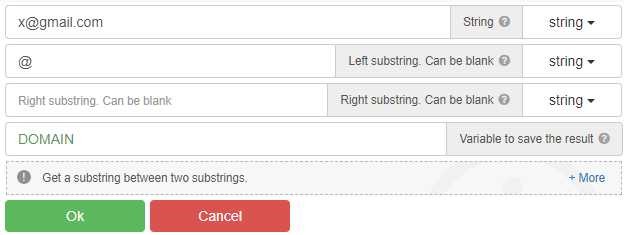
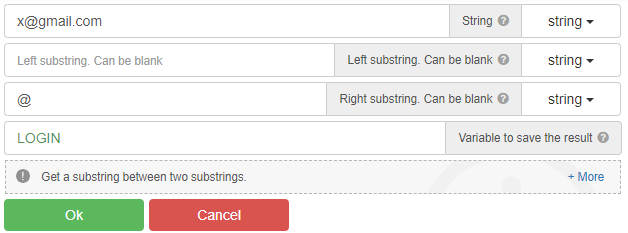
Using Substring
@radb0310
This only captures the "x" before the "@" sign.
@clepro, use the "Parse CSV string" action
You can also use the "Get substring between" action, and many other actions...
@GhostZ
thanks. It worked as you said.
Now I'm on 28.2.0 and it works back to normal